
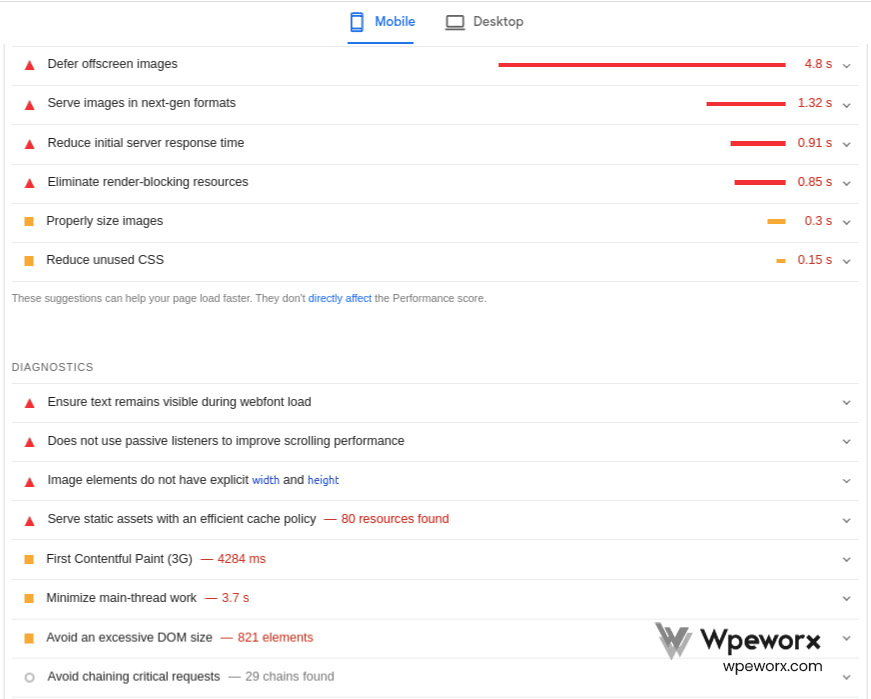
Wordpress Speed optimization
Page Speed: Why It's Important!
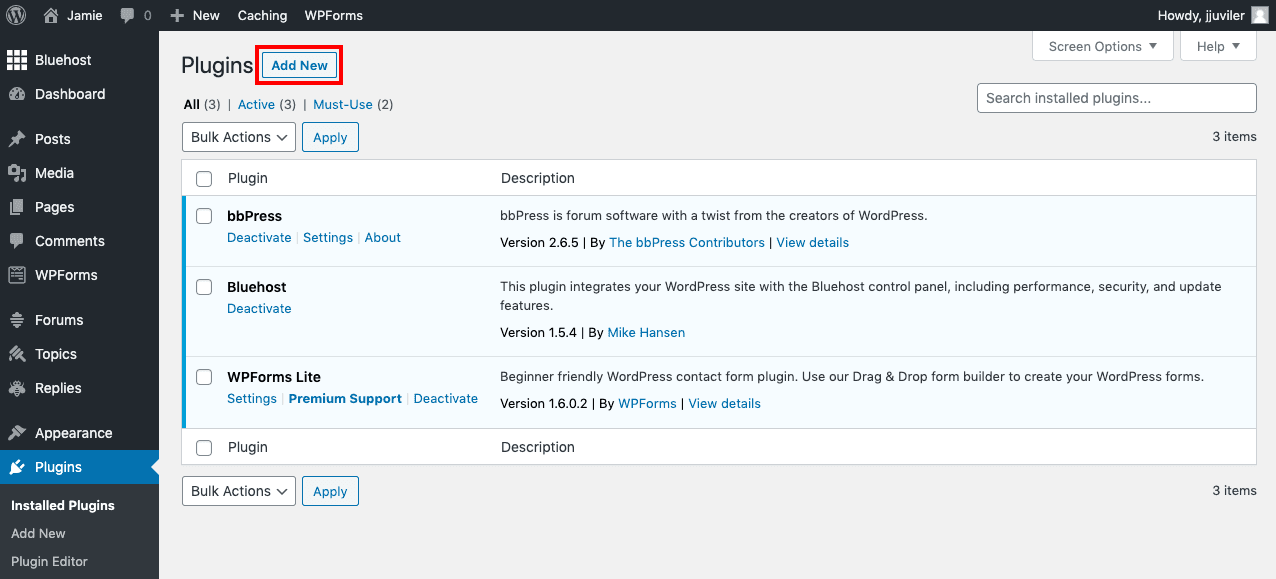
Back up & restore
Regular WordPress backups are essential for protecting your website from hacking, data loss, server failures, and other unexpected issues. This guide explains why backups matter and how to keep your site safe with a reliable backup strategy.
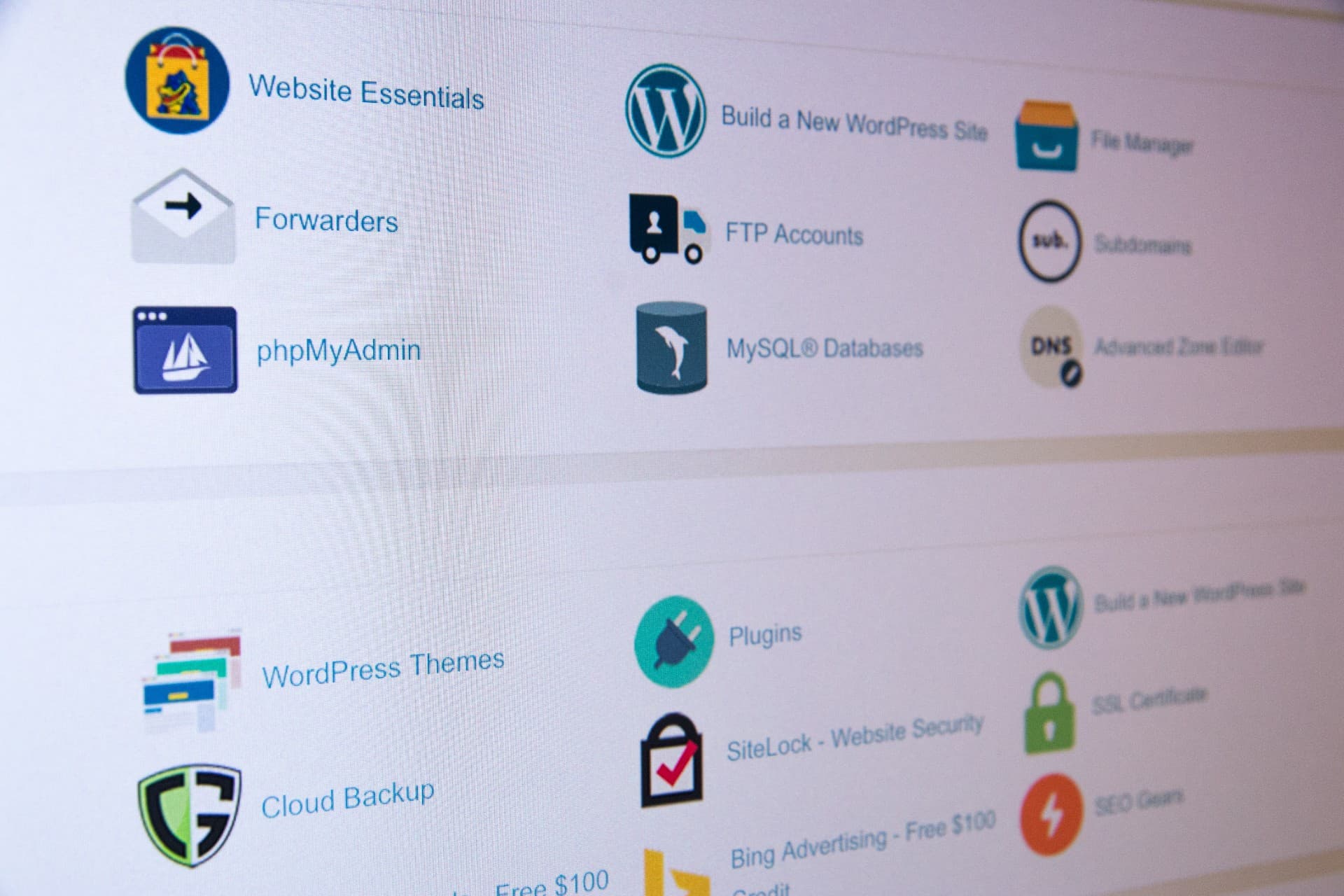
Steps to take manual Backup and Restore for your wordpress site
Steps to take manual Backup and Restore for your wordpress site
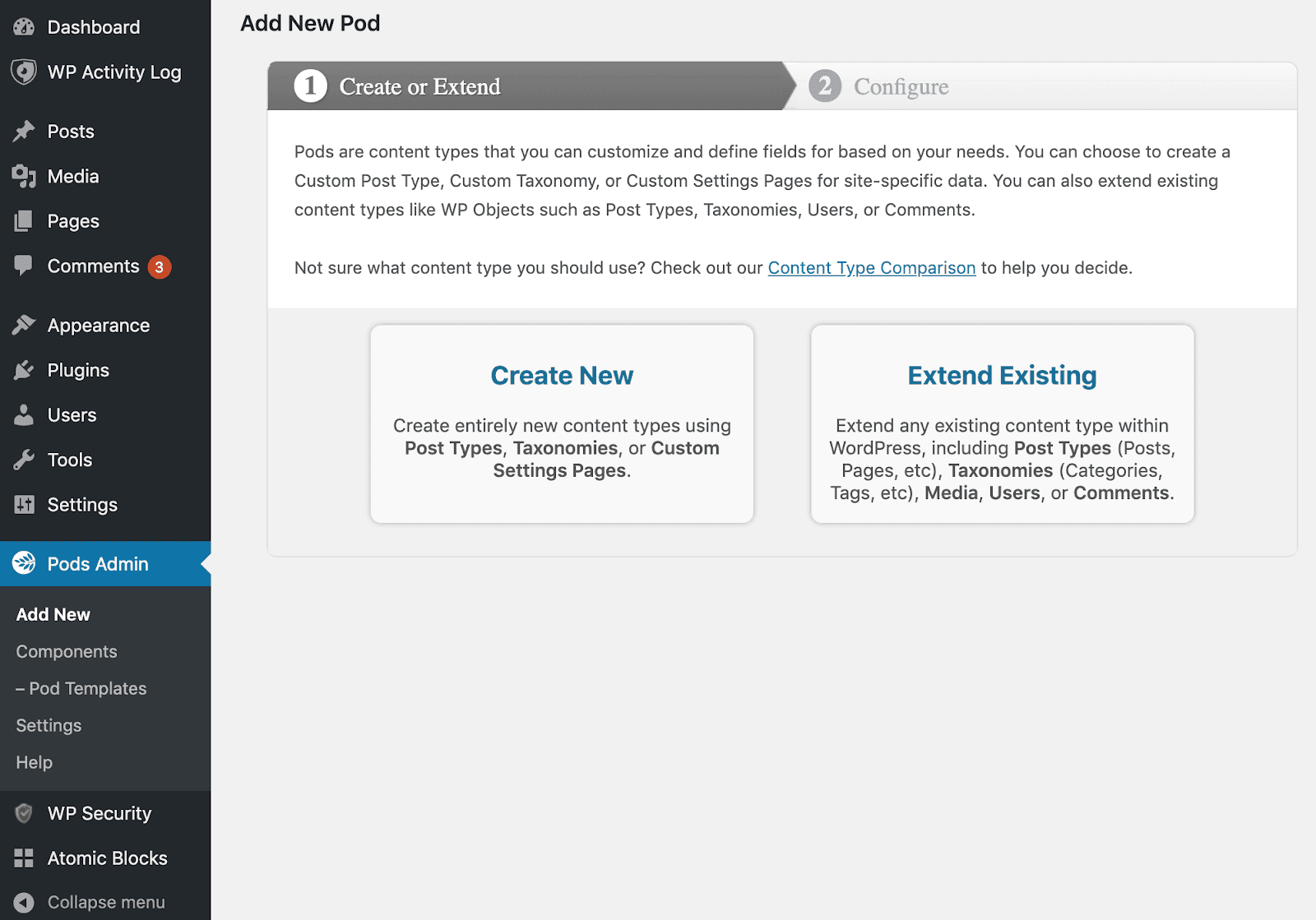
Create Custom Taxonomies in WordPress
WordPress taxonomies help organize your content, making it easier for visitors to navigate your site. This guide explains what taxonomies are and shows you how to create and manage custom WordPress taxonomies step by step.
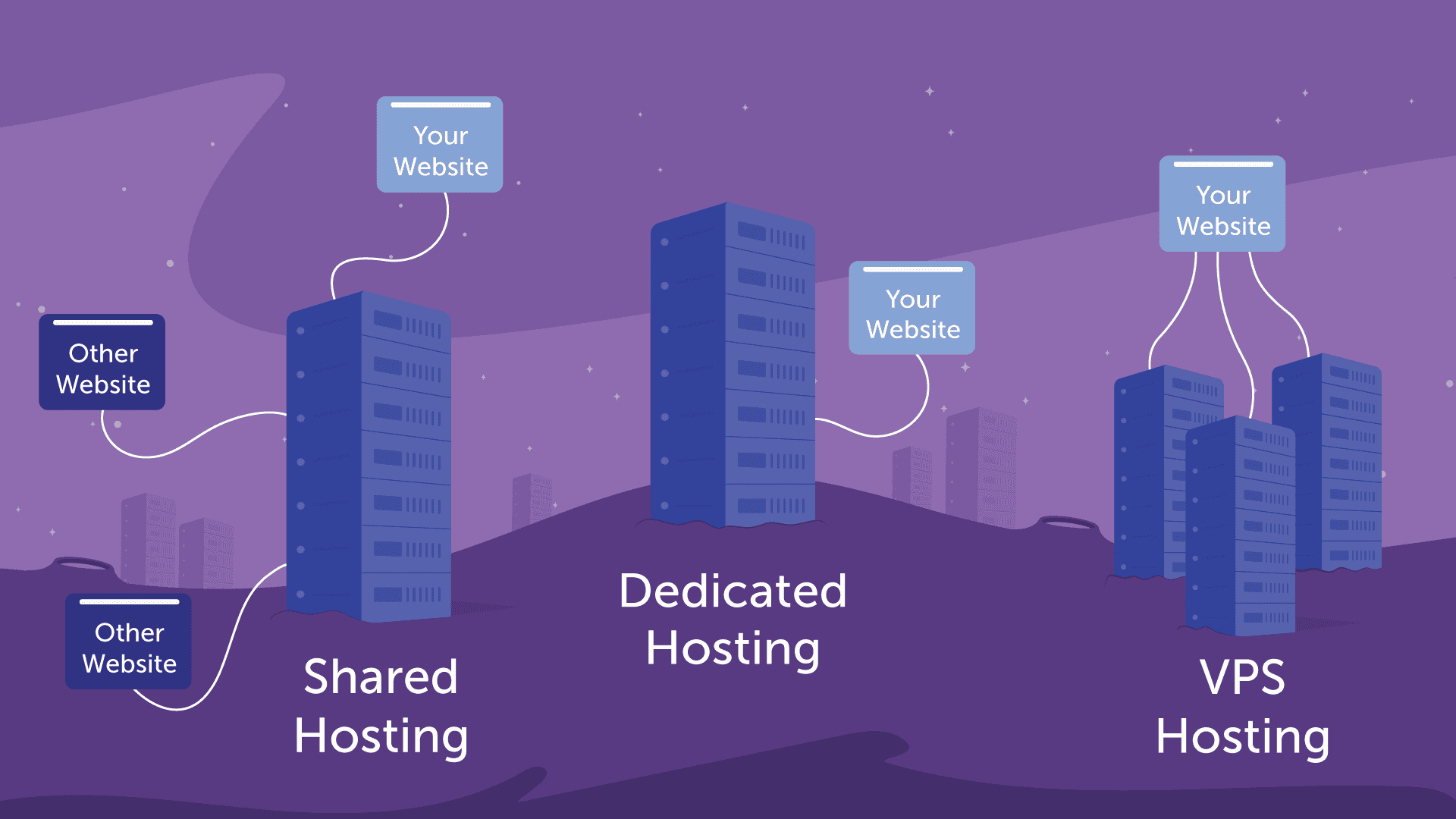
Difference between various hosting types
Every website runs on a server, and web hosting gives you the server space and resources needed to make your site accessible online. Learn how web hosting works and why it's essential for building and maintaining a website.
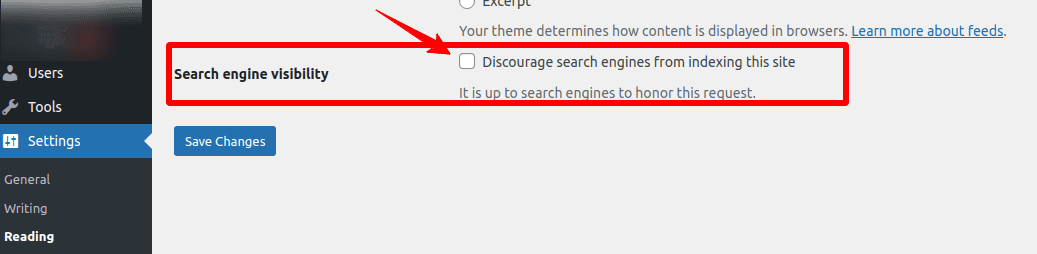
Wordpress SEO
Search engines are the biggest source of traffic for most websites.
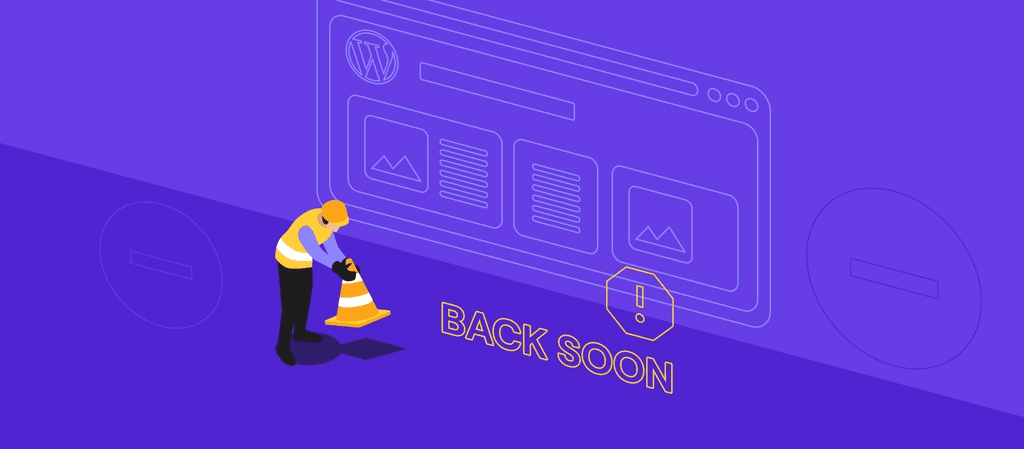
How to Enable WordPress Maintenance Mode
Website maintenance mode helps you keep your WordPress site functional and professional while making updates or fixing issues. Learn different methods to enable under-construction mode and ensure a smooth experience for visitors until your site is ready.

How to Customize WordPress Plugins
WordPress plugins make it easy to add powerful features to your website, but their default functionality may not always fit your specific needs. By customizing plugins, you can extend their capabilities and tailor them to your requirements without building everything from scratch.
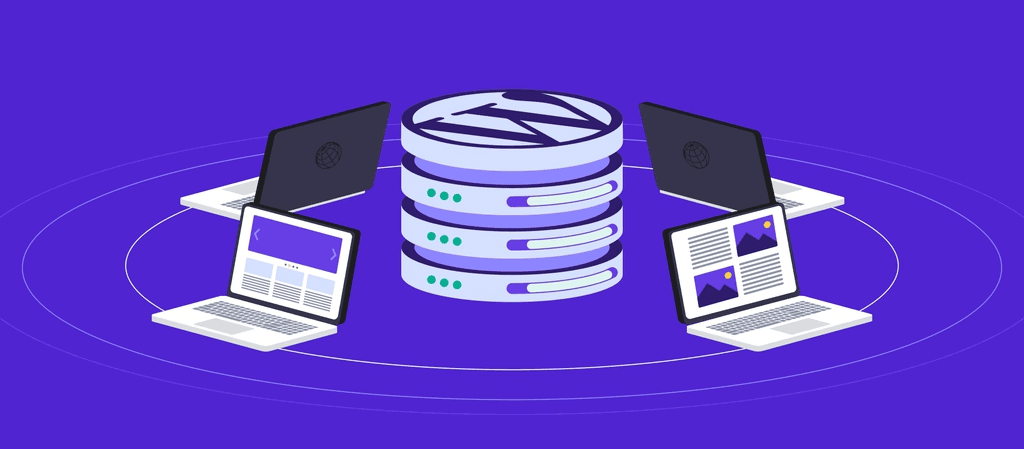
WordPress Multisite
WordPress Multisite: What It Is, How to Activate and Manage It

How To Use Ajax in WordPress
Ajax makes WordPress websites more interactive by enabling real-time updates without reloading the page. With the help of Ajax-powered plugins, you can easily add dynamic features that improve user engagement and create a smoother browsing experience.
How To Create Custom Elementor Blog Post Template
A well-designed blog page can boost engagement and strengthen your content marketing efforts. With Elementor, you can create a custom blog template from scratch or customize prebuilt layouts to showcase your content in a more attractive and user-friendly way.
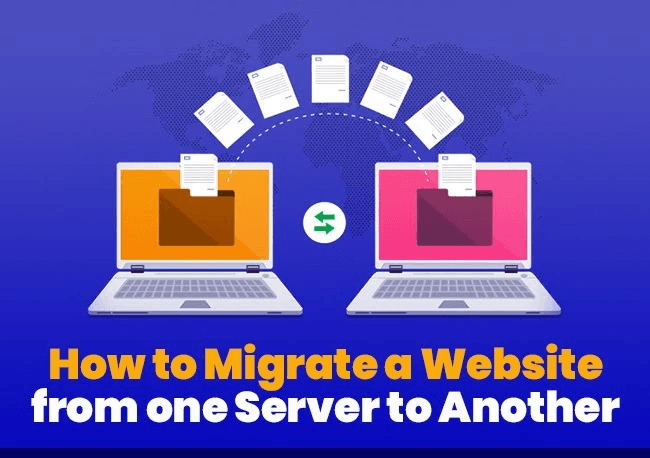
Website and Server Migration
A website is a collection of interconnected web pages and content that share a common domain name and are hosted on a server. Understanding how websites and servers work provides the foundation for building and managing an effective online presence.
Backup & Clone
Cloning a WordPress site lets you create an exact copy for testing, migration, backups, or development. This guide explains why site cloning is useful and walks you through the process step by step.

How To Migrate A WordPress Site
Migrating a WordPress website may become necessary if your current hosting provider no longer meets your needs. With the right approach, you can transfer your site safely and efficiently while minimizing downtime and preserving your data.
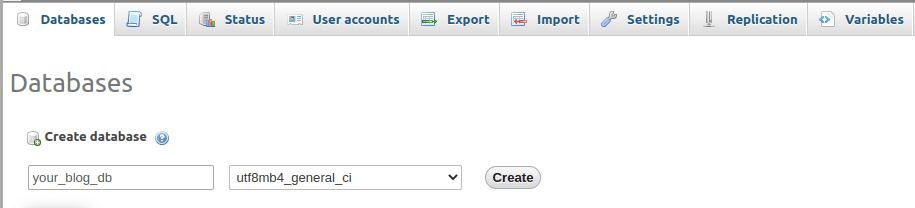
Setup & Install
Installing WordPress is a quick and straightforward process that usually takes just a few minutes. Follow these simple steps to set up WordPress on your website and get started with building your site.
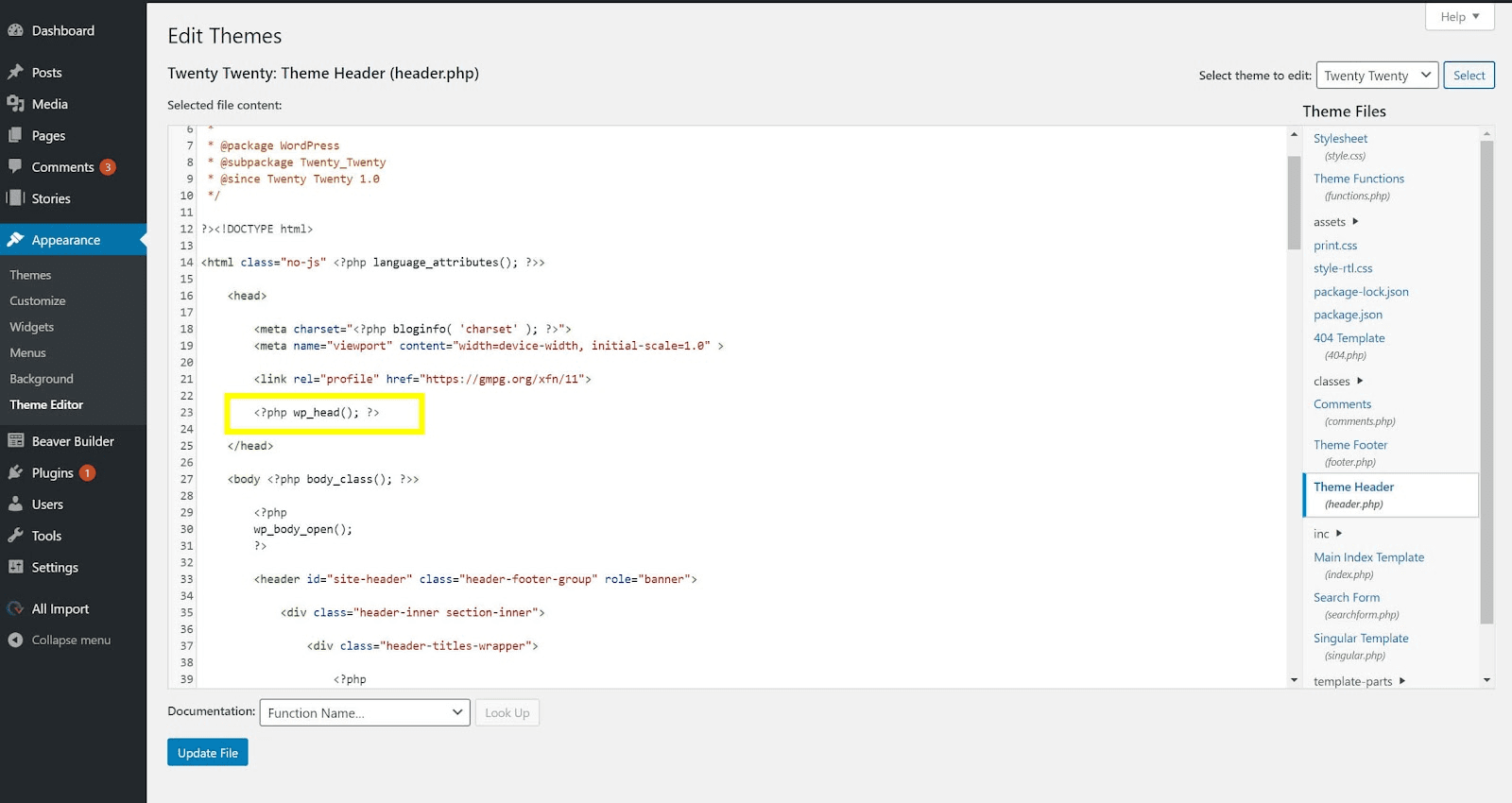
WordPress Hooks
WordPress hooks let you extend and customize your website beyond the limitations of themes. Using actions and filters, you can add new functionality or modify existing features without changing core files, making WordPress more flexible and easier to tailor to your needs.
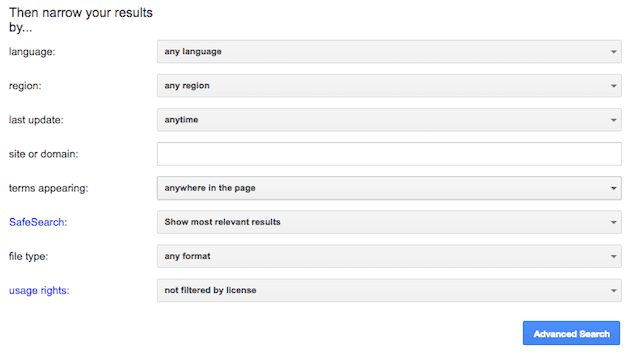
WordPress Filters
Search filters make it easier for customers to quickly find products in large eCommerce catalogs, improving the shopping experience and increasing the likelihood of conversions. This article explores the benefits of search filters and highlights WordPress plugins that can enhance your online store.