
Website and Server Migration
A website is a collection of interconnected web pages and content that share a common domain name and are hosted on a server. Understanding how websites and servers work provides the foundation for building and managing an effective online presence.
Website and Server Migration
Introduction
The concept of a website can be basically understood as a collection of web pages and content related to them that is identified by a common domain name and is published on at least one server. A server can be understood as a computer program or a device with the main purpose of providing functionality to other programs or devices which are called clients.
Websites are always hosted on certain servers. However, it is to be noted that it is very much possible to transfer this hosting or this ownership of a website from one server to another. This process of migration of a website is a multi-step procedure and can be a shade tedious and complicated.
This is because you are not just altering your hosting account but your domain, your services, and the overall DNA of your website. An efficient transfer of a website to a new server is considered to be one where there is zero downtime and one which ensures an uninterrupted functioning of your website which does not affect your audience in any possible way.
However, it is quite a difficult aim to achieve. Various new and emerging technologies try to make the process as efficient and easy as possible. In spite of adopting exceedingly modern technologies, in a realistic scenario, it is quite obvious for an average customer to experience a certain level of downtime when this process is in function.
The downtime that a website experiences when it is transferred from one host to another is largely dependent on the DNA of that particular website. Depending on this factor, the transfer of a website can lead to it experiencing something between 12 to 72 hours in a general scenario.
Let’s take a look at the number of steps that go into the process of moving a website from one host to another.
What is Website Hosting Migration?
A website hosting migration is a process where all the current web pages on your website get redirected to new web pages with entirely new hosting without affecting your ranks or changing your website’s layout.
The ideal migration occurs when the website is completely transferred to a new host without any noticeable change.
Website migration can be stressful, especially if you cannot afford to be offline for a certain period. The biggest delay is usually getting your website’s DNS registration migrated over to your new provider, which can take a while, depending on when you begin the process. We’ll cover this in greater detail, but timing is worth keeping in mind.
What is Website Downtime?
Combined with the need to transfer website files, restore important databases, and get every software installation and subdomain configuration in working order, it can take up to a day of inactivity before your site is fully functioning again. This inactivity is called downtime – the time when the website isn’t available for functioning or use.
What Causes Website Downtime?
Sometimes websites have to be updated or migrated to become better versions. The optimal way is to complete the entire migration procedure without website downtime. It is, however, not that easy.
Many factors cause prolonged website downtime frequently during the migration process. Cyber-attacks, hardware and software issues, and server-side issues are some of the most common examples. Website downtime can also be extended due to DNS issues, DDoS attacks, hardware failures, poor quality of website hosting, and more. If these issues are eliminated beforehand, website downtime can be avoided.
Why Is It Important To Avoid Website Downtime?
People who operate their businesses through websites are greatly invested in the digital economy. And this economy depends on clouds, applications, and different digital platforms. The playing field is extremely large, and new competitors are entering the digital economy every day, making it even more critical for businesses to work harder to retain clients.
In such an environment, optimizing websites to perform better has become crucial. And website downtime is not optimal for your business. High-scale organizations usually suffer from significant reputational and financial loss when downtime occurs due to technical problems or natural disasters.
Therefore, it has become extremely important to eliminate downtime or minimize its impact.
Coming to that, there are some pretty great tricks to avoid disaster when transferring a website to a new host server.
At the end of the day, if the average customer is completely unaware of any changes being made behind the scenes, then the mission is a success! So let’s take a look at how to migrate your website smoothly.
Steps to Migrate Your Website

One of the major mistakes made in most of the server shifting scenarios is that the current existing hosting is canceled first and then the question of how to transfer a website to a new server is addressed.
Such action results not only in a downtime situation but can also result in a loss of files, data, and any kind of information that the website stores. While it definitely is ethical and correct to inform the ongoing hosting providers about your decision to switch your servers, this can lead to unwanted complications.
So, it is always a better and smarter option to complete the migration process first and then cancel your current hosting.
Create a Backup of Your Website Files
To explain in easy words, this step is parallel to the packaging and moving process when you are shifting to a new house. You first make sure that the new place that you are shifting to has all the necessary equipment and resources for the smooth and comfortable functioning of the household.
It is only then that you yourself actually shift to the new place. It will be highly inadvisable to move in before and then look for a way to transport your belongings to this place. It will lead to a few hours, maybe even a few days of discomfort and overall chaos.
The process of migrating your website to a new server should be looked at exactly through the same lens. To ensure smooth functioning and zero downtime on your website, collect a proper backup of your entire database, files, and all of the information that it carries on your current host’s server first. For accessing compressed backups of all the website files and database, you can log in to the cPanel.
Provide Access to the New Hosting Provider
Once you are sure that you have collected a proper backup of all the files and information stored on your previous server, you can go to the next step. You need to give your newly selected web hosting provider that provides server hosts access to your hosting account. Without this access, they won’t be able to make any kind of changes or alterations to your website.
Generally, you should have a username and a password to help you log in. You need to update all the contact information of your account and switch it in a way that it matches that of your new owner. It can include a change of the email address, billing information, and majorly all of the personal details.
Add Email Accounts on the New Server
A major step before switching the DNS of your website is to collect and add all the email accounts on your current website to the new server. This is an extremely essential step in the process of moving your website to a new host.
When collecting and getting a backup of all the existing files and databases on your website, it is essential not to forget the email accounts on your current website. Once these are safely added to the new server, you can switch the DNS of your website and proceed with the process smoothly.
Transfer Website Files to a New Host
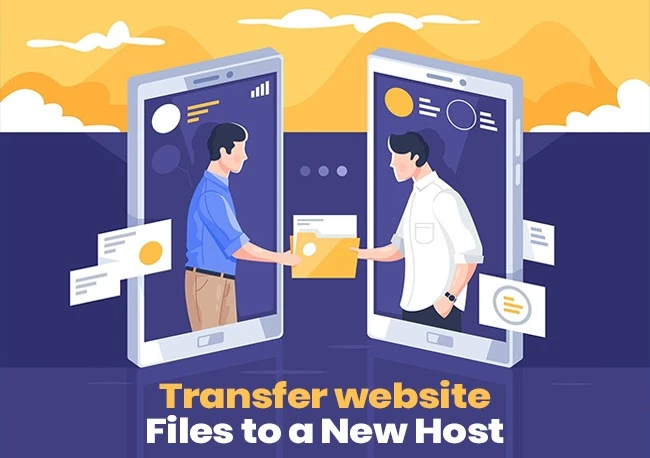
Once you have collected all the data files from your current website and have a secure backup, you can start transferring this to the new Host. You can now upload the compressed website files and information from your old server to the server of your new hosts.
Test Your New Website on a New Server

Once you have successfully gathered, compressed, and transferred all the information and data from your old server to the newly selected server, you get an exactly mirrored website with a temporary URL that is ready for a first-hand check.
When checking the functionality of your website at this stage, make sure that it is working and functioning exactly as per your requirement and satisfies you perfectly well.
Make sure that all the data, images, links, and accounts appear exactly the way they are supposed to and function the way they have to. Scan for any possible flaws, problems, or issues right at this stage and get them sorted first-hand to avoid unnecessary to and fro and any kind of complications at a later stage.
It is of utmost importance to get ideal solutions to each and every, major and minor issue right at this stage to avoid any sort of interruptions in the functionality of your website.
Final Point
Once you have ensured that your website is functioning properly and all the issues are addressed, you can now conveniently cancel your hosting plan with your previous host server. Though it is unavoidable, trying to achieve a zero-downtime on your website throughout this process is the major indicator of a successful transfer of a website from one server to another.
It is in quite some rare scenarios that these zero downtimes are actually achieved but if you follow the above steps effectively and efficiently you can let the lowest downtime and ensure uninterrupted functionality of your website.
Related Posts
WordPress Multisite
WordPress Multisite: What It Is, How to Activate and Manage It
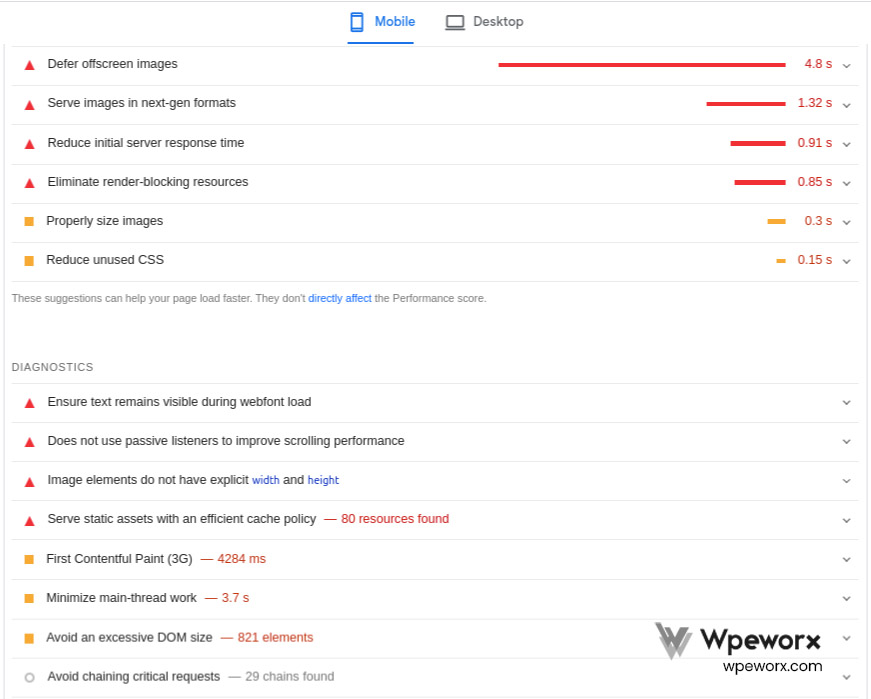
Wordpress Speed optimization
Page Speed: Why It's Important!
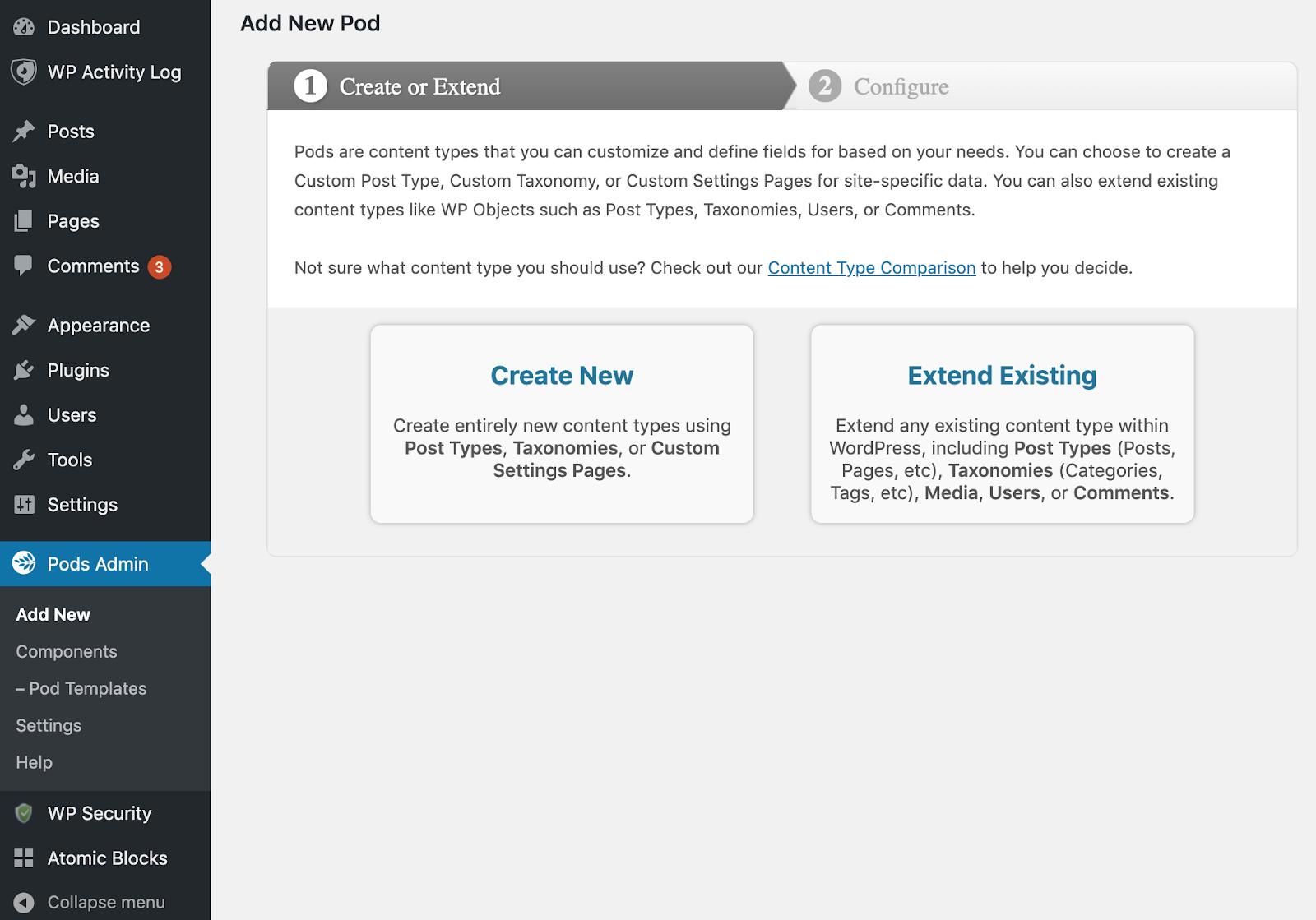
Create Custom Taxonomies in WordPress
WordPress taxonomies help organize your content, making it easier for visitors to navigate your site. This guide explains what taxonomies are and shows you how to create and manage custom WordPress taxonomies step by step.

How To Migrate A WordPress Site
Migrating a WordPress website may become necessary if your current hosting provider no longer meets your needs. With the right approach, you can transfer your site safely and efficiently while minimizing downtime and preserving your data.