
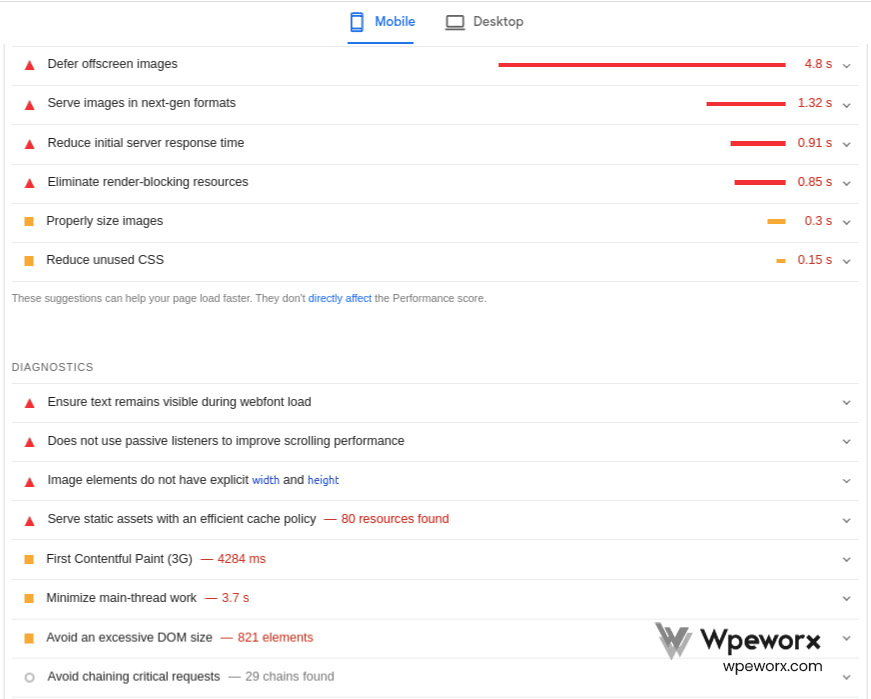
Wordpress Speed optimization
Page Speed: Why It's Important!
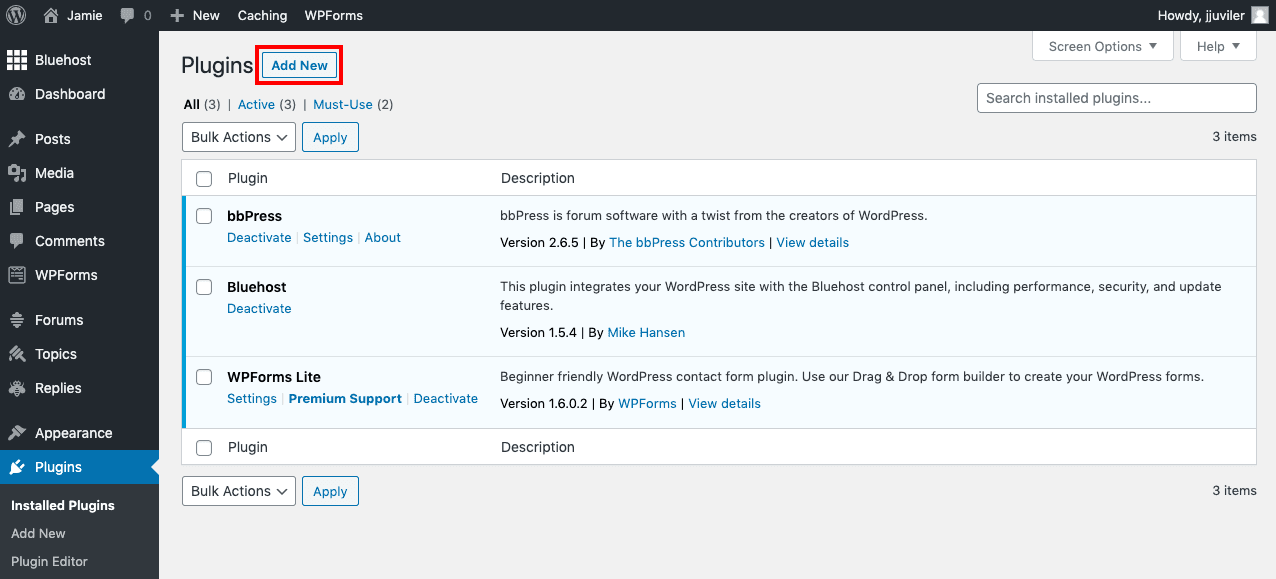
Back up & restore
Regular WordPress backups are essential for protecting your website from hacking, data loss, server failures, and other unexpected issues. This guide explains why backups matter and how to keep your site safe with a reliable backup strategy.
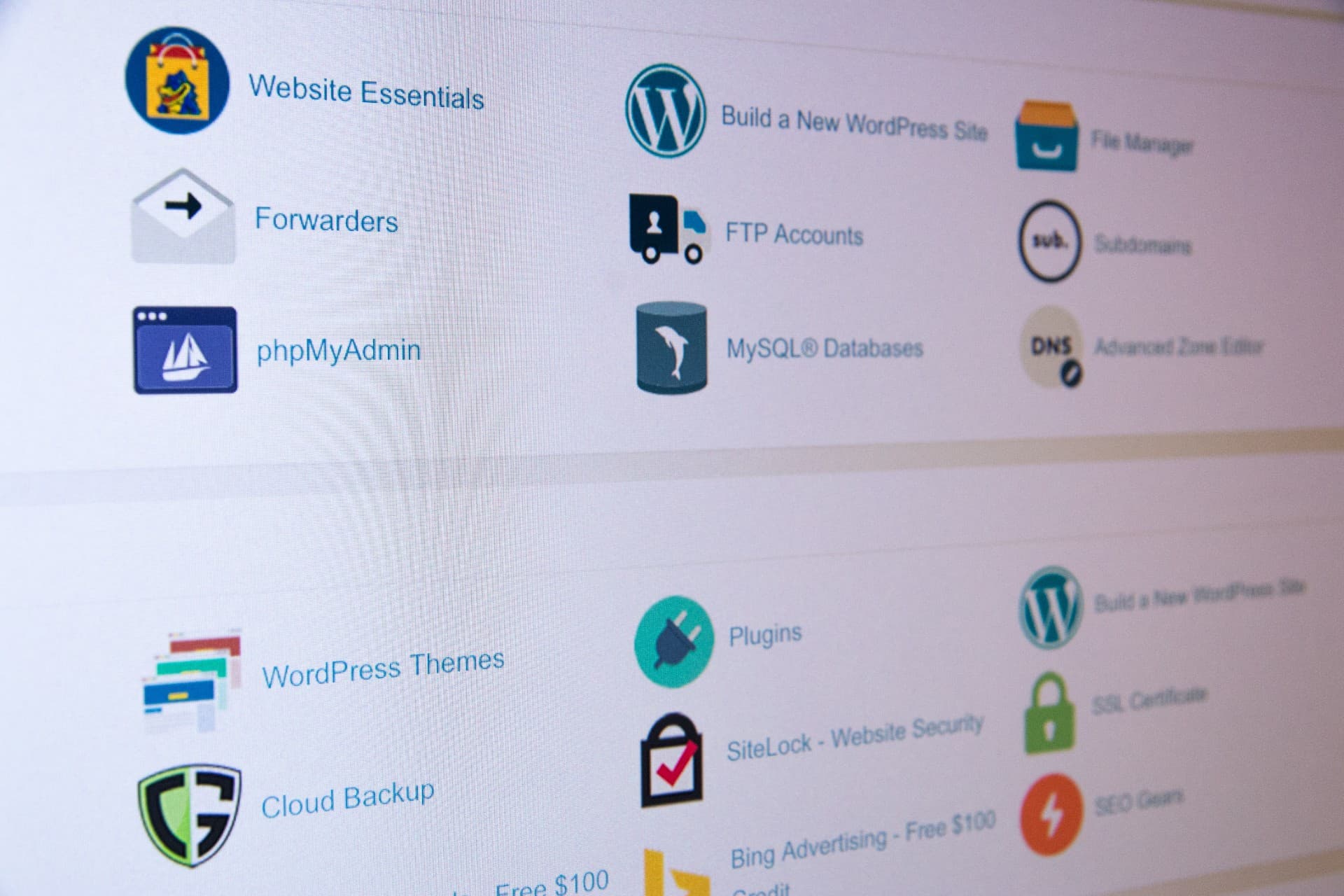
Steps to take manual Backup and Restore for your wordpress site
Steps to take manual Backup and Restore for your wordpress site
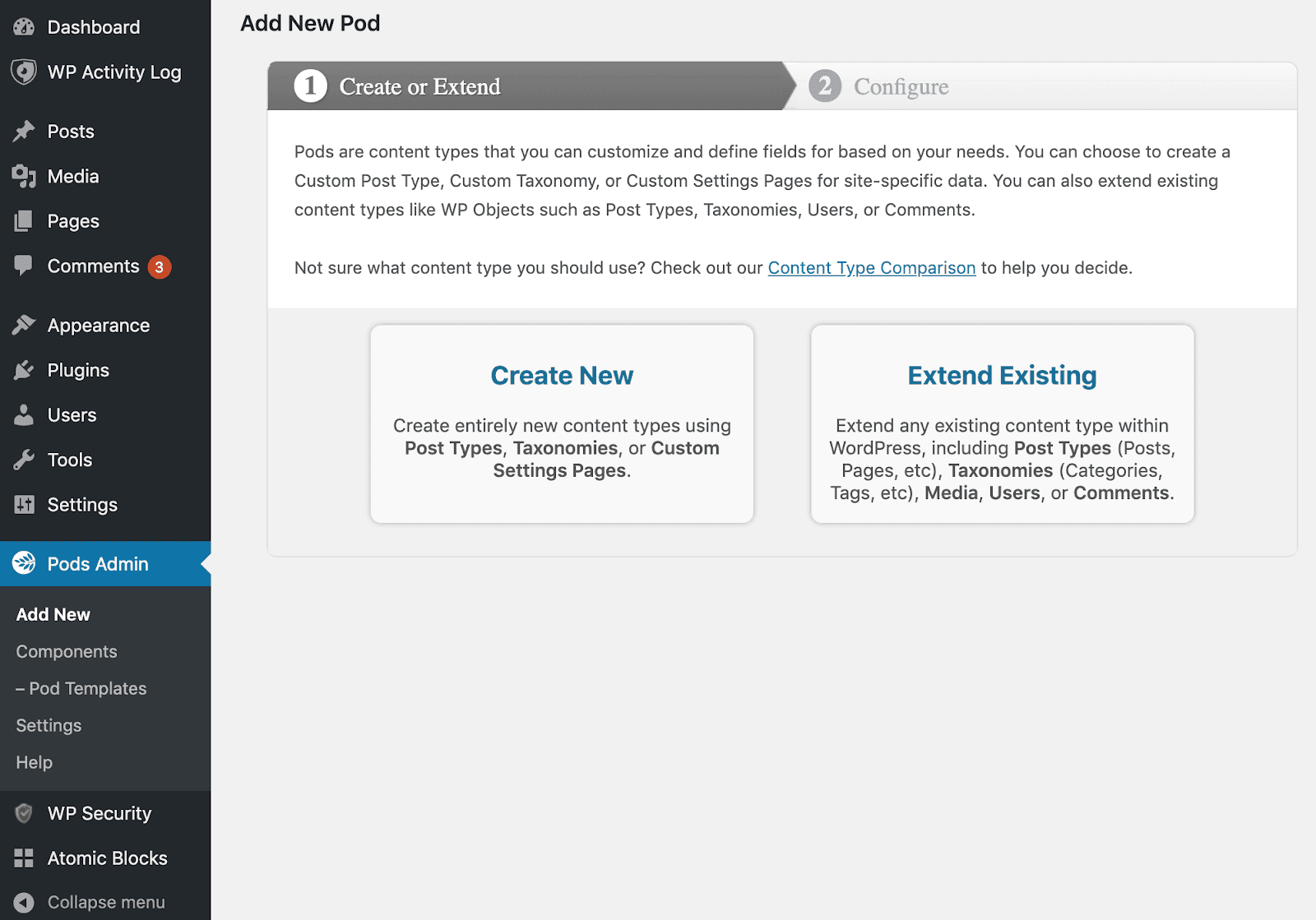
Create Custom Taxonomies in WordPress
WordPress taxonomies help organize your content, making it easier for visitors to navigate your site. This guide explains what taxonomies are and shows you how to create and manage custom WordPress taxonomies step by step.
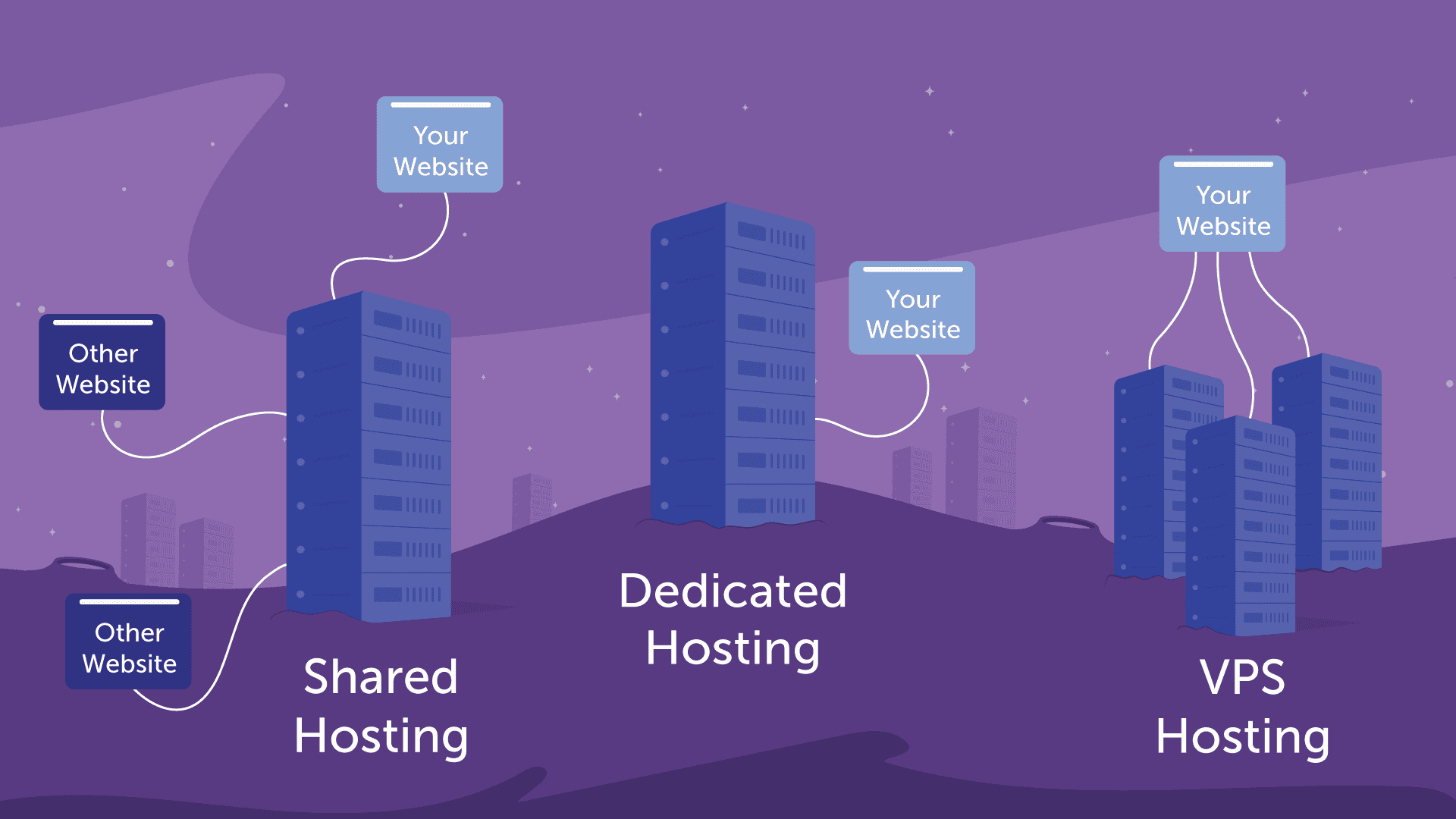
Difference between various hosting types
Every website runs on a server, and web hosting gives you the server space and resources needed to make your site accessible online. Learn how web hosting works and why it's essential for building and maintaining a website.
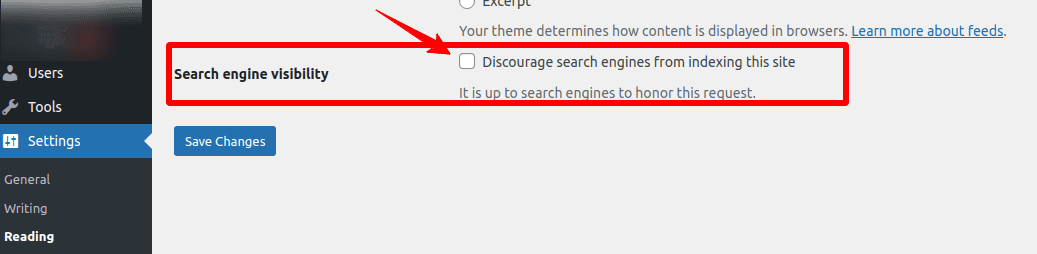
Wordpress SEO
Search engines are the biggest source of traffic for most websites.

How to Enable WordPress Maintenance Mode
Website maintenance mode helps you keep your WordPress site functional and professional while making updates or fixing issues. Learn different methods to enable under-construction mode and ensure a smooth experience for visitors until your site is ready.

How to Customize WordPress Plugins
WordPress plugins make it easy to add powerful features to your website, but their default functionality may not always fit your specific needs. By customizing plugins, you can extend their capabilities and tailor them to your requirements without building everything from scratch.
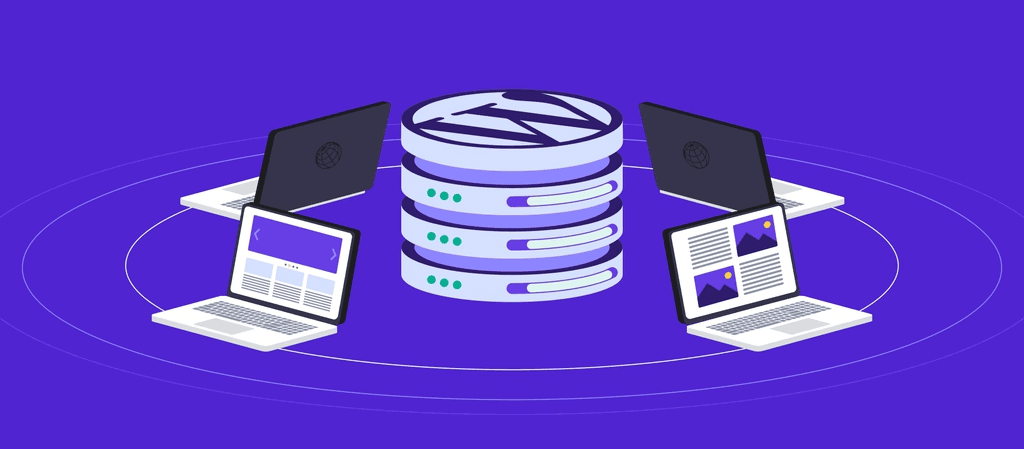
WordPress Multisite
WordPress Multisite: What It Is, How to Activate and Manage It

How To Use Ajax in WordPress
Ajax makes WordPress websites more interactive by enabling real-time updates without reloading the page. With the help of Ajax-powered plugins, you can easily add dynamic features that improve user engagement and create a smoother browsing experience.