
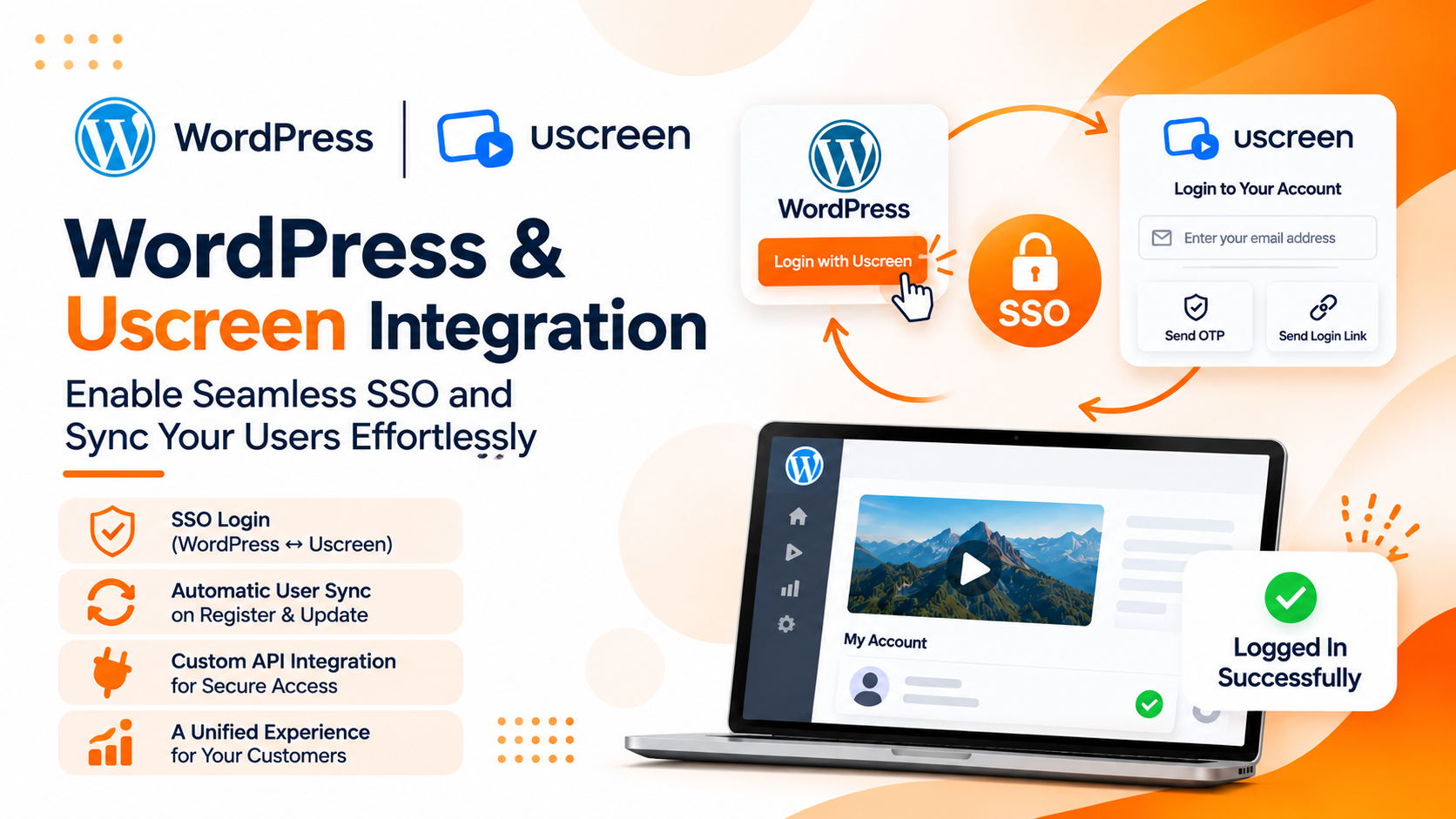
Two-Way SSO Integration Between Wordpress and Uscreen: Seamless WordPress & Video Platform Login
Connect WordPress and Uscreen with custom two-way Single Sign-On (SSO) authentication—enabling seamless cross-platform login, automated account mapping, and tokenized access without duplicate credentials.
Connecting WordPress and Uscreen with Seamless Single Sign-On Authentication
When an online business operates multiple platforms, customers often need to access different systems to manage their accounts, purchases, and digital content. For example, an eCommerce website powered by WooCommerce may also use Uscreen to deliver video content and manage its membership experience.
Without proper integration, customers may need to log in separately to each platform. Managing multiple login sessions and remembering different credentials can create unnecessary friction.
To simplify this experience, we implemented a custom two-way Single Sign-On (SSO) integration between WordPress and Uscreen. The solution allows customers to move between both platforms using their existing account identity, without needing to complete a separate traditional login process each time.
What We Built: Two-Way SSO Authentication
Our implementation connects WordPress and Uscreen authentication workflows in both directions:
- WordPress to Uscreen authentication.
- Uscreen to WordPress authentication.
Let’s explore how each authentication flow works.
1. WordPress to Uscreen SSO Login
The Challenge
Customers who already have an account on a WordPress website should not need to create another account or enter their credentials again when accessing the Uscreen platform. However, WordPress and Uscreen maintain separate user management systems. We needed a way to identify existing WordPress customers, associate them with their Uscreen accounts, and provide secure access to Uscreen.
What We Built
We implemented a custom authentication workflow that connects WordPress login sessions with Uscreen customer accounts. The process works as follows:
Step 1: Detect WordPress Login
When a customer logs into the WordPress website, our custom functionality checks whether a corresponding Uscreen customer ID is already stored in their WordPress user metadata.
Step 2: Identify the Uscreen Customer
If the Uscreen customer ID is not available, the integration checks Uscreen for an existing customer using the customer’s registered email address.
Step 3: Create or Associate the Account
If the customer already exists in Uscreen, the returned Uscreen customer ID is stored in WordPress. If the customer does not exist, the integration creates a corresponding Uscreen customer account and stores its ID for future use.
Step 4: Generate an SSO Login URL
When the customer chooses to access Uscreen, WordPress communicates with the Uscreen API to request a tokenized login URL.
Step 5: Authenticate the Customer
The customer is redirected to the generated Uscreen login URL and can access the platform without manually entering their credentials again.
Key Benefits
- Seamless access from WordPress to Uscreen.
- Automatic customer account association.
- Reduced duplicate account creation.
- No need for a separate manual login.
- Improved customer experience across platforms.
2. Uscreen to WordPress SSO Login
The Challenge
The authentication experience also needed to work in the opposite direction. Customers accessing Uscreen should be able to return to the WordPress website without going through another traditional login process. To achieve this, we needed a custom authentication endpoint on WordPress that Uscreen could call to initiate the login process.
What We Built
We developed a custom WordPress API endpoint to handle authentication requests originating from Uscreen. The integration uses the customer’s email address to identify the corresponding WordPress account. The process works as follows:
Step 1: Initiate Login from Uscreen
A customer initiates the login or access flow from the Uscreen platform.
Step 2: Call the Custom WordPress API
Uscreen calls the custom API endpoint developed within WordPress.
Step 3: Identify the WordPress Customer
The endpoint uses the customer’s email address to locate the corresponding WordPress user account.
Step 4: Authenticate the Customer
After successful authentication and validation, WordPress establishes the customer’s login session.
Step 5: Access WordPress
The customer can access the WordPress website without needing to enter their login credentials again.
Key Benefits
- Seamless authentication from Uscreen to WordPress.
- Custom API-based integration.
- Email-based account identification.
- Reduced repeated login steps.
- Consistent authentication experience across platforms.
3. Automatic Customer Account Mapping
The Challenge
WordPress and Uscreen maintain separate customer records and user IDs. For a reliable integration, the system needs to identify which Uscreen account belongs to each WordPress customer. Without proper account mapping, customers may encounter duplicate accounts or inconsistent authentication behavior.
What We Built
We implemented customer account mapping using email addresses and stored Uscreen customer IDs in WordPress user metadata.
This allows the integration to:
- Identify existing Uscreen customers.
- Create accounts when a matching customer does not exist.
- Store the corresponding Uscreen customer ID.
- Reuse the stored customer association for future authentication requests.
By maintaining this relationship, the integration avoids repeatedly searching for the same customer and creates a consistent connection between both platforms.
Key Benefits
- Consistent customer identification.
- Better account synchronization.
- Reduced duplicate customer records.
- Simplified cross-platform authentication.
Why Two-Way SSO Integration Matters
When businesses operate multiple connected platforms, customers should not have to manage separate login experiences for every service. Our custom integration connects WordPress and Uscreen authentication workflows, allowing customers to move between platforms more conveniently.
The implementation addresses three important areas:
- Unified Access: Customers can access Uscreen from WordPress and WordPress from Uscreen through connected authentication workflows.
- Customer Account Mapping: Email-based identification and stored customer IDs help maintain the relationship between accounts across both platforms.
- Improved User Experience: Reducing repeated login steps creates a smoother experience for customers accessing multiple services.
Building Custom SSO Integrations for Connected Platforms
Every business has its own technology ecosystem. Connecting different platforms requires more than simply sharing customer information; authentication workflows must also work together reliably.
Our approach is to understand the existing login systems, identify how customer accounts are managed, and develop custom integration logic that connects the platforms. From WooCommerce and Uscreen SSO to custom WordPress APIs and account mapping, we build solutions that help businesses create more connected digital experiences.
Because customers should be able to move between connected platforms without unnecessary login friction.
Related Posts
How Investing in SEO Can Grow Your Shopify Store Traffic
Investing in SEO helps your Shopify store attract more organic traffic, improve search rankings, and drive sustainable growth. Unlike paid advertising, SEO delivers long-term results that continue to generate visitors and sales over time.

Send Payment Reminders and Cancel Unpaid Shopify Orders via Gmail
Automate unpaid Shopify order recovery. Send staged payment reminders via Gmail, automatically cancel expired orders, restock inventory, and receive daily CSV admin audit reports with n8n.
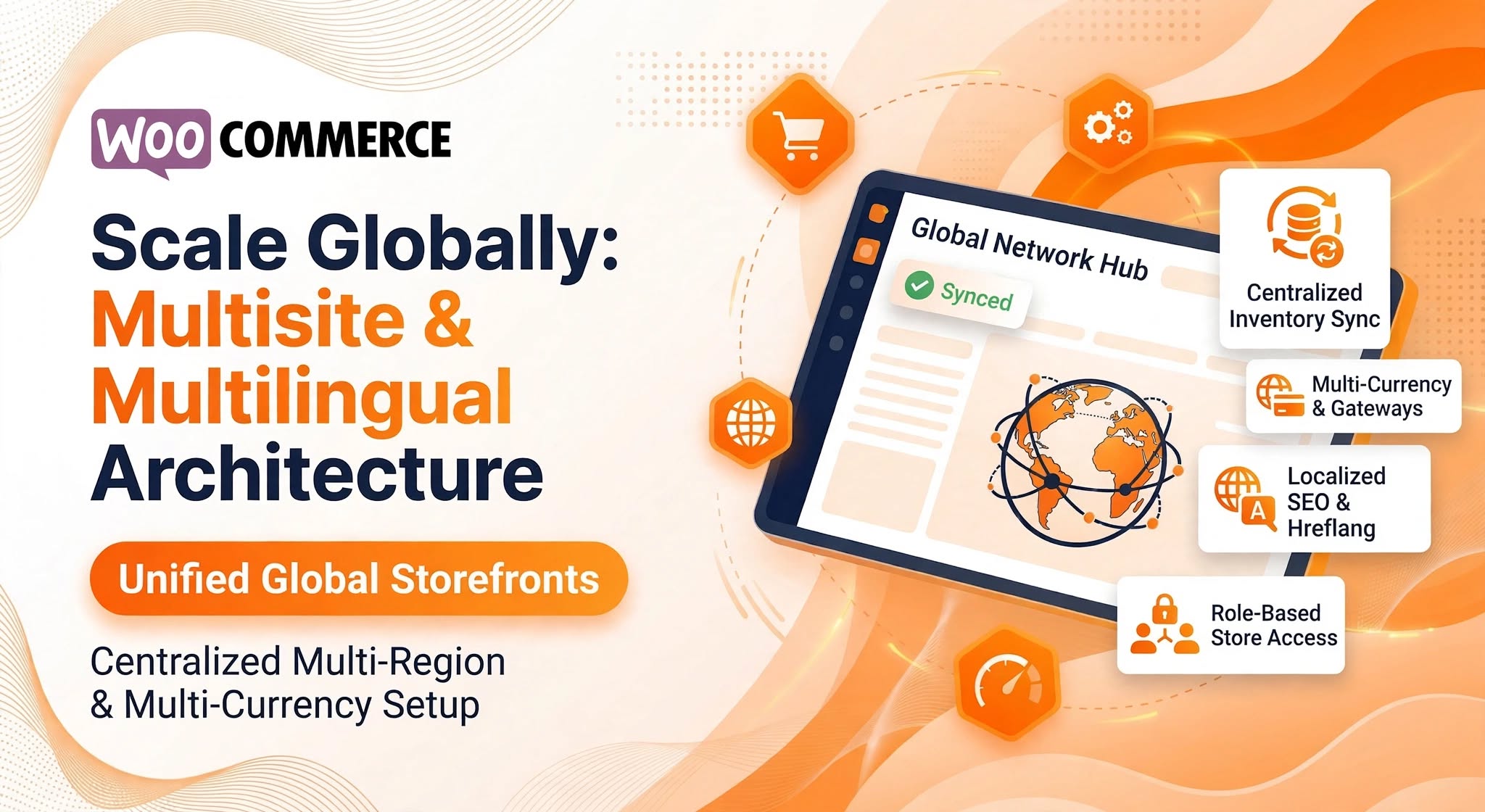
Integrating WooCommerce Multisite & Multilingual Architecture for Global Brands
Expanding an e-commerce brand into new countries, regional markets, or multiple sub-brands introduces complex operational hurdles. Managing separate WordPress installations for every country quickly turns routine catalog updates, plugin patches, and inventory tracking into a maintenance nightmare—while a single unlocalized store often struggles with low conversion rates due to unfamiliar currencies, untranslated checkout flows, and generic shipping rules.
Shopify Dead Inventory Detection: Automated Workflow to Recover Lost Revenue
Detect unsold Shopify inventory automatically. Monitor dead stock, send CSV reports via Gmail and Slack alerts. Free n8n workflow template included.