
Shopify Migration Guide: Step-by-Step Process, SEO Checklist & Zero Data Loss Strategy
Learn how to migrate to Shopify seamlessly with a step-by-step guide, SEO best practices, and a zero data loss strategy for a smooth, hassle-free transition.
Shopify Migration Guide: Step-by-Step Process, SEO Checklist & Zero Data Loss Strategy
Introduction
Migrating your eCommerce store to Shopify is no longer just a trend—it’s a strategic move for businesses looking to scale efficiently, improve performance, and reduce technical overhead. However, migration is not just about moving data; it involves preserving SEO rankings, ensuring customer continuity, and rebuilding a high-performing storefront.
A poorly executed migration can lead to traffic drops, broken URLs, and lost revenue. That’s why this guide walks you through a complete, modern Shopify migration framework designed for 2026—covering planning, execution, SEO protection, and optimization.
Why Migrate to Shopify or Shopify Plus?
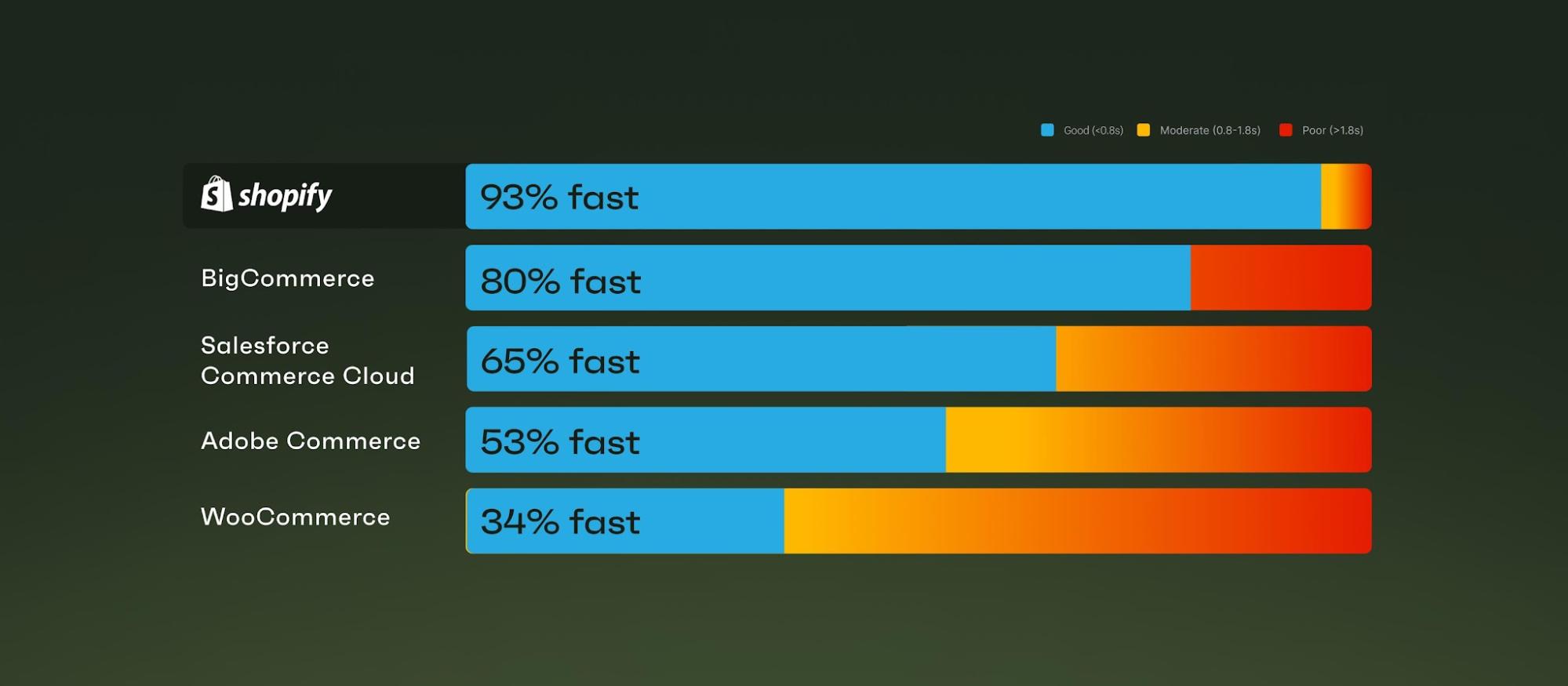
Businesses are increasingly migrating from platforms like Magento, WooCommerce, and BigCommerce to Shopify due to its flexibility, scalability, and simplified management.
Key Advantages
1. Modern Architecture (Online Store 2.0)
Shopify’s modular theme system allows faster customization with reusable sections and blocks, improving both performance and developer efficiency.
2. Fully Managed Hosting
Unlike traditional platforms, Shopify eliminates server management, security patching, and uptime concerns.
3. Scalability with Shopify Plus
For high-growth brands, Shopify Plus offers automation tools, B2B features, and advanced customization capabilities.
4. App Ecosystem
Thousands of apps allow you to extend functionality without heavy development.
5. Checkout Extensibility
Modern APIs replace outdated scripts, allowing scalable checkout customization.
6. Global Commerce (Shopify Markets)
Sell internationally with localized currencies, domains, and pricing strategies.
What Data Can Be Migrated to Shopify?
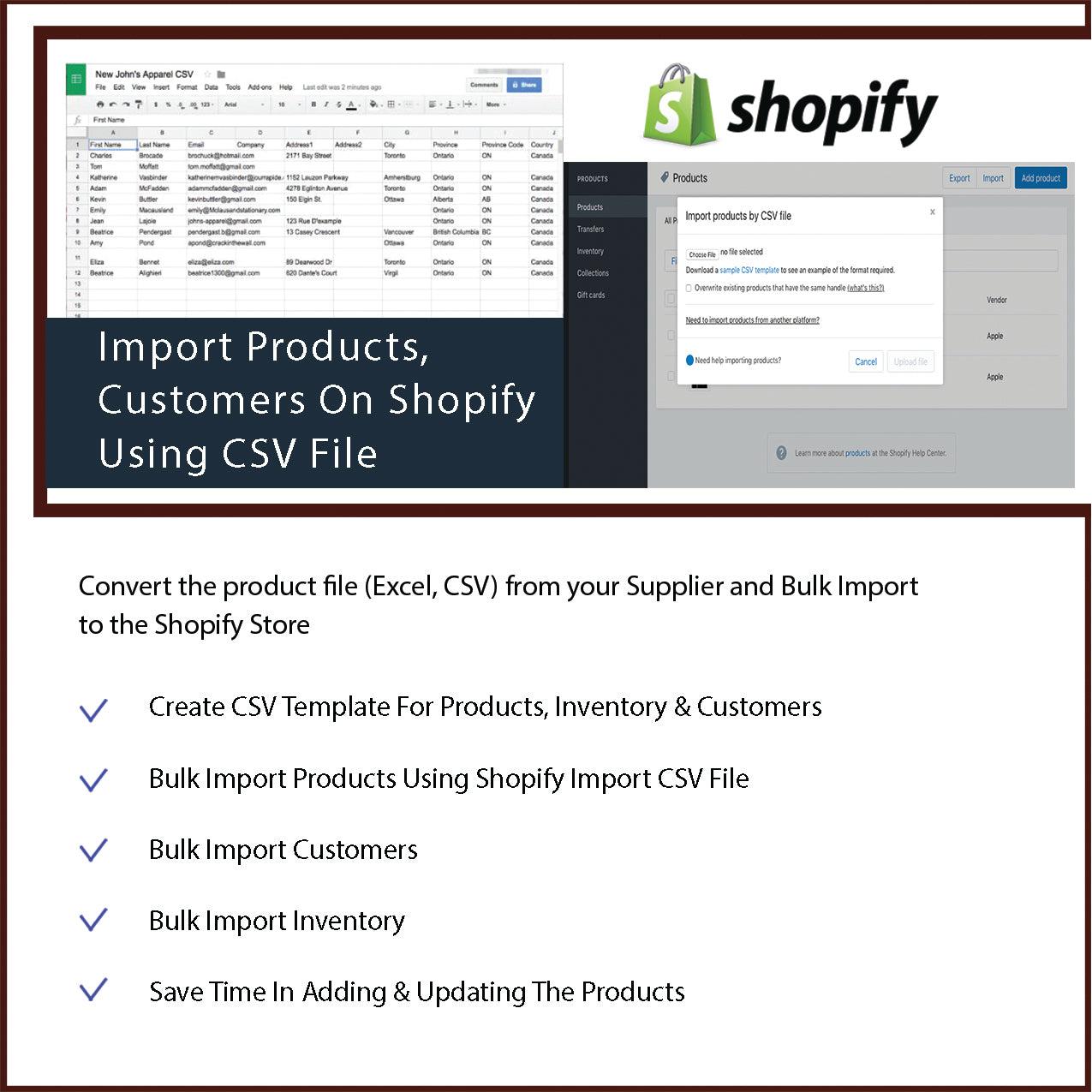
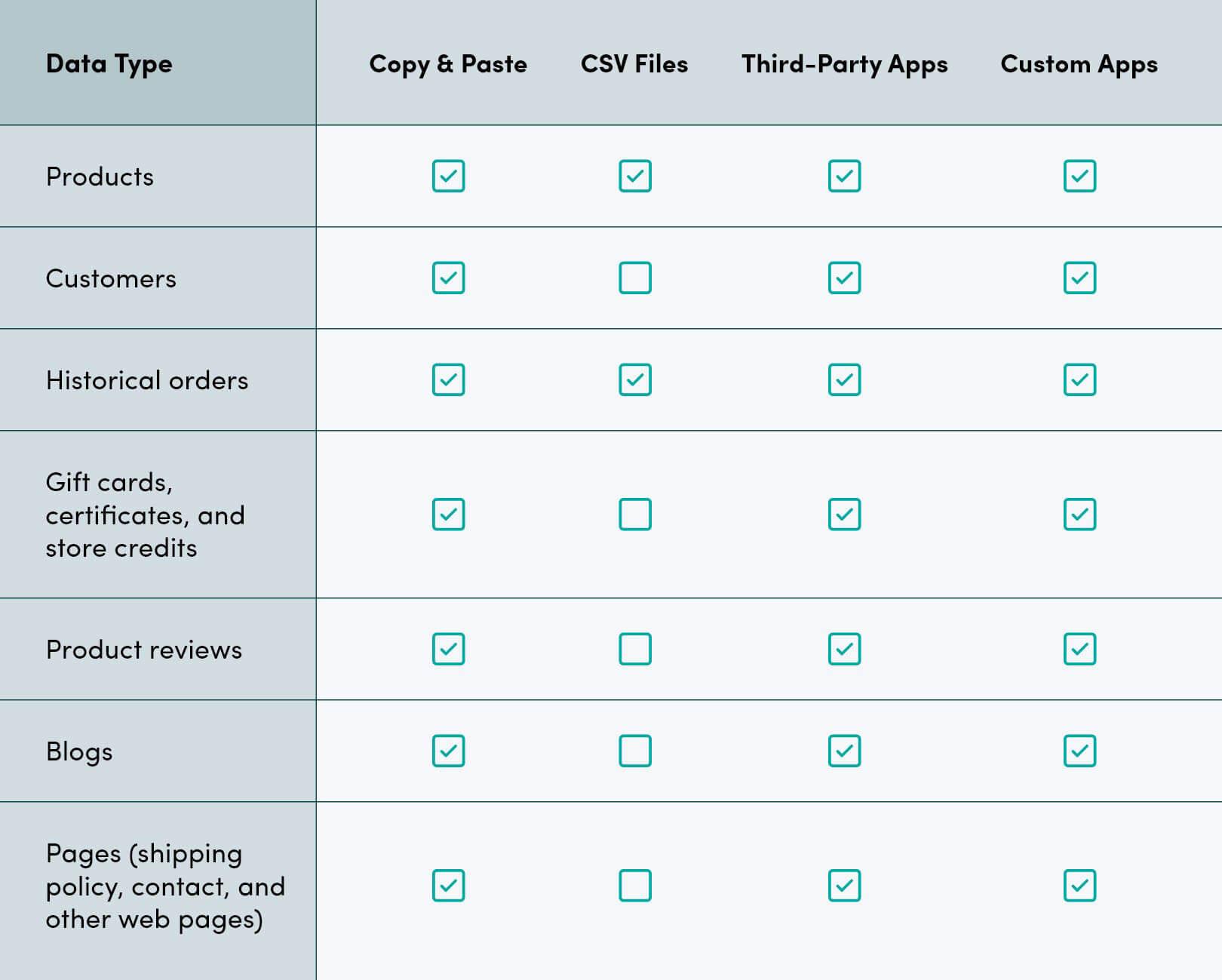
One of the most critical aspects of migration is ensuring that all essential data is transferred accurately.
Core Data Types
Products
Includes titles, SKUs, descriptions, pricing, variants, images, and inventory levels.
Customers
Names, email addresses, phone numbers, and order history are transferred. However, due to security restrictions, passwords cannot be migrated.
Orders
Historical order data including transaction details, shipping information, and status.
Content
Pages such as About Us, Contact, blog posts, and policies.
SEO Data
Meta titles, descriptions, and URL structures must be preserved to maintain rankings.
Discounts & Promotions
Coupons and promotional rules can also be recreated or migrated.
Shopify Migration Methods
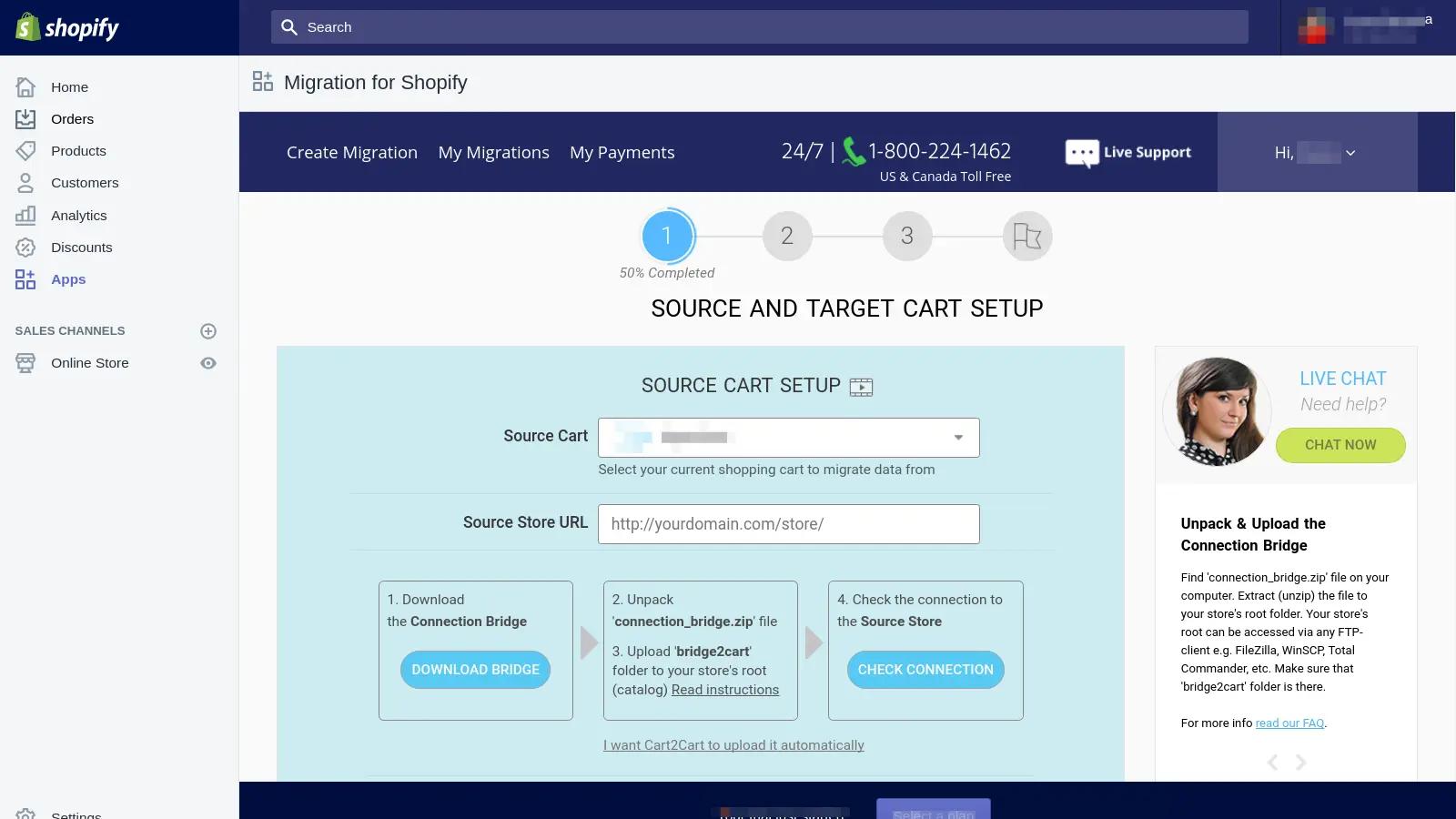
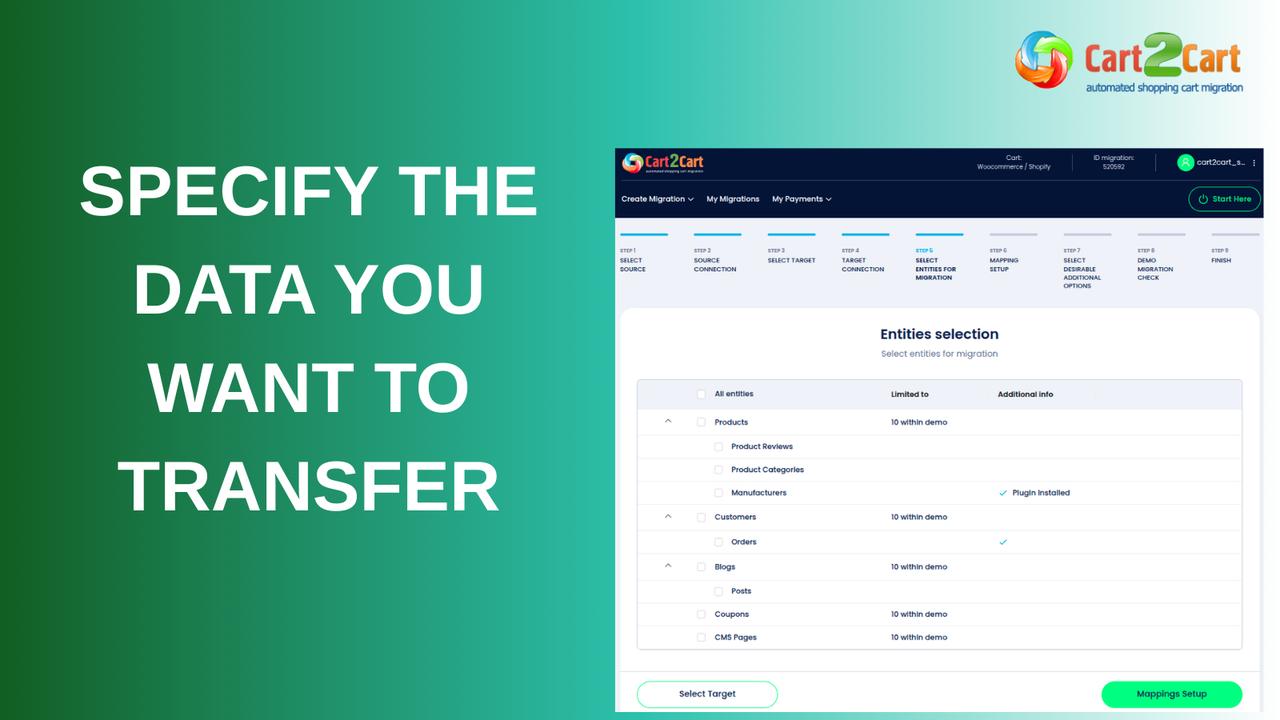
Choosing the right migration method depends on your store size, complexity, and technical expertise.
1. Automated Migration Tools
Tools like LitExtension or Cart2Cart simplify the migration process by automating data transfer. These are ideal for medium to large stores with structured data.
2. Manual Migration
This involves exporting and importing CSV files or copying data manually. It’s suitable only for small stores due to the high risk of errors and time consumption.
3. Agency-Assisted Migration
Professional Shopify experts handle the entire process, including SEO, design, and custom functionality. This is the safest option for complex or high-revenue stores.
Step-by-Step Shopify Migration Process
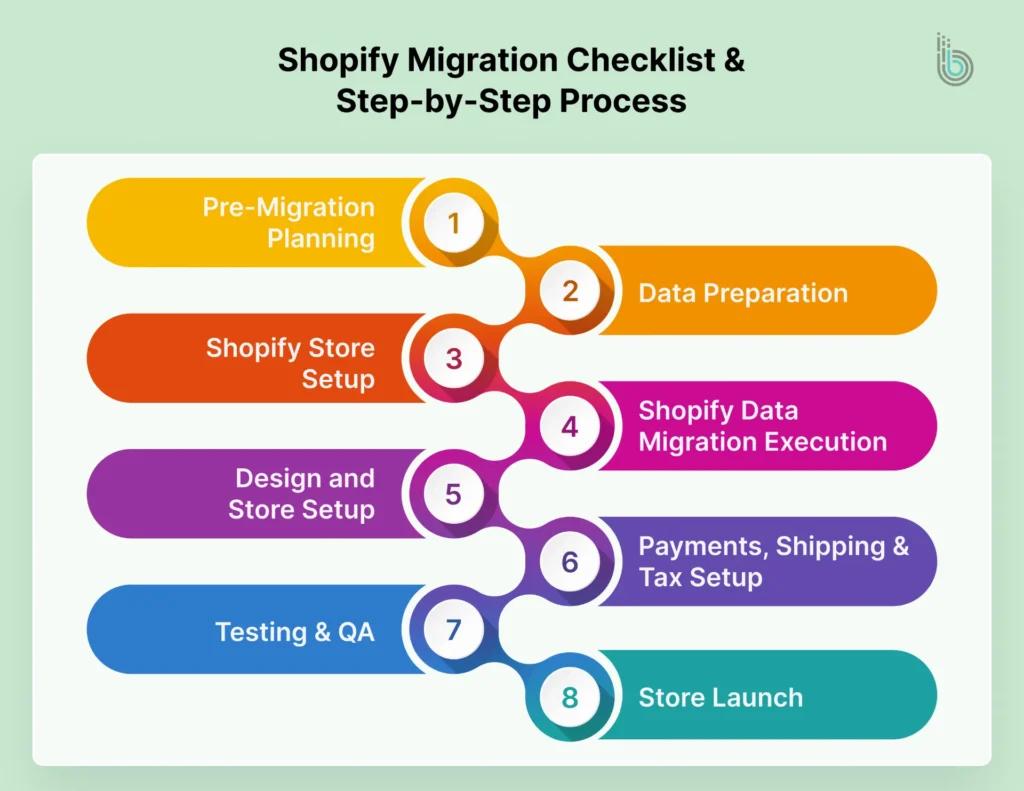
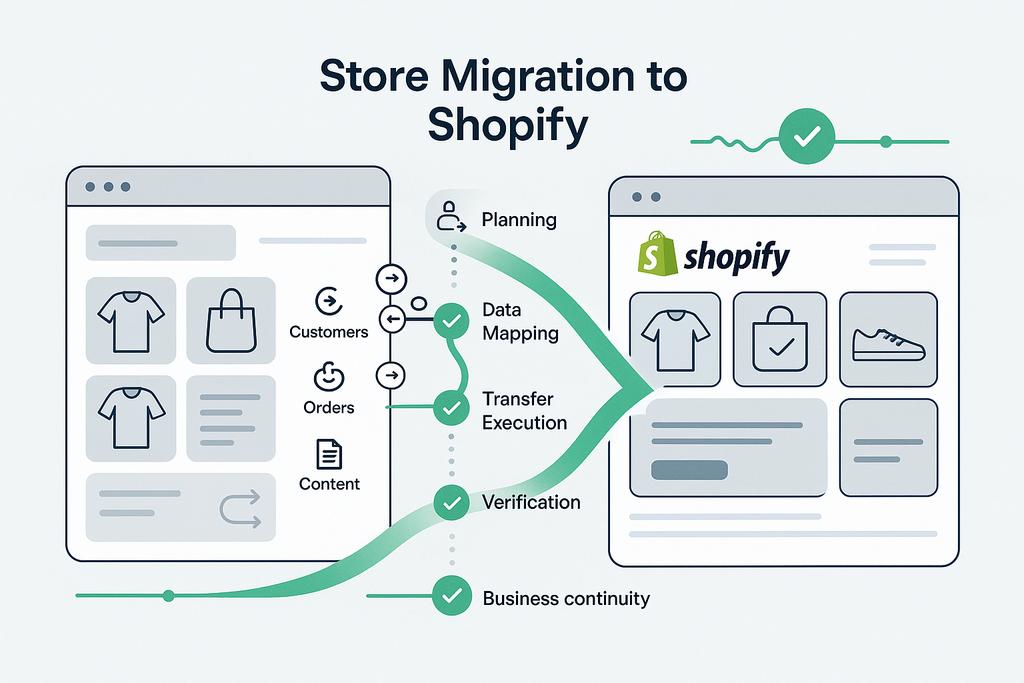
A structured approach ensures a smooth migration without data loss or downtime.
Step 1: Pre-Migration Planning
Audit your current store, identify critical pages, and back up all data. This step defines the success of your migration.
Step 2: Shopify Store Setup
Configure store settings, payment gateways, taxes, and shipping rules before importing data.
Step 3: Data Migration
Import products, customers, and orders using tools or CSV files. Validate data accuracy thoroughly.
Step 4: SEO Migration Setup
Set up 301 redirects, preserve metadata, and ensure URL consistency to prevent ranking loss.
Step 5: Design & Theme Development
Choose a Shopify 2.0 theme and customize it for branding, speed, and mobile optimization.
Step 6: Testing & QA
Test product pages, checkout flow, payment gateways, and mobile responsiveness.
Step 7: Launch & Optimization
Monitor traffic, fix errors, and optimize performance post-launch.
Shopify Migration SEO Checklist
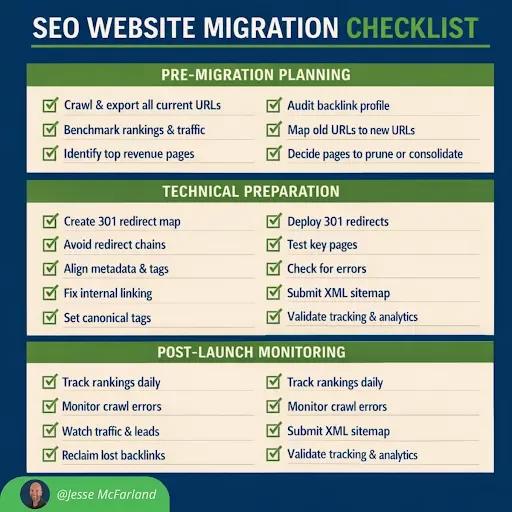
SEO is the most sensitive part of migration. A single mistake can lead to significant ranking loss.
Essential Checklist
- Implement 301 redirects for all old URLs
- Preserve metadata (titles, descriptions, alt text)
- Maintain URL structure where possible
- Submit sitemap to search engines
- Fix broken links and 404 errors
- Monitor keyword rankings and traffic
Common Shopify Migration Mistakes to Avoid

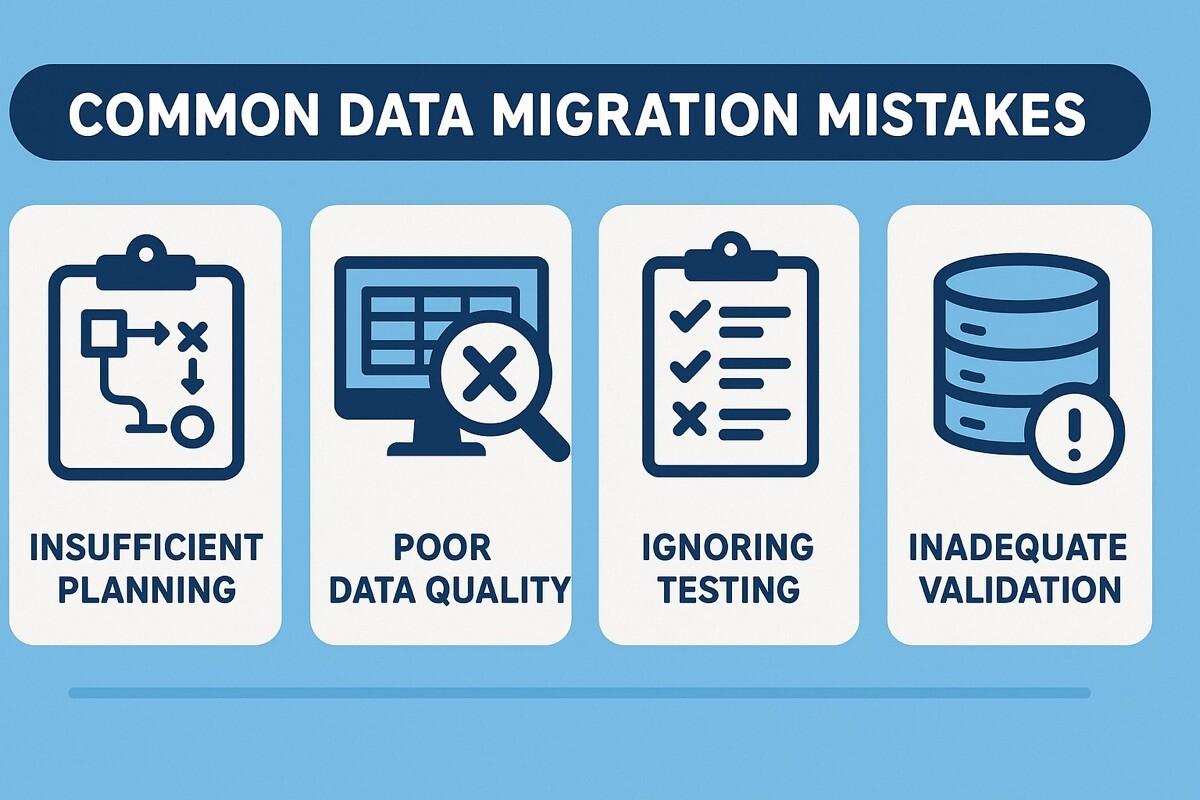
Even experienced teams make mistakes during migration. Avoid these common pitfalls:
- Ignoring SEO redirects
- Migrating duplicate or unnecessary data
- Skipping testing before launch
- Losing blog and content structure
- Choosing the wrong migration method
Shopify Migration Timeline & Cost
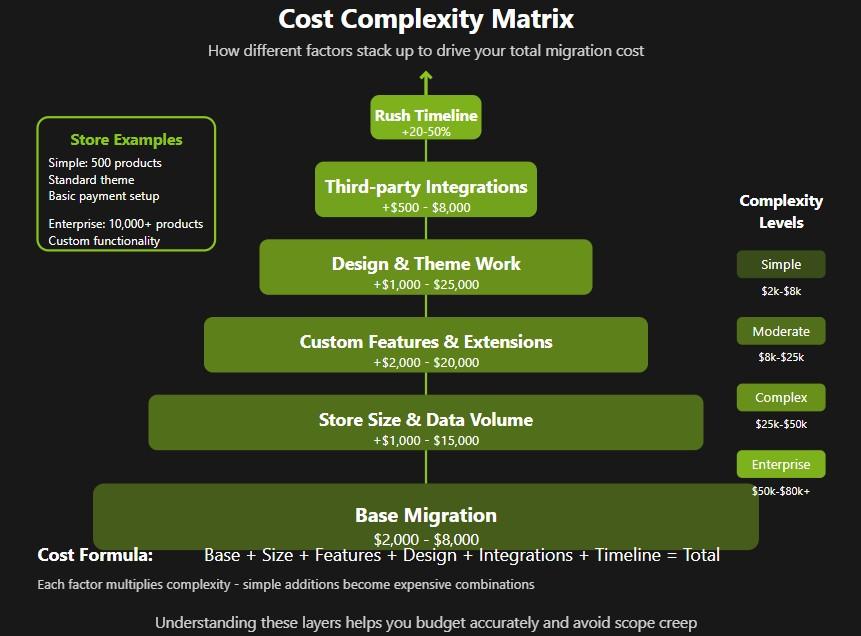
Timeline
- Small stores: 1–2 weeks
- Medium stores: 2–4 weeks
- Large stores: 4–8+ weeks
Cost Factors
- Volume of data
- Custom design requirements
- Third-party integrations
- SEO complexity
Is Shopify Plus Worth It?
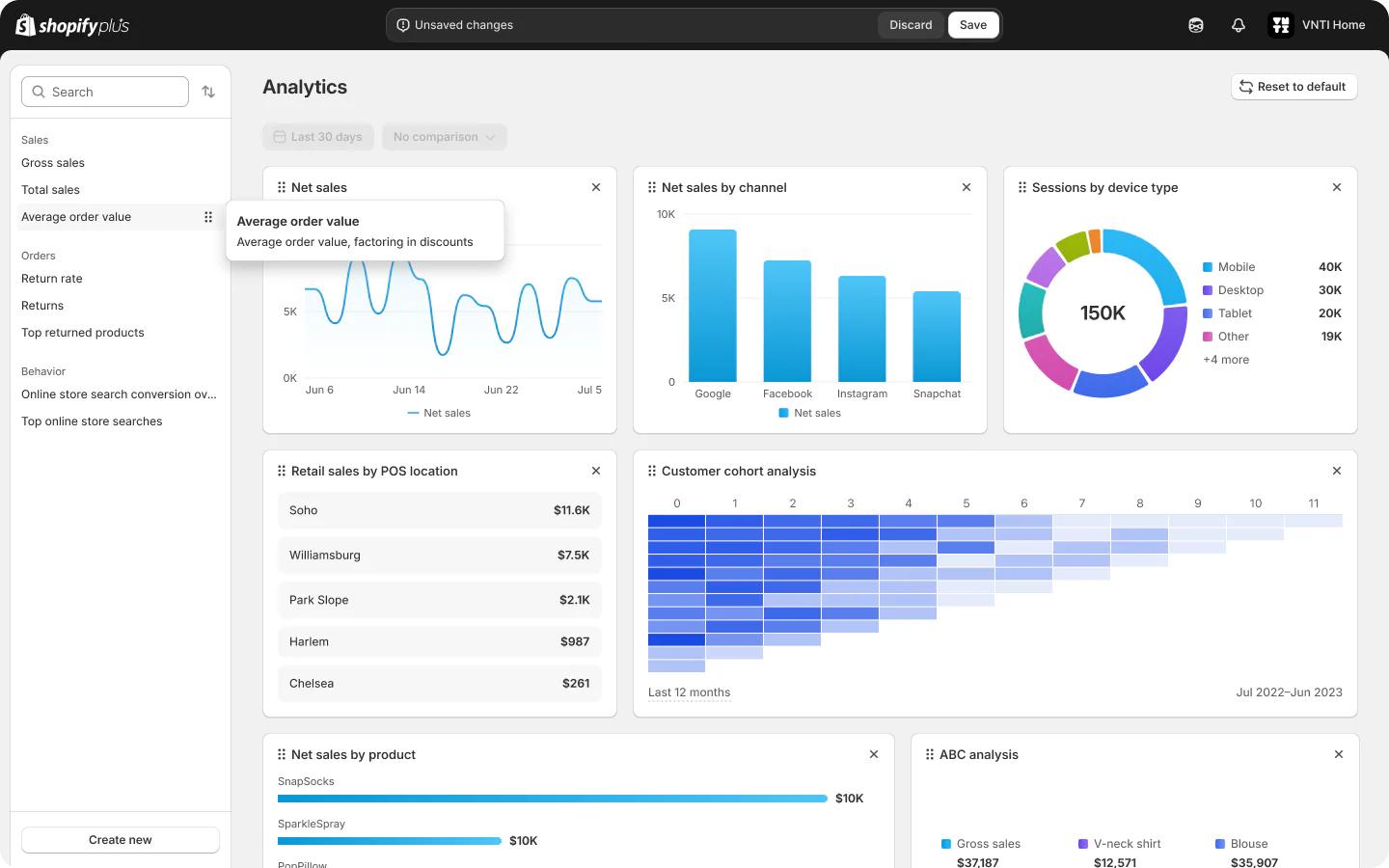
Shopify Plus is designed for enterprise-level businesses that require scalability and advanced functionality.
Best For
- High-volume stores
- B2B businesses
- Brands needing automation
- Custom checkout experiences
It offers powerful tools that go beyond standard Shopify plans, making it ideal for rapidly growing brands.
Conclusion

Shopify migration is more than a technical upgrade—it’s a growth strategy. When executed correctly, it improves performance, enhances user experience, and unlocks new revenue opportunities.
By following a structured process, prioritizing SEO, and leveraging modern Shopify features, you can migrate your store without losing data, rankings, or customers.
FAQs
How long does Shopify migration take?
Typically between 1–8 weeks depending on store complexity.
Will I lose SEO rankings?
No, if proper redirects and SEO practices are followed.
Can customer passwords be migrated?
No, customers must reset passwords for security reasons.
What is the safest migration method?
Automated tools or professional services for larger stores.
Do I need Shopify Plus?
Only if you require enterprise-level features and scalability.
Related Posts
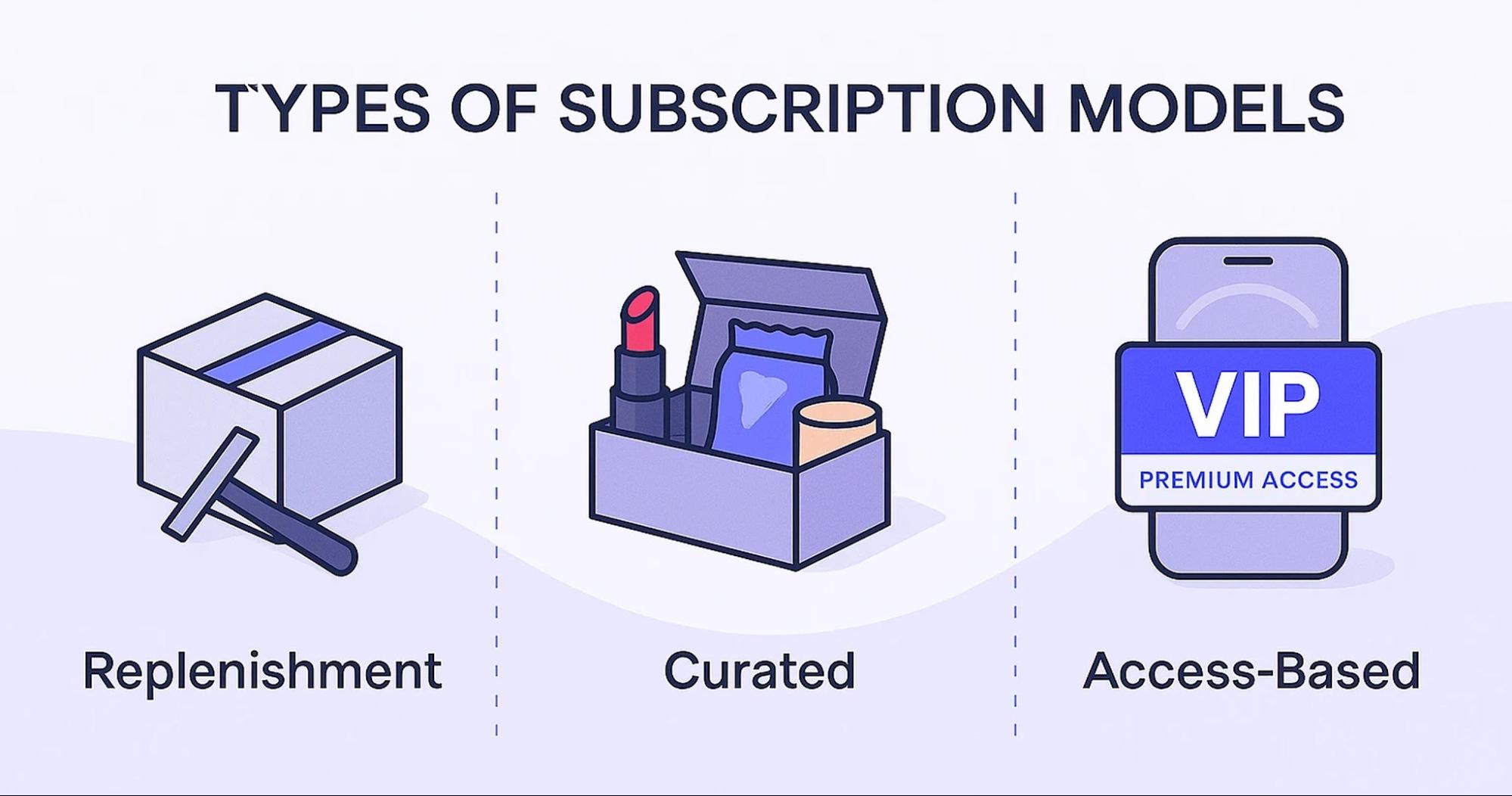
Boost Your Revenue with Recharge App for Shopify
Recurring revenue is a powerful eCommerce strategy where businesses shift from one-time purchases to subscription models for more predictable income and higher customer lifetime value. The Recharge app helps Shopify merchants easily build, manage, and scale subscription-based businesses.

Why Site Speed Is So Important: Conversions, Loyalty & Google Rankings
Discover why website speed matters for higher conversions, stronger customer loyalty, and better Google rankings—and learn how to optimize your store for peak performance
How to Create a High-Converting Shopify Landing Page
Creating a high-converting Shopify landing page requires more than design—it requires strategy, psychology, and optimization.
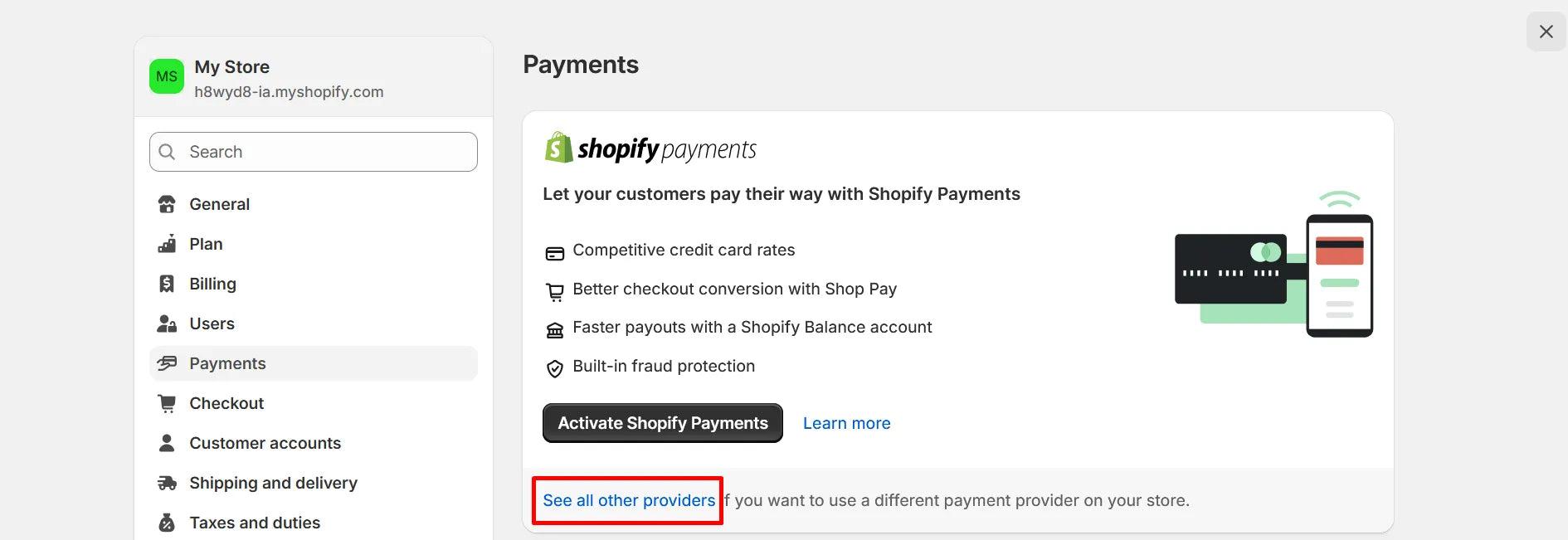
How to Enhance Your Shopify Store with Shopify Payment Gateway
Secure your Shopify store with a seamless payment gateway integration that delivers fast, safe transactions and a frictionless checkout experience for your customers.