
A complete guide to Shopify migration
A web store migration can be a huge hassle, especially if you are working with an inexperienced developer.
A Complete Guide to Shopify Migration
Compared to launching a brand-new Shopify store, migrating an existing online store is a far more complex process. A successful migration has to move your products, customers, orders, and content across cleanly, without disrupting business operations or hurting your search rankings.
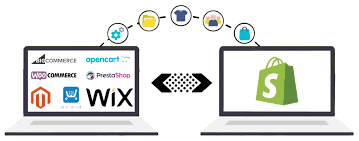
Store migrations can become a major headache when handled by an inexperienced team. Our designers and developers bring years of combined experience helping businesses migrate from platforms such as Magento, WooCommerce, and BigCommerce to Shopify.
Why Migrate to Shopify or Shopify Plus?
Moving from a legacy platform takes real effort, yet a growing number of store owners are switching from older platforms to Shopify, or upgrading from Shopify to Shopify Plus. Here's why the investment is worth it:
- Pre-built, ready-to-use infrastructure
- Minimal developer assistance needed for ongoing maintenance
- A wide range of features, add-ons, and apps
- Simplified, built-in security and hosting
- No recurring hosting charges
- Quick setup and implementation
- Built-in payment processing
- Comparatively lower overall costs
- Flexible, headless extensibility via Shopify's APIs and webhooks
What Kind of Data Can You Migrate to Shopify?
The following data can be transferred from your existing website to Shopify:
Products & Categories
- Name, SKU, description, status, and manufacturer
- Price and special price
- URL, meta title, and meta description
- Weight and variants
- Base image and stock quantity
Product Visuals
Images that show each product's shape, size, and color.
Orders
- Customer ID and order date
- Order status and ordered products
- Pricing details: subtotal, discount, tax, shipping, and total
- Order comments
- Customer name, billing address, and shipping address
Content & Images
About Us, Contact, blog, and other CMS pages, plus homepage and supporting content images.
Customers
Name, phone number, email address, location, and other customer details.
Discounts & Coupons
Existing discount codes and coupon benefits.
How to Migrate a Website to Shopify Without Data Loss
Way 1: Using Third-Party Apps
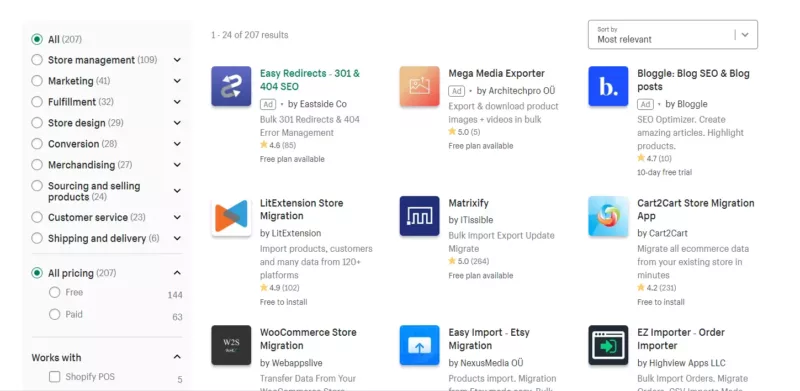
The Shopify App Store offers a variety of free and premium apps that automate store migrations, letting you import products and shop content directly from your current platform into Shopify. Popular options include:
- LitExtension
- Cart2Cart
- Matrixify
Way 2: Manual Migration
Manual migration means copying data from your existing store and pasting it into Shopify yourself. This approach can work for stores with a small catalog, but it becomes time-consuming as your data volume grows, and mistakes are easy to make without technical expertise. Here are the steps involved.
Step 1: Configure Your Basic Administrative Settings
Before importing products or setting up payments, complete a few administrative tasks first. Review your store's migration settings, confirm that your store address, email, and other details are current, and add your billing information.

Step 2: Import Your Store's Content and Data
Next, decide how you'll bring your data into Shopify. You have two manual options:
- Copy and paste content directly from your old site
- Use CSV files to transfer products and customers (customer passwords cannot be migrated this way)
If you're migrating from Magento, Shopify provides a built-in import tool that brings over most of your product data automatically. Import your data in the correct order — products, then customers, then historical orders — so that orders stay correctly linked to the right items and customers.

Step 3: Organize Your Products After Migration
- Review product descriptions, images, variants, and meta descriptions
- Group products into collections for easier browsing
- Build navigation menus and links to your collections
- Get familiar with inventory tracking and stock transfers
- Consider a Shopify inventory management app to help manage stock
Step 4: Customize Your Store's Design
Shopify installs a default theme on your account to help you get started, but you can fully customize your store's look by installing a different theme from the Shopify Theme Store.
Why Choose Our Shopify Migration Service?
- ✅ Seasoned Professionals
- ✅ 100% Success Rate
- ✅ Guaranteed Data Security
- ✅ Fast Delivery
- ✅ Maximum Uptime
- ✅ Affordable Rates
Conclusion
Shopify remains one of the most reliable eCommerce platforms available today, capable of handling high traffic while backing it up with strong customer support. Whether you're moving from Magento, WooCommerce, BigCommerce, or another platform, a well-planned migration sets your store up for sustainable, long-term growth.
Related Posts
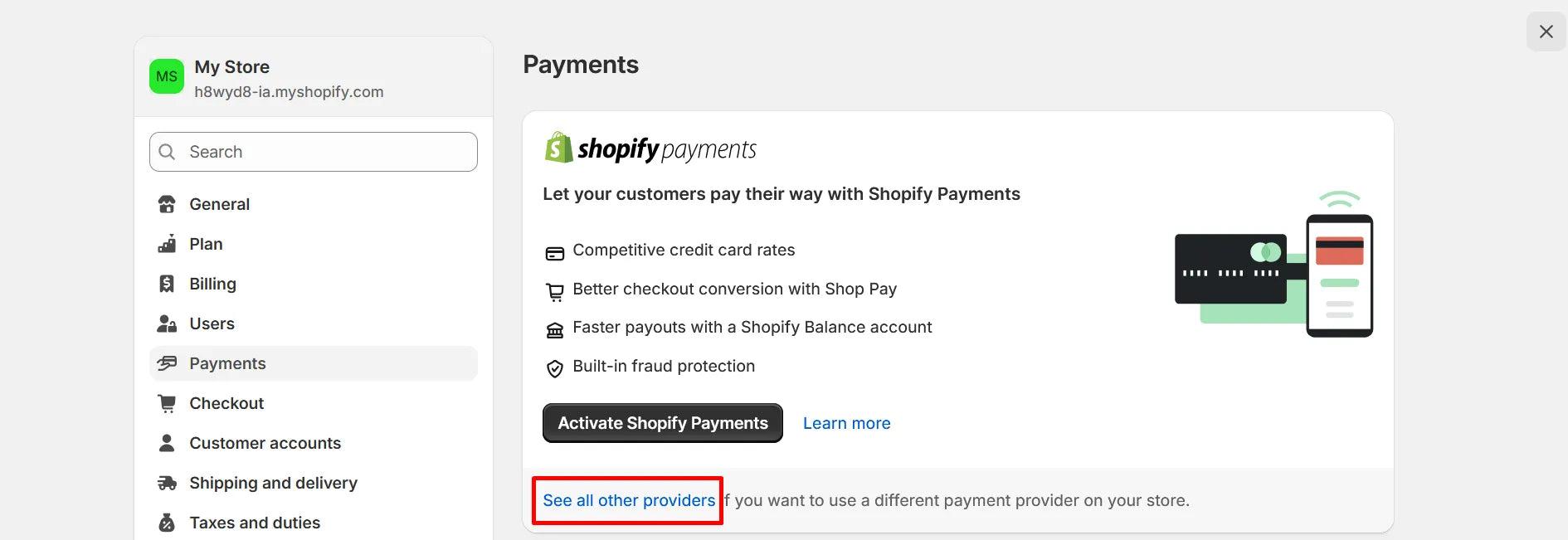
How to Enhance Your Shopify Store with Shopify Payment Gateway
Secure your Shopify store with a seamless payment gateway integration that delivers fast, safe transactions and a frictionless checkout experience for your customers.

Why Site Speed Is So Important: Conversions, Loyalty & Google Rankings
Discover why website speed matters for higher conversions, stronger customer loyalty, and better Google rankings—and learn how to optimize your store for peak performance
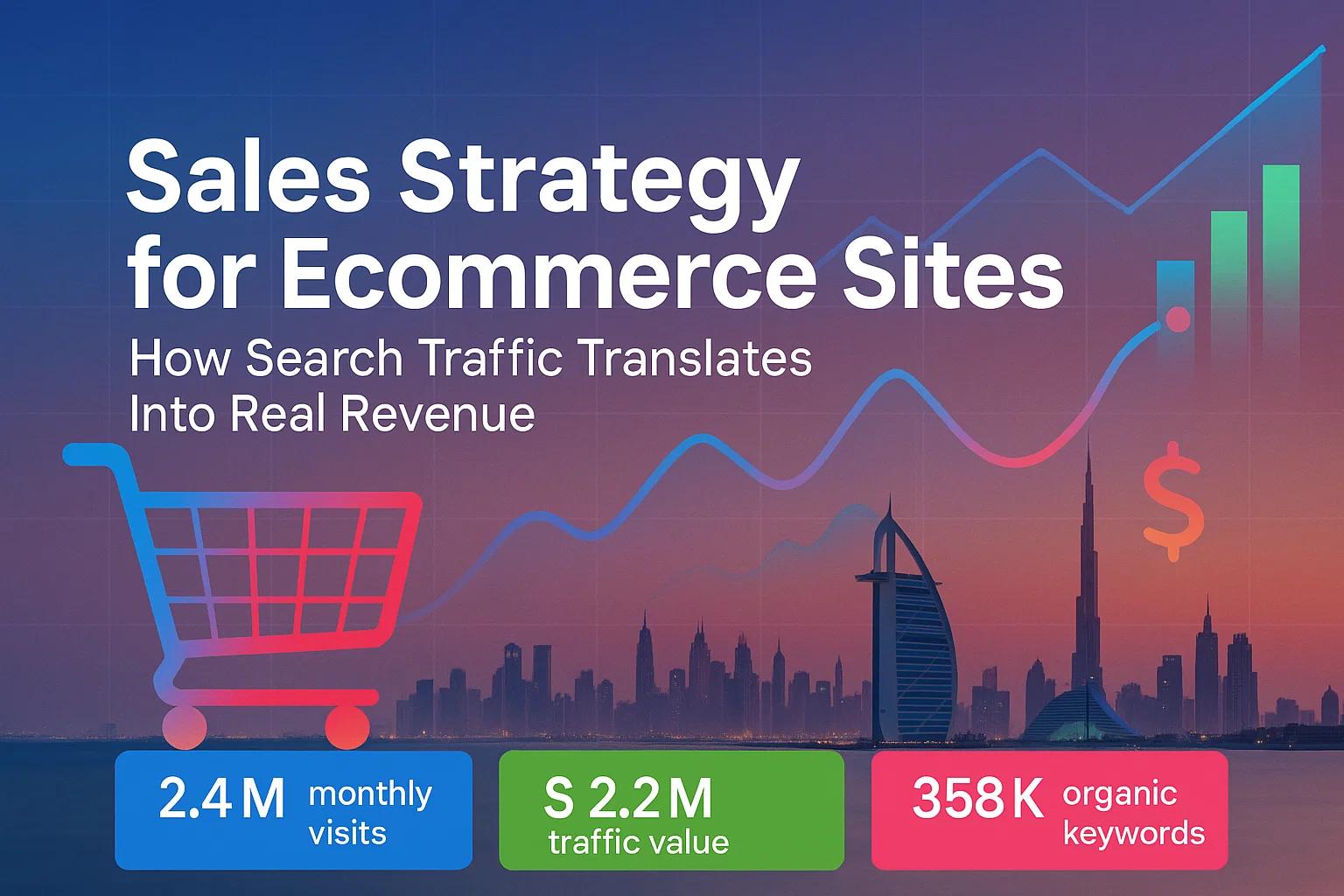
How Investing in SEO Can Grow Your Shopify Store Traffic
Investing in SEO helps your Shopify store attract more organic traffic, improve search rankings, and drive sustainable growth. Unlike paid advertising, SEO delivers long-term results that continue to generate visitors and sales over time.
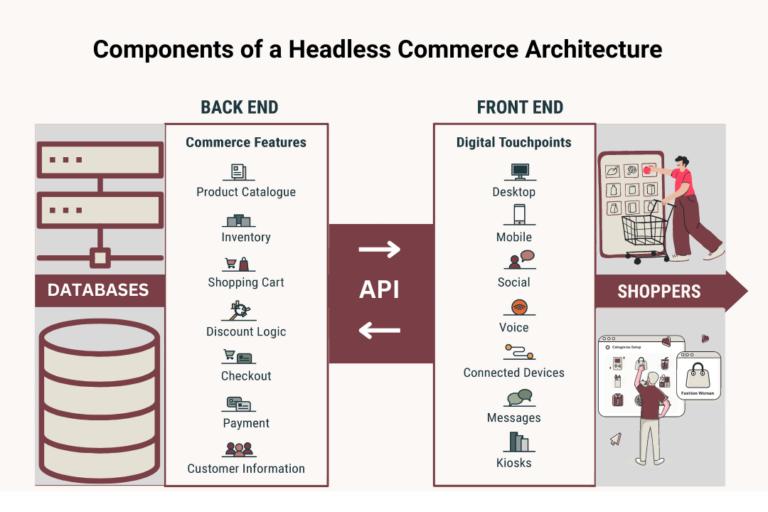
An Extensive Guide to Headless Shopify
Headless Shopify decouples the frontend from the backend, allowing brands to build custom, high-performance storefronts using modern frameworks like React while Shopify handles the commerce engine via APIs. It enables faster, more flexible, and scalable shopping experiences across web, mobile, and other digital platforms.