
Shopify Security: Importance, Checklist & Tools
Protect your Shopify store with essential security best practices, a comprehensive checklist, and powerful tools to safeguard customer data and prevent cyber threats.
Shopify Security: Importance, Checklist & Tools
Introduction to Shopify Security
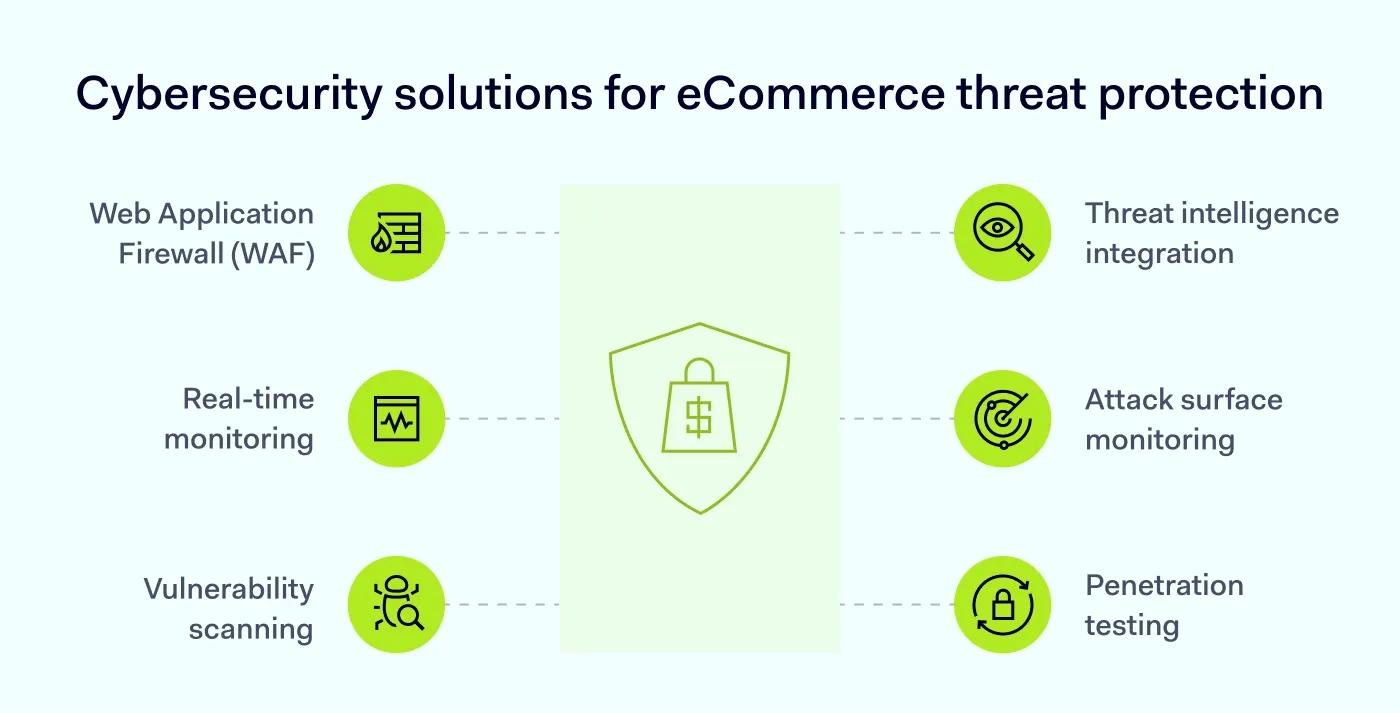
As eCommerce continues to grow, so do cyber threats. Shopify provides a secure platform, but store owners must take additional steps to protect their data, customers, and revenue.
From fraud prevention to data encryption, Shopify security is essential for building trust, compliance, and long-term business success.
Why Shopify Security is Important
Security is critical because:
- eCommerce stores are prime targets for cyberattacks
- Data breaches can damage brand reputation
- Financial losses from fraud can be significant
- Customers demand secure checkout experiences
If customers don’t trust your store, they won’t complete purchases.
Common Security Threats in Shopify Stores
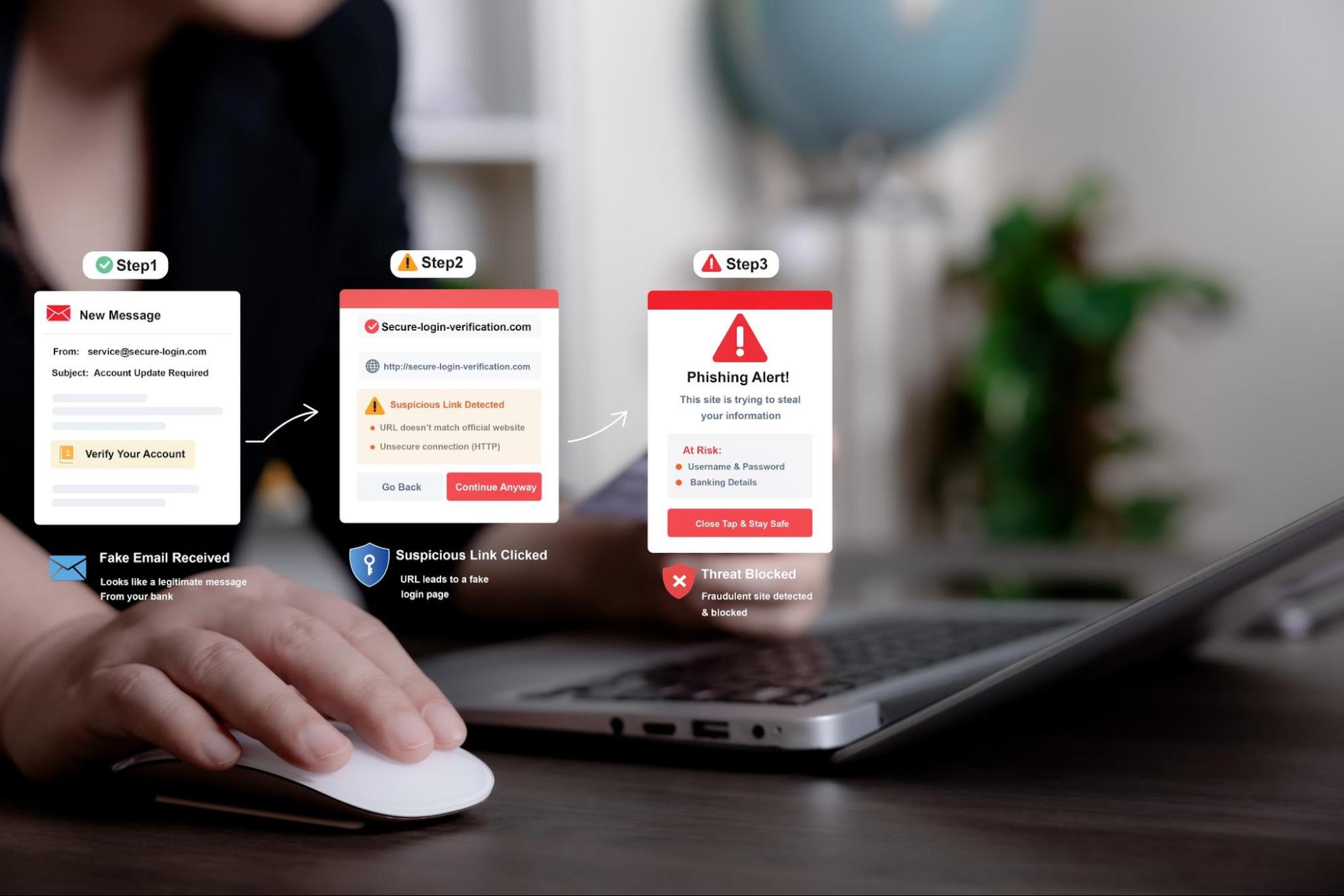
Understanding threats is the first step:
- Phishing attacks (fake emails, login pages)
- Bot attacks (fake traffic, scraping)
- Brute force login attempts
- Malware via third-party apps
- Payment fraud & chargebacks
Shopify Security Checklist (Must-Follow)
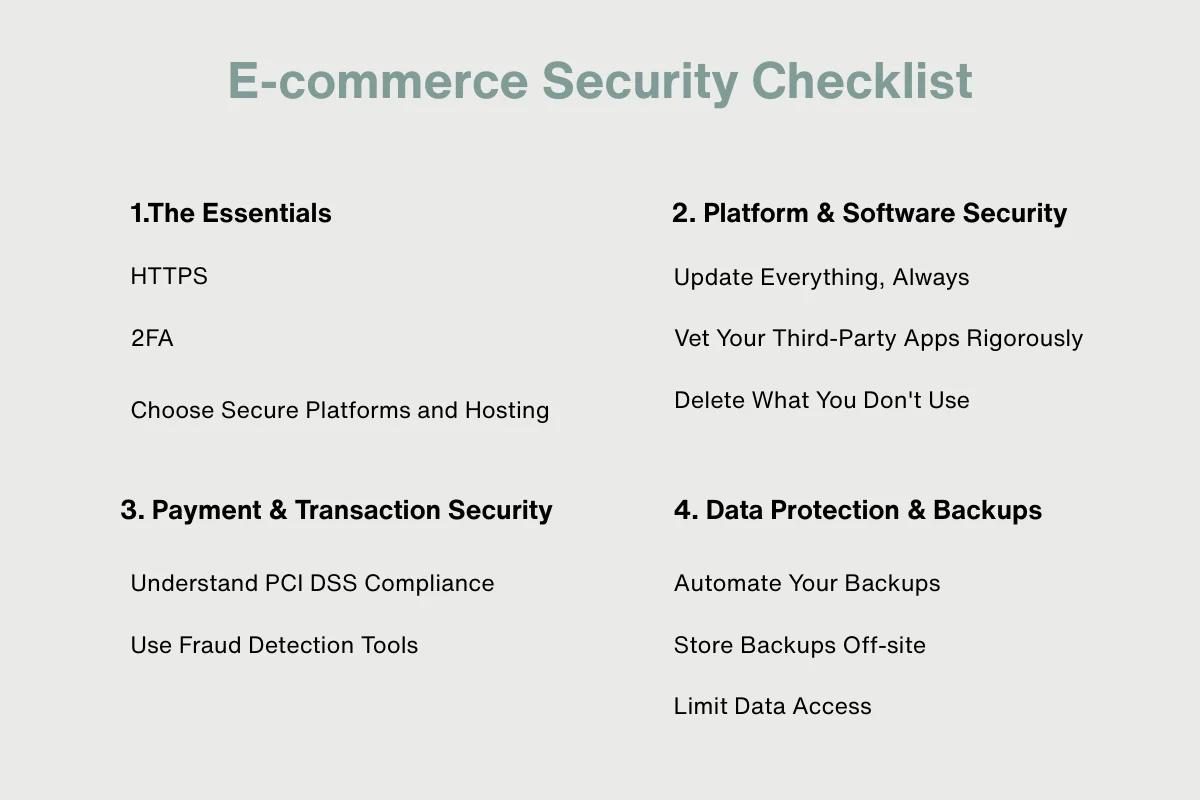
1. Enable Two-Factor Authentication (2FA)
Add an extra layer of login security.
2. Use Strong Passwords
Avoid weak or reused passwords.
3. Limit Staff Access
Assign role-based permissions.
4. Enable SSL Encryption
Shopify provides SSL by default.
5. Backup Store Data
Prepare for unexpected issues.
Fraud Prevention Strategies
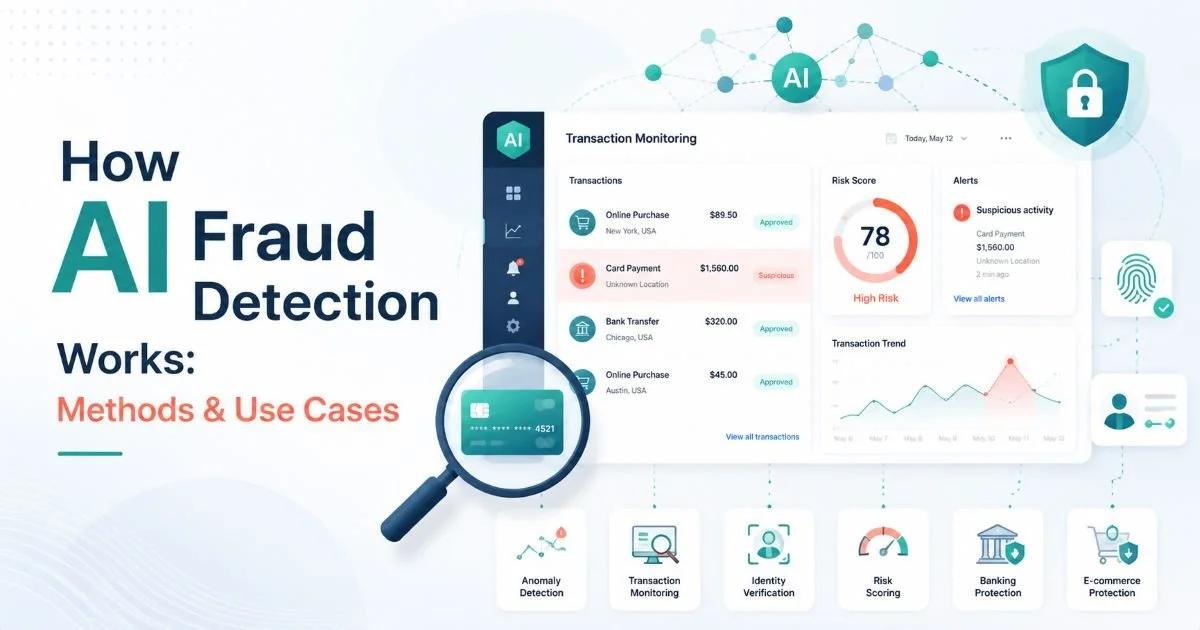
Shopify includes built-in fraud analysis, but you can enhance it:
- Monitor high-risk orders
- Use AI-based fraud tools
- Enable Shopify Protect (where available)
- Block suspicious IPs or regions
Preventing fraud protects both revenue and customer trust.
Securing Payments & Transactions


Use secure payment methods:
- Shopify Payments (PCI compliant)
- PayPal / Stripe integrations
- Encrypted transactions (SSL)
Never store sensitive card data manually.
Protecting Against Phishing & Social Engineering
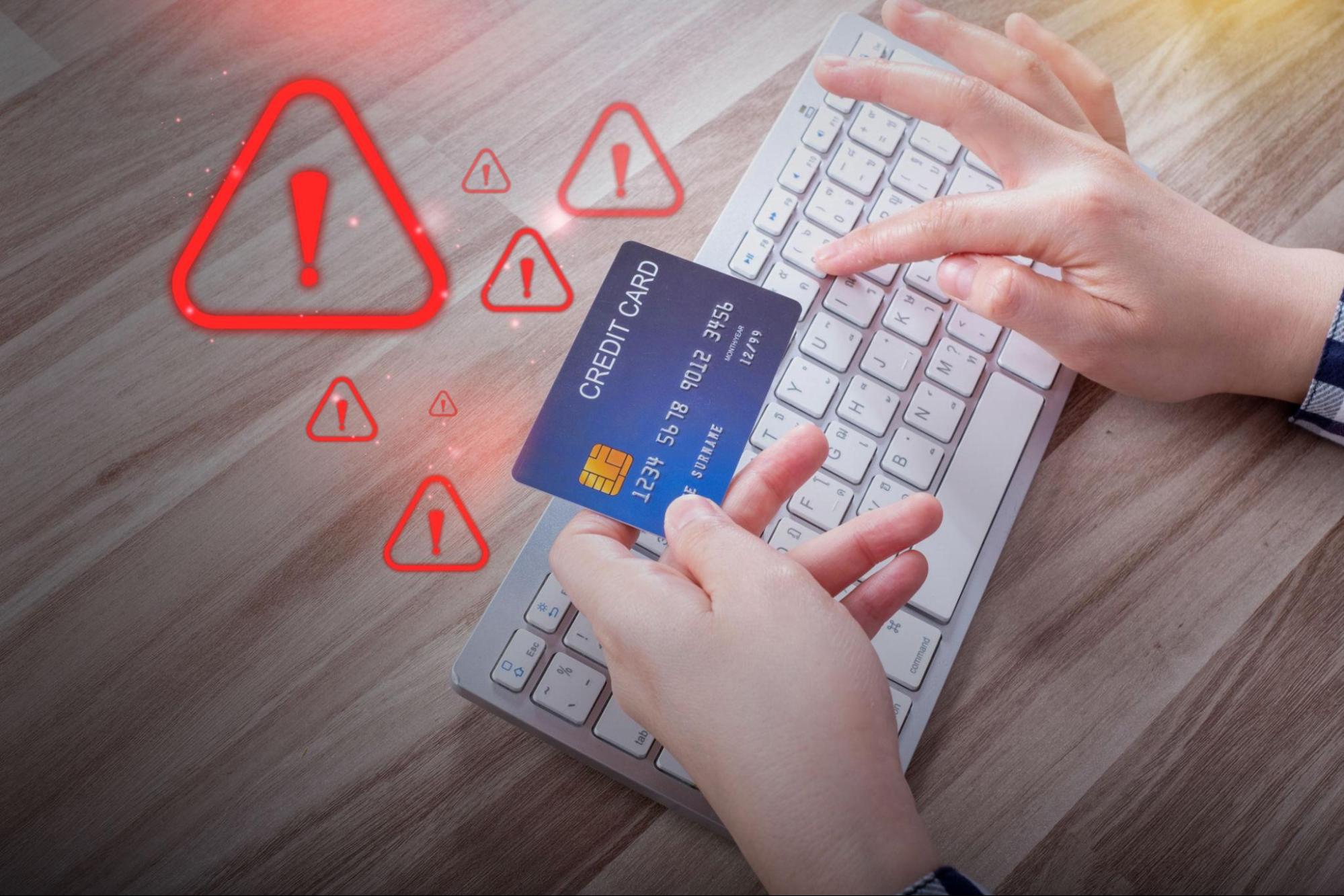
Best practices:
- Verify all login URLs
- Avoid clicking unknown links
- Train staff on phishing awareness
- Use email authentication (SPF, DKIM)
Human error is often the weakest security link.
Store Access & Permissions Control
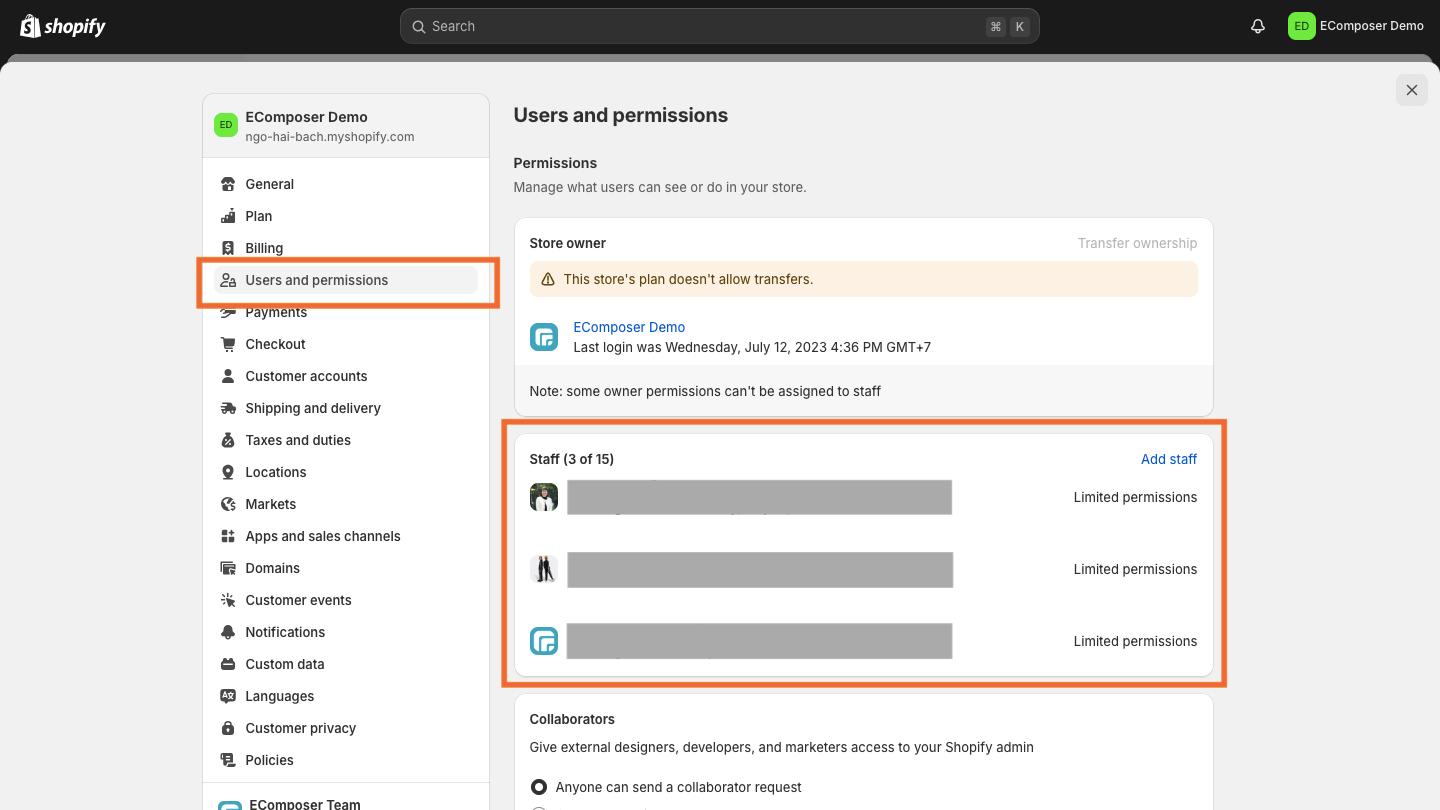
Limit access to:
- Admin dashboard
- Payment settings
- Apps & integrations
Assign roles carefully to prevent unauthorized changes.
Regular Security Audits & Monitoring
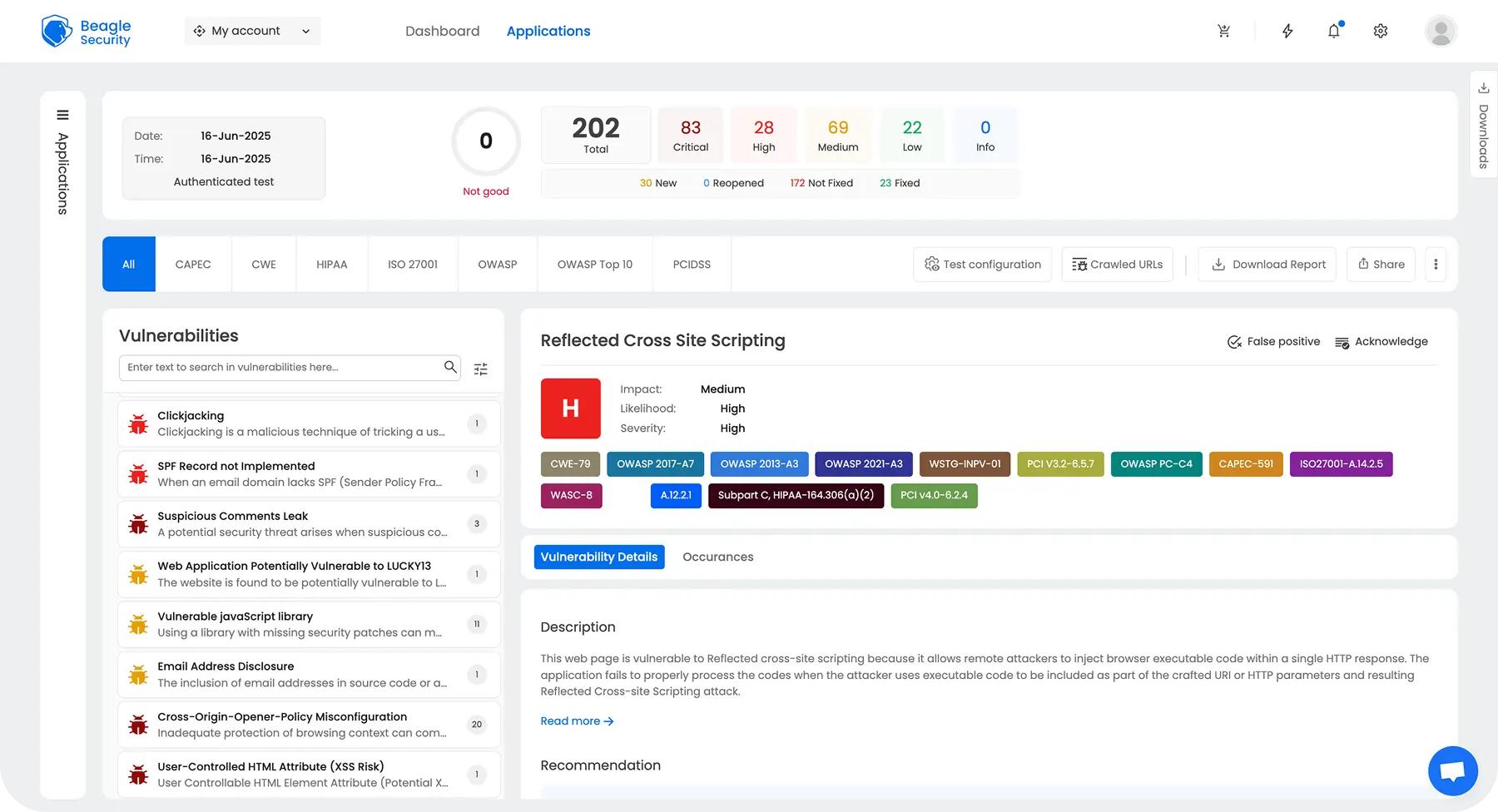
Conduct regular audits:
- Scan for malware
- Review app permissions
- Monitor login activity
- Check for vulnerabilities
Security is not a one-time task—it’s ongoing.
Top Shopify Security Tools

Recommended tools:
- Google Authenticator (2FA)
- Password managers (Dashlane, 1Password)
- Fraud tools (NS8, Signifyd)
- Malware scanners (Sucuri SiteCheck)
Choose tools based on your store’s size and risk level.
Advanced Shopify Security Practices
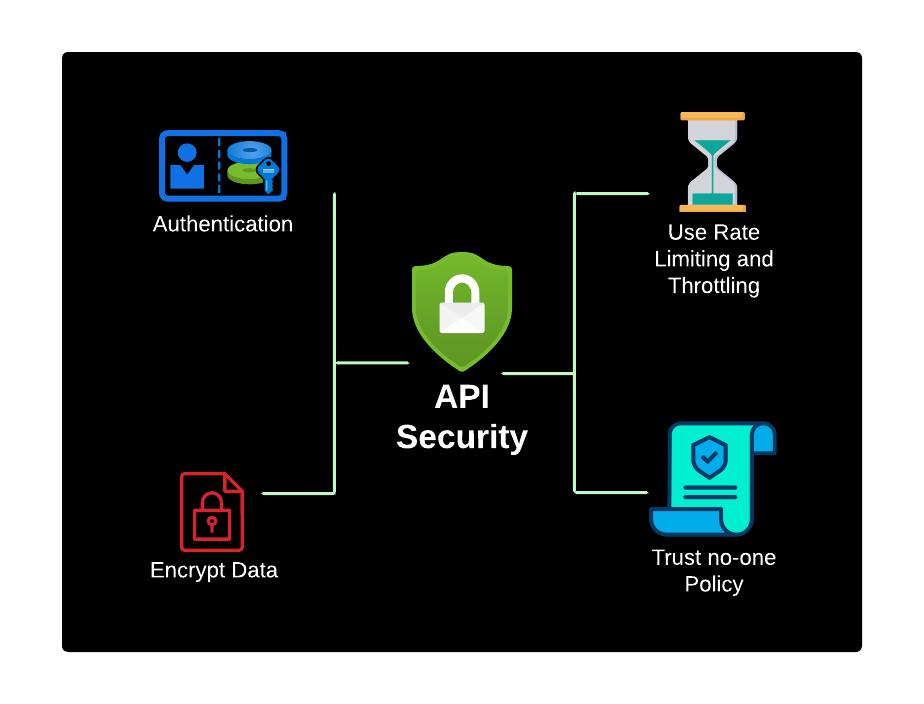
For growing stores:
- Secure API keys and tokens
- Audit third-party apps regularly
- Follow zero-trust security principles
- Perform code reviews for custom themes
Advanced security becomes essential as your store scales.
Future of eCommerce Security


Security is evolving with:
- AI-powered threat detection
- Biometric authentication
- Automated fraud prevention
- Blockchain-based security
Shopify continues to enhance its platform to meet modern security challenges.
Conclusion
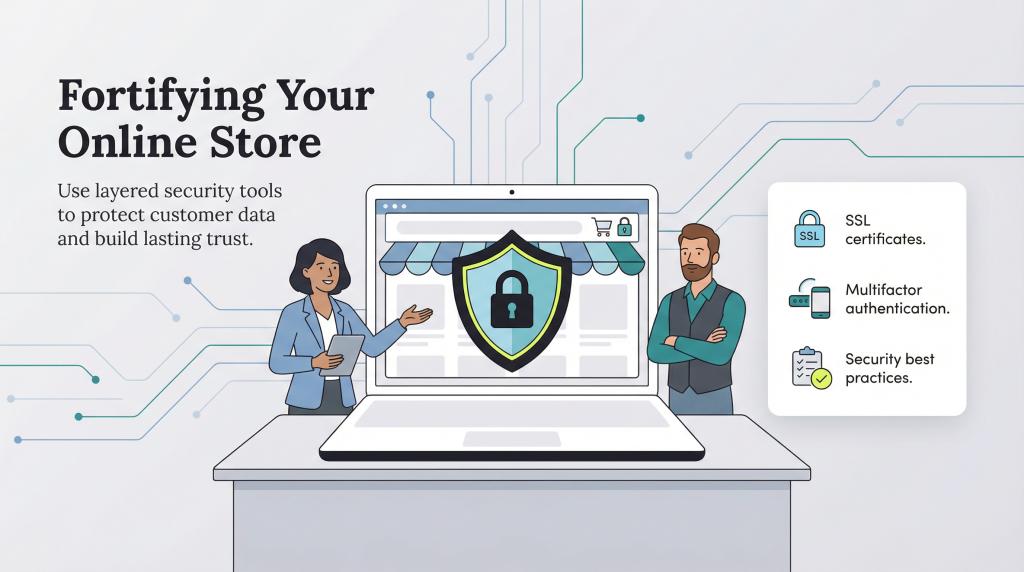
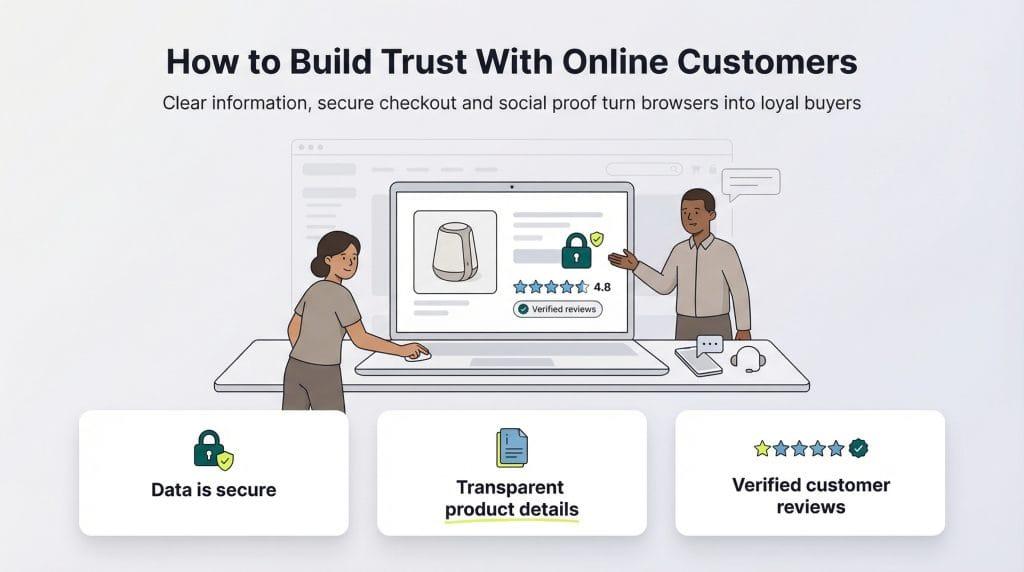
Shopify offers a secure foundation, but true protection comes from proactive measures.
By implementing strong security practices, monitoring threats, and using the right tools, you can safeguard your store, protect customer data, and build long-term trust.
Security is not optional—it’s a critical part of your eCommerce success.
Related Posts

Why Site Speed Is So Important: Conversions, Loyalty & Google Rankings
Discover why website speed matters for higher conversions, stronger customer loyalty, and better Google rankings—and learn how to optimize your store for peak performance
A complete guide to Shopify migration
A web store migration can be a huge hassle, especially if you are working with an inexperienced developer.
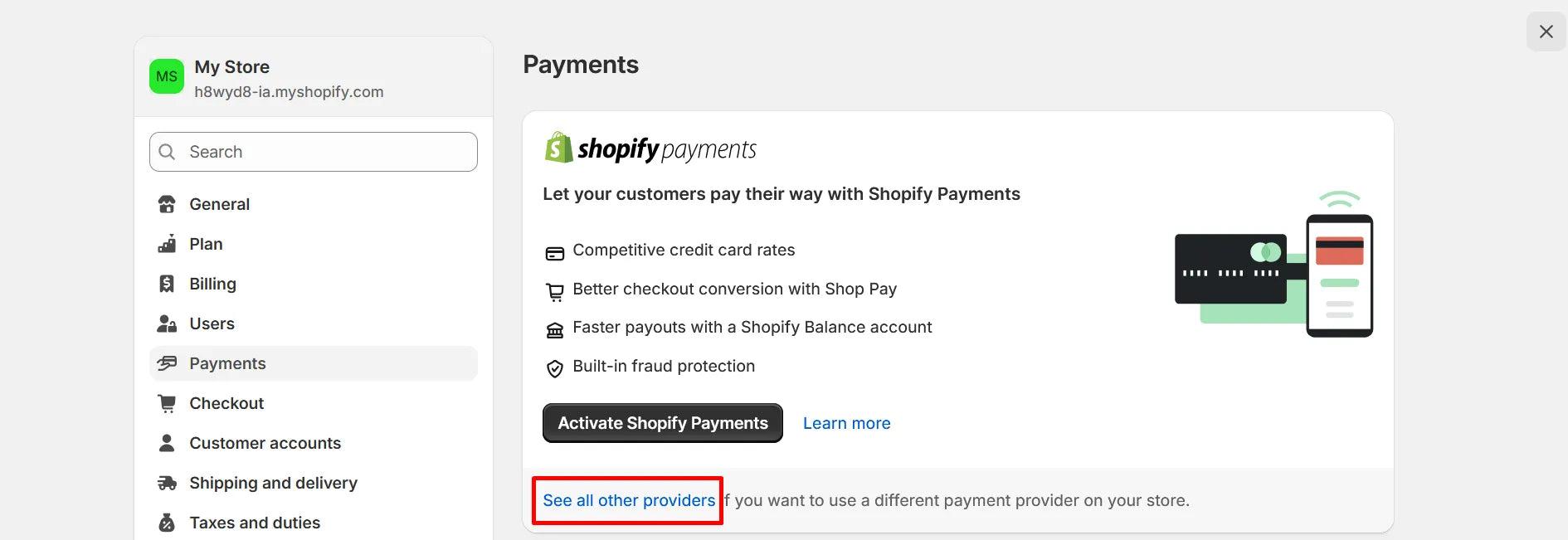
How to Enhance Your Shopify Store with Shopify Payment Gateway
Secure your Shopify store with a seamless payment gateway integration that delivers fast, safe transactions and a frictionless checkout experience for your customers.
Shopify Migration Guide: Step-by-Step Process, SEO Checklist & Zero Data Loss Strategy
Learn how to migrate to Shopify seamlessly with a step-by-step guide, SEO best practices, and a zero data loss strategy for a smooth, hassle-free transition.