
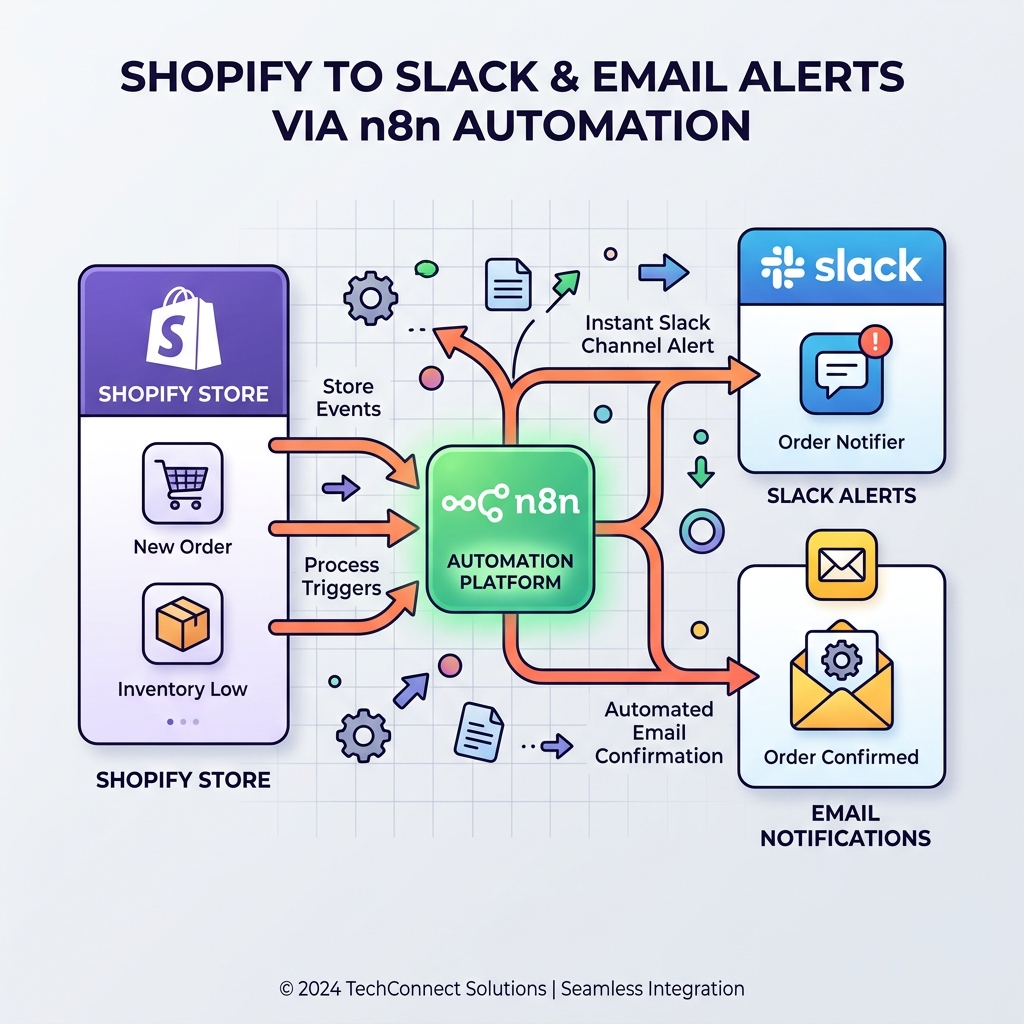
Monitor Shopify orders and send no-order alerts via Slack and email
Never miss a revenue-impacting failure. This n8n workflow monitors your Shopify store and triggers an alert if X minutes pass without a single new order.
Download the n8n Workflow
Import the complete Shopify order monitoring workflow with Slack and email alerts.
Why Manual Shopify Order Monitoring Doesn't Scale
Keeping track of your Shopify store's health manually is impossible when order volume scales. Constantly checking the dashboard to ensure payments are processing and checkout is working is one of the most stressful parts of running an e-commerce business. Missing a revenue-impacting failure quickly becomes a massive loss.
Common e-commerce challenges include:
- Silent checkout failures due to payment gateway issues
- No immediate visibility into sudden drops in order volume
- Manually checking Shopify admin during high-traffic sales
- Teams only finding out about downtime from angry customers
- No automated recovery notifications when the system is fixed
Instead of hoping your store is working, you can automate your entire Shopify monitoring pipeline with n8n.
How This Workflow Solves the Problem
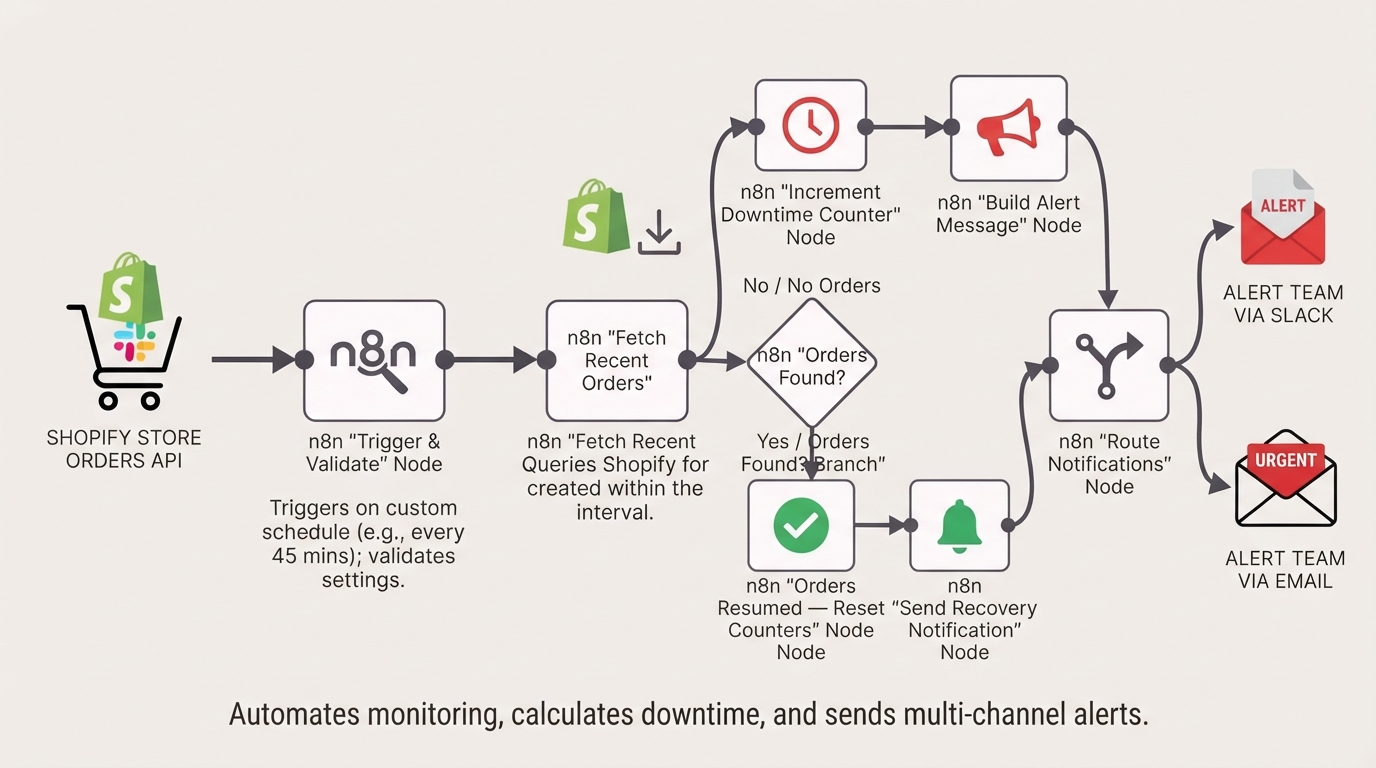
This workflow automatically reads your Shopify store orders on a custom schedule, detects if too much time has passed without a new order, calculates the total downtime, and sends rich multi-channel alerts to your team via Slack and Email. It even handles Shopify API errors gracefully and optionally sends a green "SYSTEM RECOVERED" alert when orders resume.
How the Automated Workflow Works
Step 1 — Custom Schedule Trigger
The workflow automatically runs on a schedule you choose (e.g. every 45 minutes) and dynamically calculates its lookback window based on your Schedule Trigger setting.
Step 2 — Validate Configuration
The workflow validates your channel configuration settings to prevent silent failures like missing email addresses or no enabled notification channels.
Step 3 — Fetch Recent Orders
Queries the Shopify API to check for any new orders created within the last trigger interval (e.g. the last 45 minutes).
Step 4 — Logic Branch (Orders Found or Not)
If orders are found, the workflow checks if an outage was ongoing and sends a Recovery notification if enabled. If no orders are found, it increments the downtime counter.
Step 5 — Smart Error Handling
The workflow specifically catches Shopify API errors (like rate limits or expired credentials) and tracks them independently so they don't skew your downtime metrics.
Step 6 — Route Notifications
The workflow checks your toggles to see which channels are enabled (Slack, Email, or both) and routes the payload accordingly.
Step 7 — Alert Team via Slack
A structured, color-coded Slack message is posted to your team's channel, including the current downtime duration.
Step 8 — Alert Team via Email
A templated HTML email alert is sent to your designated email address, ensuring all stakeholders are immediately informed.
Need Help Implementing This Workflow?
Our automation experts can customize this Shopify monitoring workflow specifically for your store and operations team.
We can help with:
- ✅ n8n Workflow Development
- ✅ Shopify API Integration
- ✅ Slack and Twilio Integration
- ✅ Advanced Downtime Metrics
- ✅ Multi-store Monitoring
- ✅ E-commerce Automation
- ✅ Ongoing Workflow Support
Explore Our n8n Automation Services →
Step-by-Step Setup Guide
Step 1 — Connect Shopify
Connect your Shopify OAuth2 credentials (orders:read) so the workflow can query recent orders.
Step 2 — Connect Slack
Connect your Slack credentials (chat:write) and manually select your target channel from the dropdown in the Slack node.
Step 3 — Connect Gmail
Add your Gmail credentials (gmail.send) to enable email alerts.
Step 4 — Update Configuration Node
Open the Configuration node and set your preferences for enabling Slack, Email, and Recovery Notifications, and provide a target email address.
Step 5 — Activate Workflow
Toggle the workflow to Active. It will now automatically check your store on schedule.
System Requirements & Features
Workflow Features
- Dynamic 'X Minutes' Tracking
- Multi-Channel Alerts (Slack, Email)
- Optional Recovery Notifications
- Smart API Error Handling
- Downtime Tracking
Requirements
| Tool | Requirements |
|---|---|
| Shopify | API access (orders:read scope) |
| Slack | OAuth2 Credentials (chat:write) |
| Gmail | OAuth2 Credentials (gmail.send) |
| n8n | Version 2.11.3+ & Workflow Static Data |
Customization Options
- Low-Traffic Stores: Edit the logic to only send an alert after 3 consecutive failures.
- Monitor Specific Order Types: Filter for paid orders only, or orders with specific tags.
- On-Call Escalation: Add a Twilio node after the Email node to send an SMS if downtime exceeds 120 minutes.
- Multiple Stores: Duplicate the workflow and connect multiple Shopify accounts.
Real-World Use Cases
- High-Volume Stores: Detect checkout failures within minutes of a payment gateway outage.
- Flash Sales: Monitor order flow closely during high-traffic marketing events.
- Dropshippers: Ensure orders are flowing automatically without needing to check the dashboard.
- Agencies: Monitor client stores and proactively respond to issues before the client notices.
Best Practices
- Match the schedule trigger interval to your store's natural order frequency.
- Test the recovery path by temporarily changing the Shopify node's date filter to the past.
- Use a dedicated Slack channel (e.g. #alerts-shopify) to avoid noise.
- Ensure the workflow is set to Active so schedule triggers execute.
Conclusion
Detecting revenue-impacting failures manually is stressful and inefficient. This n8n workflow automates your store monitoring, detects unexpected drops in order flow, and alerts your team instantly, ensuring you never miss a checkout failure again.
Ready to automate your Shopify monitoring? 👉 Download the Free n8n Workflow Template Today
Related Posts
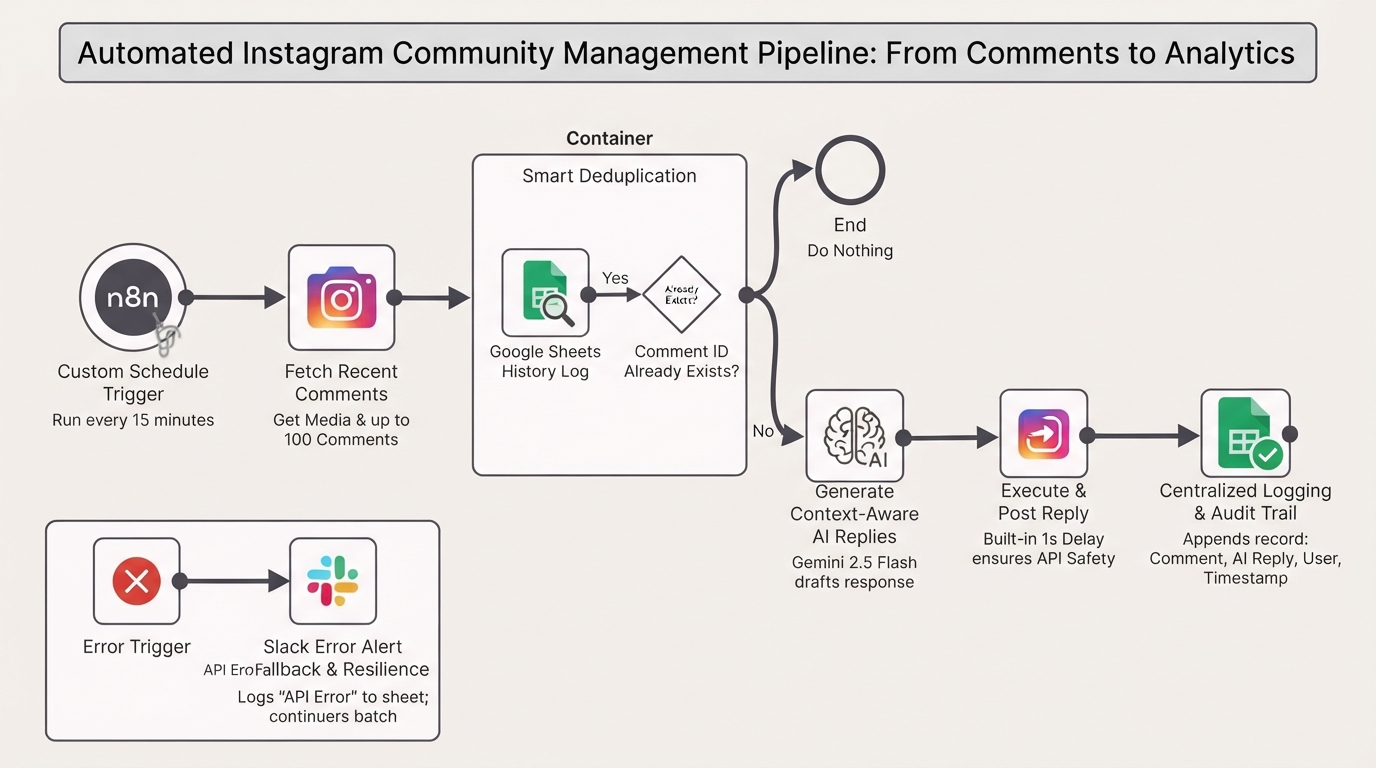
Auto-reply to Instagram comments with Gemini and Google Sheets tracking
Automate your Instagram community management authentically. This n8n workflow monitors your posts, uses Gemini AI to generate context-aware replies, and logs interactions in Google Sheets.
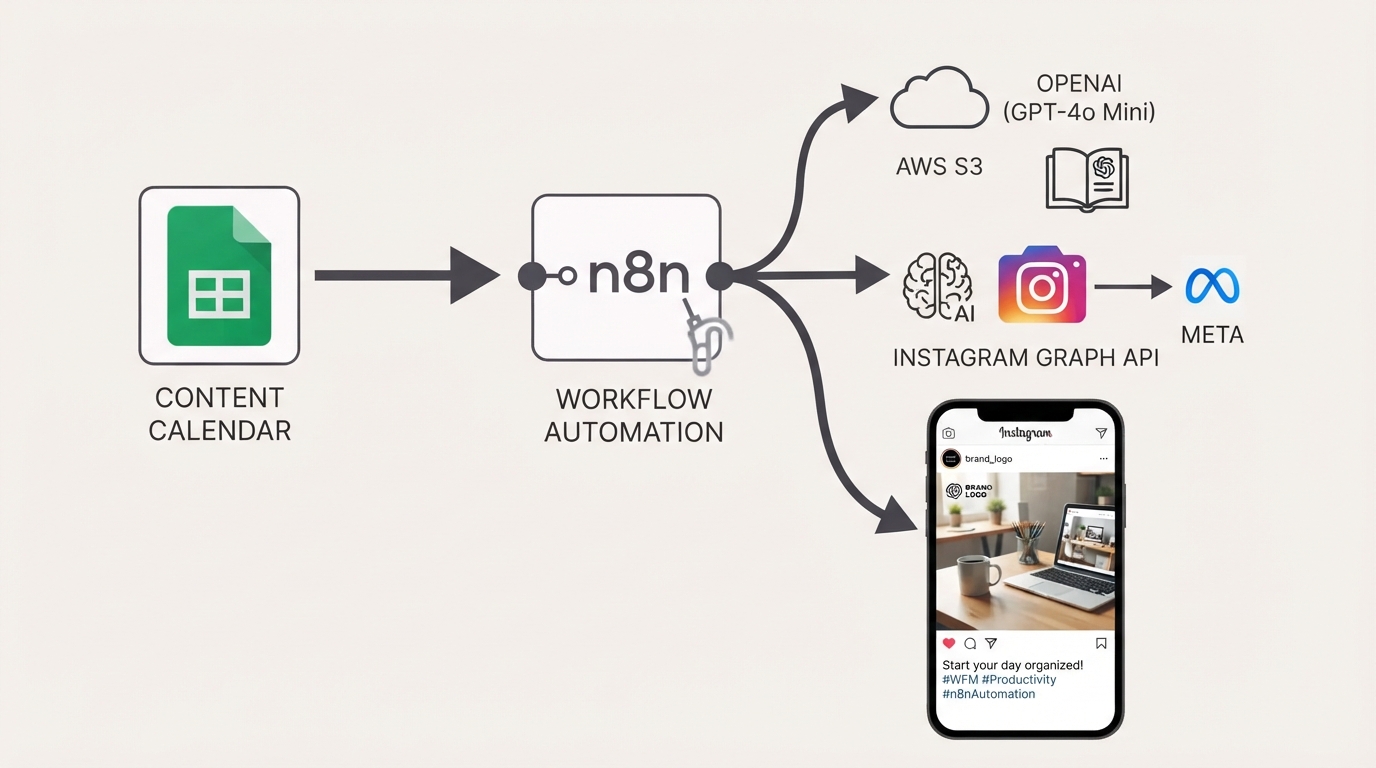
Publish Brand-Compliant Instagram Posts with OpenAI, Google Sheets, and S3
Automatically generate on-brand Instagram captions and images with OpenAI, watermark them with your logo, publish via the Facebook Graph API, and track results in Google Sheets using this free n8n workflow.
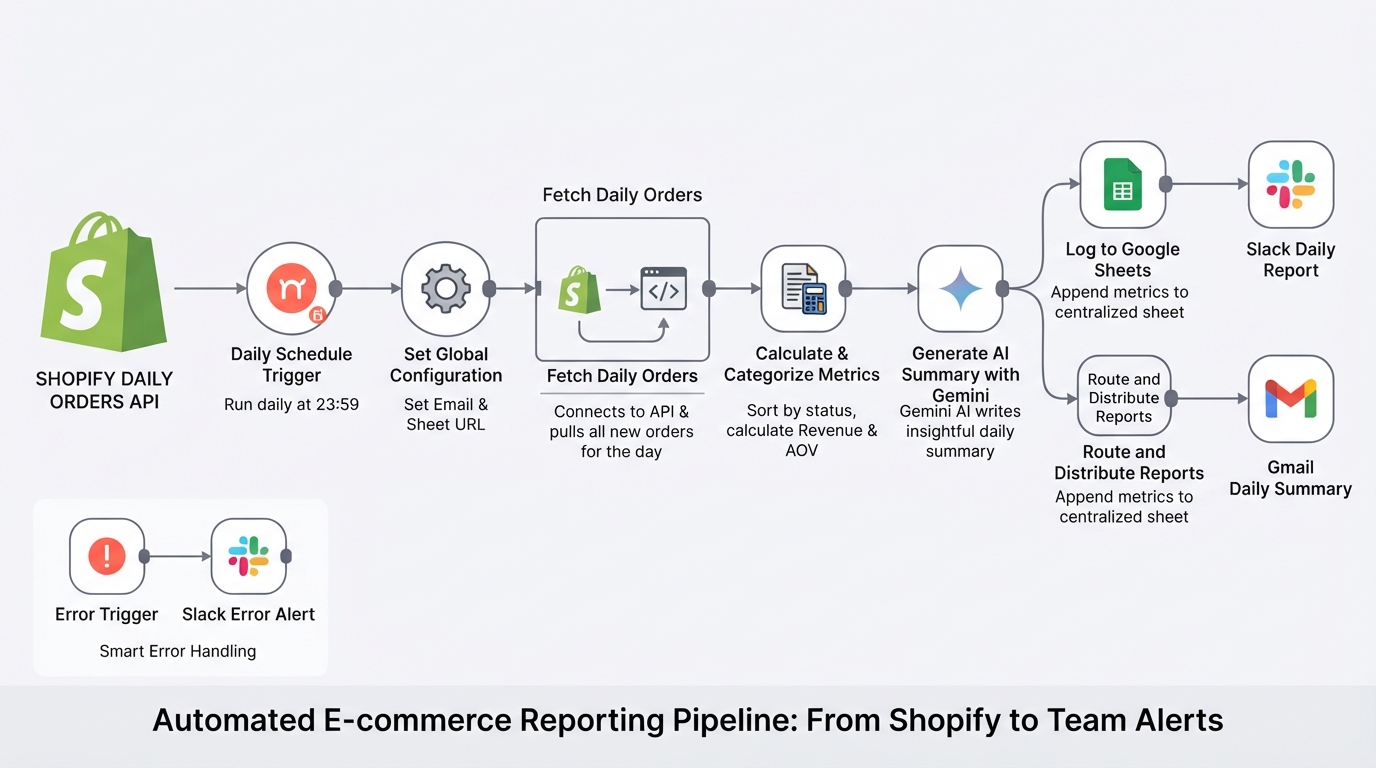
Summarize daily Shopify orders with Gemini, Google Sheets, Gmail and Slack
E-commerce store management made easy. The workflow pulls your daily Shopify orders, calculates metrics, logs them to Google Sheets, and uses Gemini AI to send a polished summary to your team via Slack and email.
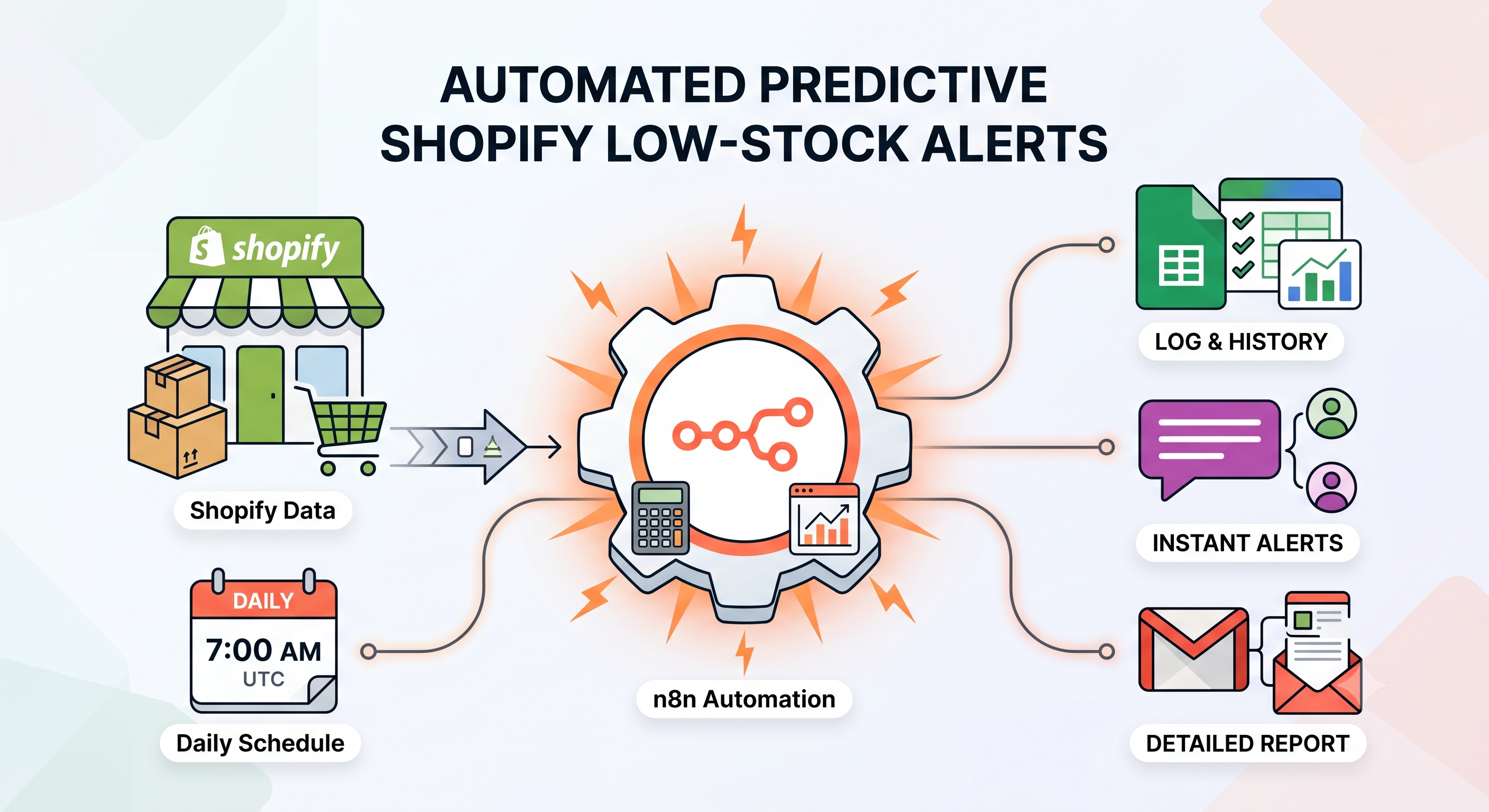
Send Predictive Shopify Low-Stock Alerts with Google Sheets, Slack, and Gmail
Automatically predict Shopify stockouts using sales velocity, send low-stock alerts via Slack and Gmail, and prevent duplicate notifications with Google Sheets using this free n8n workflow.