
Build a RAG chatbot using Google Gemini and a Supabase vector store
Build a custom AI knowledge base in minutes. This complete RAG system uses Google Gemini and Supabase to ingest documents and provide accurate, context-aware chatbot answers.
Download the n8n Workflow
Import the complete Retrieval-Augmented Generation (RAG) system utilizing Google Gemini and Supabase to build a custom, intelligent knowledge base.
Why Generic AI Bots Fail at Company-Specific Tasks
Off-the-shelf Large Language Models (LLMs) like ChatGPT or standard Gemini are incredibly powerful, but they have a fatal flaw: they know absolutely nothing about your specific business, your proprietary documents, or your internal company wiki. When employees or customers ask specific questions about your internal processes, policies, or product specs, generic AI models often "hallucinate" (make up answers) or provide useless, generalized responses.
Common enterprise AI challenges include:
- AI generating factually incorrect answers because it lacks access to internal company data
- Employees wasting hours searching through scattered Google Drive folders and PDF manuals
- The high technical barrier and cost required to build custom AI knowledge bases from scratch
- Chatbots losing the context of the conversation as the user asks follow-up questions
- Privacy concerns regarding how sensitive documents are processed and retrieved
Instead of struggling with scattered documentation or hallucinating AI models, you can build a secure, highly accurate Retrieval-Augmented Generation (RAG) system in minutes using n8n.
How This Workflow Solves the Problem
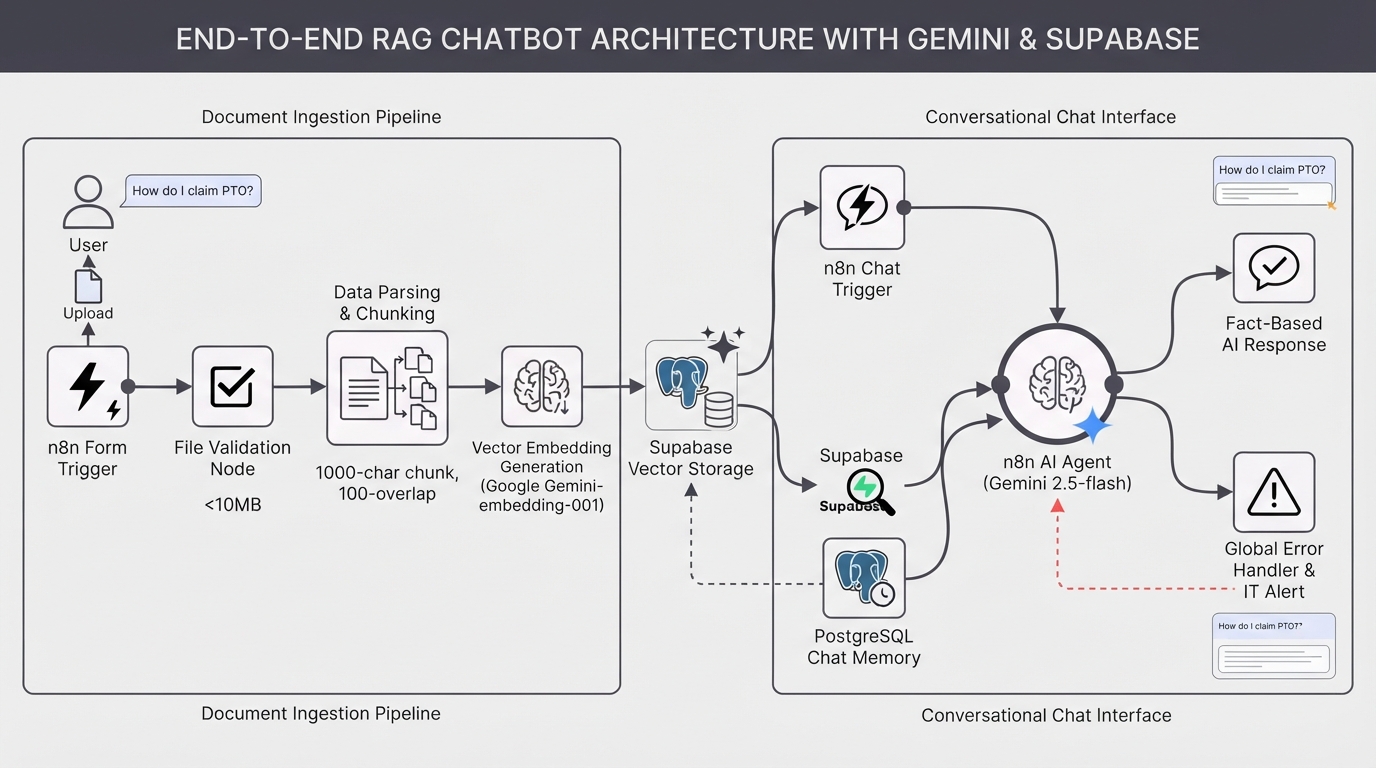
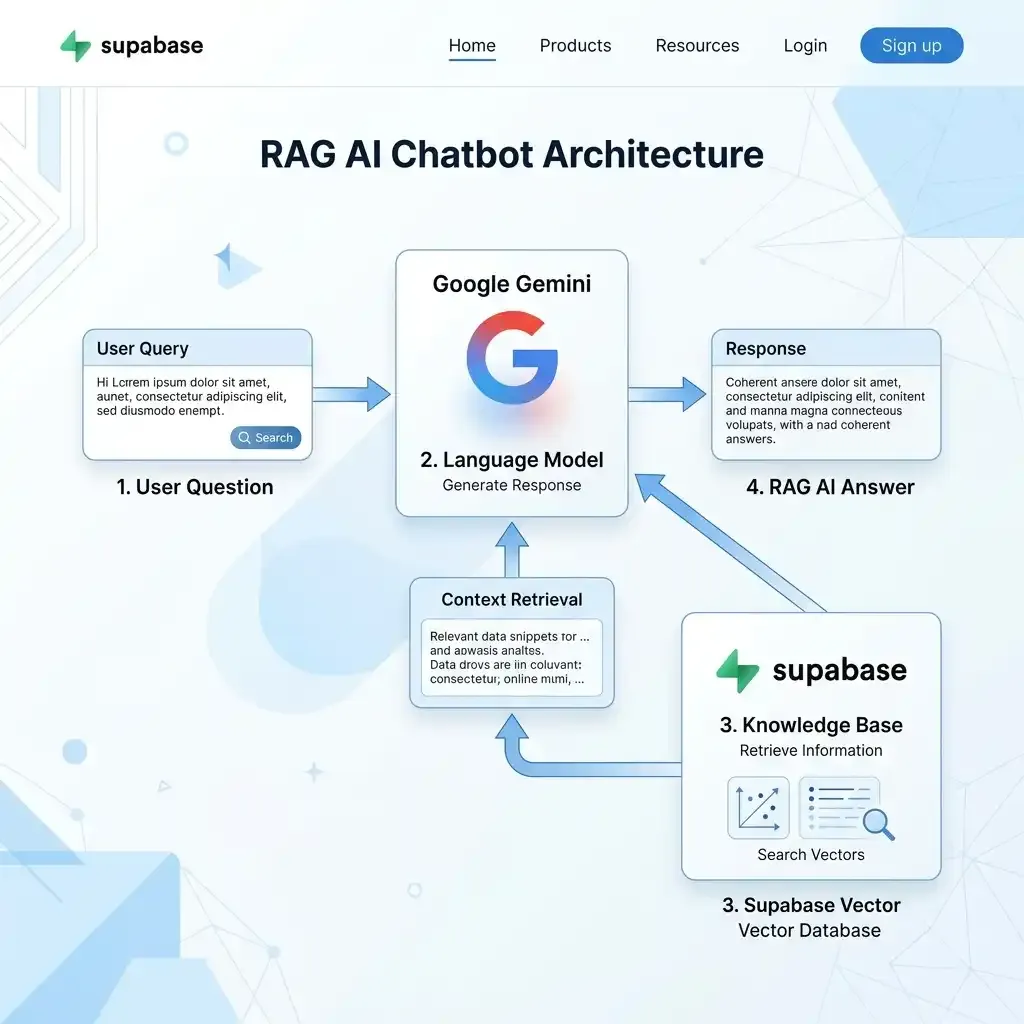
This comprehensive n8n workflow provides a robust, two-in-one RAG architecture. First, it features a data ingestion pipeline that processes your uploaded documents (PDFs, TXT, DOCX), splits the text into chunks, and permanently stores them as embeddings in a Supabase Vector Store. Secondly, it provides a conversational AI agent powered by Google Gemini (2.5-flash) that retrieves only the most relevant document chunks to answer the user's query factually. By leveraging a PostgreSQL chat memory, the AI perfectly maintains context across individual user sessions.
How the Automated Workflow Works
Step 1 — Document Ingestion Pipeline
Users upload internal documents via a secure Form Trigger. The workflow validates the file size (under 10MB) to ensure smooth processing and prevent memory timeouts.
Step 2 — Data Parsing & Chunking
The raw text is extracted and intelligently split into optimized 1000-character chunks with a 100-character overlap, preserving contextual meaning between sections.
Step 3 — Vector Embedding Generation
Google Gemini (models/gemini-embedding-001) converts these text chunks into complex mathematical vectors, capturing the semantic meaning of the text.
Step 4 — Supabase Vector Storage
The embeddings and original text chunks are inserted and securely stored in your Supabase database (utilizing the pgvector extension) for rapid semantic search.
Step 5 — Conversational Chat Interface
A user initiates a conversation via the n8n Chat Trigger. The system instantly generates a unique Session ID per browser window to keep individual conversations completely segregated.
Step 6 — Persistent Postgres Chat Memory
The AI Agent accesses your PostgreSQL database to instantly load previous chat context for that specific user's session, allowing for natural follow-up questions.
Step 7 — Context Retrieval (RAG)
Using the Supabase Retriever tool, the AI performs a semantic search to pull the top 5 most relevant document chunks based strictly on the user's question.
Step 8 — Fact-Based AI Generation & Error Handling
Gemini 2.5 Flash formulates a concise, factual response citing only the retrieved data. Simultaneously, global error triggers actively catch any API rate limits or parsing failures and format them into clear alerts for your IT team.
Need Help Implementing This Workflow?
Building a robust RAG infrastructure requires precise tuning. Our AI automation experts can deploy, customize, and optimize this Gemini and Supabase vector architecture specifically for your company's proprietary data.
We can help with:
- ✅ n8n Workflow Deployment & Scaling
- ✅ Supabase Database & pgvector Setup
- ✅ Advanced Gemini API Prompt Engineering
- ✅ Persistent Postgres Chat Memory Configuration
- ✅ Custom Document Parsers (complex PDFs, nested tables)
- ✅ Slack/Microsoft Teams Interface Integrations
- ✅ Ongoing RAG Optimization & Maintenance
Explore Our n8n Automation Services →
Step-by-Step Setup Guide
Step 1 — Create Database Tables
Ensure your Supabase/Postgres database has the required tables. Look for the "DATABASE SETUP (SQL)" sticky note on the n8n canvas and run the provided SQL script in your Supabase SQL Editor.
Step 2 — Connect Credentials
Securely connect your Google Gemini API key, Supabase URL, Supabase Service Role Key, and Postgres database credentials. Ensure that your Supabase project has the pgvector extension enabled.
Step 3 — Update Table Names
Open the Supabase and Postgres nodes inside the workflow and ensure you replace 'your_documents_table' and 'your_chat_history_table' with the actual table names you created in Step 1.
Step 4 — Configure Error Notifications
While the workflow formats error alerts automatically, you must manually connect a messaging node (like Slack, Microsoft Teams, or Gmail) directly after the "Format Error Alert" node to actively receive these crash reports.
Step 5 — Ingest Your Data
Open the "Upload Knowledge Base Form" node, click "Test step", and upload a sample company document to index it into your newly created Supabase vector store.
Step 6 — Test the AI Agent
Open the "User Chat Trigger" node, click "Chat", and ask the agent a highly specific question related to the document you just uploaded to see RAG in action!
System Requirements & Features
Workflow Features
- Two-in-One Architecture (Ingestion & Chat Query)
- State-of-the-Art Google Gemini Integration
- Persistent Conversational Memory (Postgres)
- Vector-Powered Retrieval Accuracy (Supabase)
- Global Error Handling & Alert Routing
Requirements
| Tool | Requirements |
|---|---|
| Supabase | Project with PostgreSQL and pgvector extension enabled |
| Google Gemini | API Key (Models: gemini-embedding-001 & gemini-2.5-flash) |
| n8n | Version 1.0+ (requires LangChain Native Nodes) |
Customization Options
- Prune Old Chat Sessions: Implement a secondary scheduled n8n workflow or a database cron job to automatically clear old sessions from the chat_history table to prevent token limits from maxing out.
- Connect to Slack/Teams: Replace the n8n Chat Trigger with a Slack or Microsoft Teams trigger to deploy this RAG bot directly into your company's primary communication channel.
- Adjust Chunk Size: If your documents have very complex structures, experiment with lowering the chunk size in the Character Text Splitter from 1000 to 500 characters for more granular retrieval.
Real-World Use Cases
- HR & Onboarding Bots: Allow new hires to ask questions about company benefits, time-off policies, and internal handbooks instantly without bothering HR staff.
- Customer Support Deflection: Upload your product manuals and documentation so the bot can accurately answer highly technical customer inquiries.
- Sales Enablement: Ingest your sales playbooks, competitor battle cards, and pricing sheets so sales reps can query them live while on a client call.
- Internal Wiki Search: Unify scattered Google Drive documents into one central AI brain that any employee can securely query.
Best Practices
- Clean your data before ingestion. Highly complex PDFs with nested tables or un-OCR'd images may fail parsing; standard text or clean Markdown yields the highest accuracy.
- Enforce the 10MB file limit strictly to prevent memory exhaustion on your n8n instance during the parsing phase.
- Monitor your Google Gemini API costs carefully, as both the embedding generation (during ingestion) and the chat queries consume API tokens.
Conclusion
Building a custom, intelligent knowledge base doesn't require a dedicated engineering team. This n8n workflow elegantly combines the power of Google Gemini's advanced LLMs with the speed and accuracy of a Supabase vector store, providing your company with a factual, persistent, and highly accurate RAG chatbot in minutes.
Ready to build your AI knowledge base? 👉 Download the Free n8n Workflow Template Today
Related Posts

Shopify Dead Inventory Detection: Automated Workflow to Recover Lost Revenue
Detect unsold Shopify inventory automatically. Monitor dead stock, send CSV reports via Gmail and Slack alerts. Free n8n workflow template included.
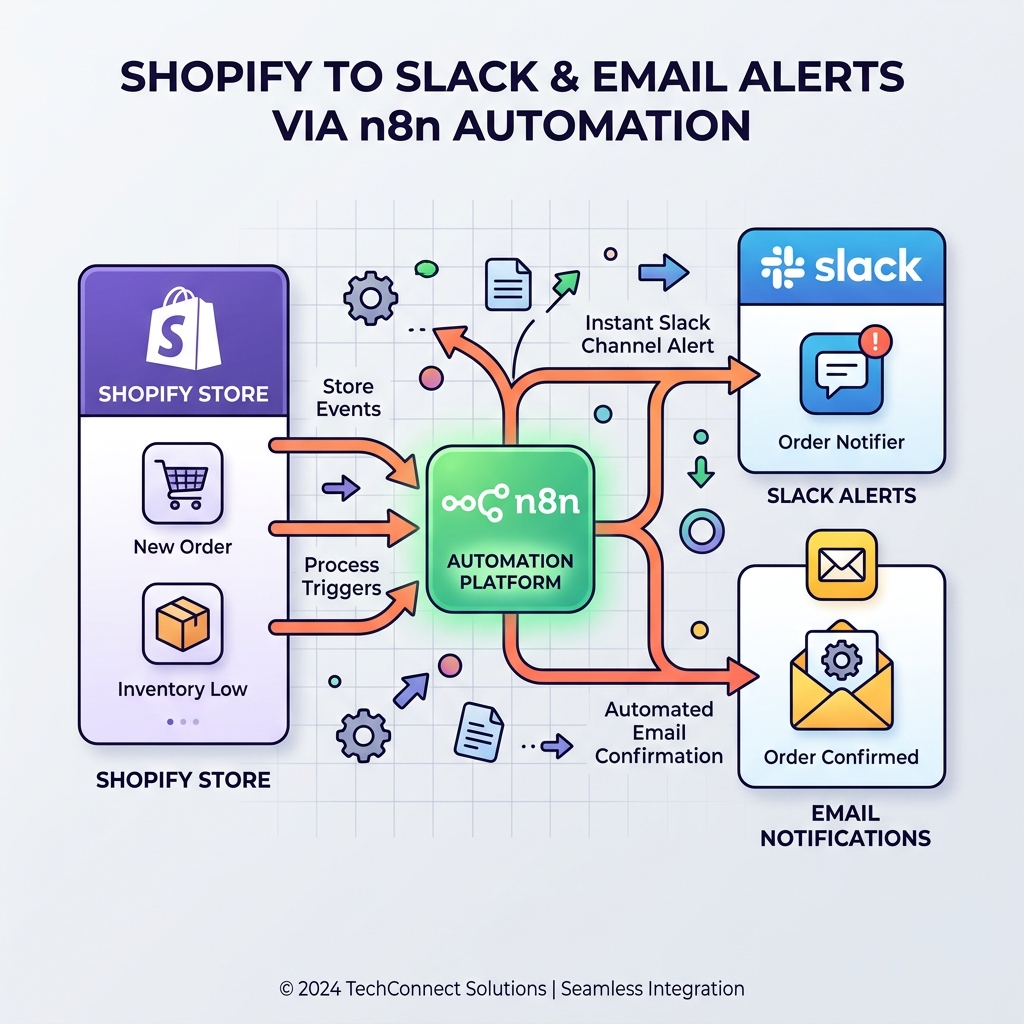
Monitor Shopify orders and send no-order alerts via Slack and email
Never miss a revenue-impacting failure. This n8n workflow monitors your Shopify store and triggers an alert if X minutes pass without a single new order.
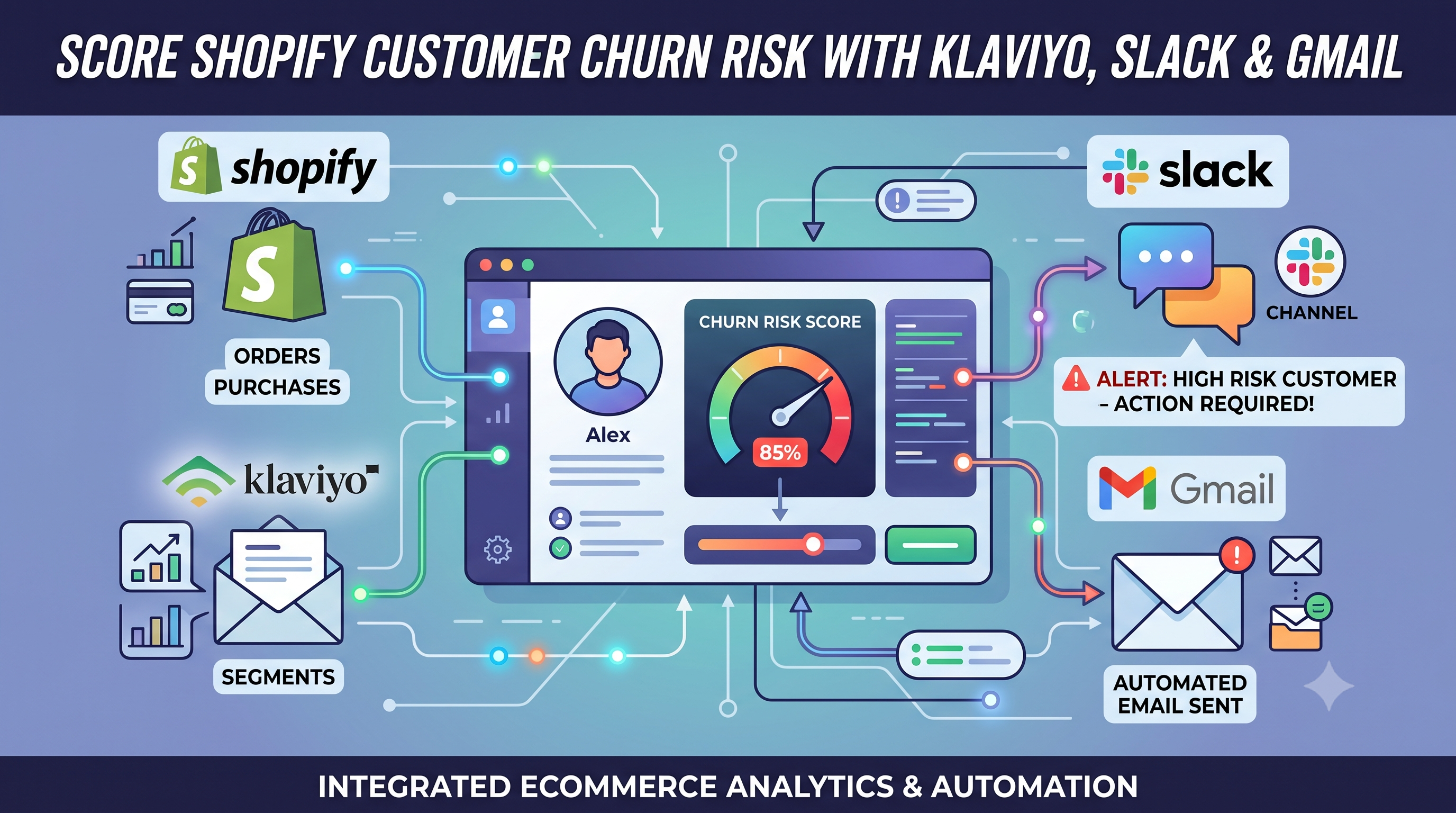
Score Shopify Customer Churn Risk and Sync Results to Klaviyo, Slack, and Gmail
Calculate Shopify customer churn risk dynamically based on reorder intervals. Automatically sync risk scores to Klaviyo and send alerts to Slack and Gmail with this free n8n workflow.
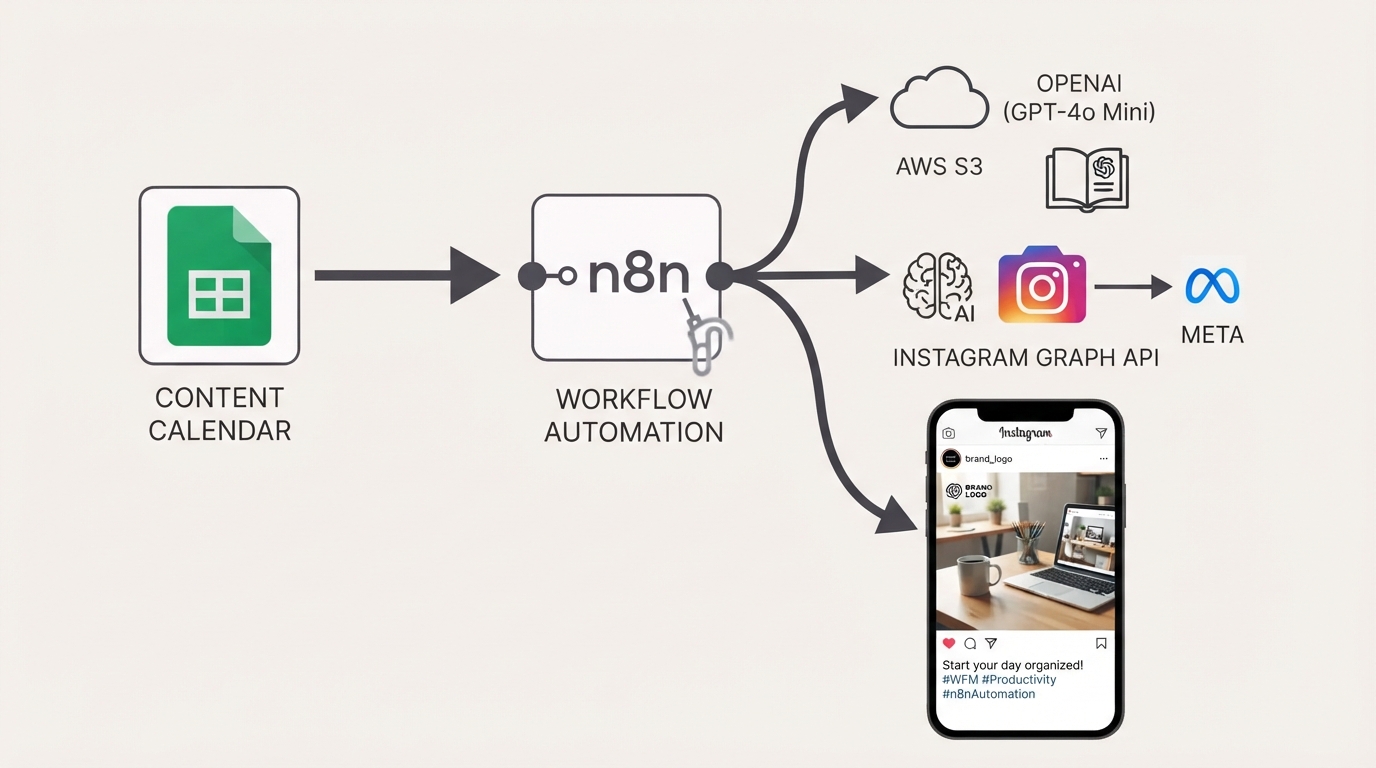
Publish Brand-Compliant Instagram Posts with OpenAI, Google Sheets, and S3
Automatically generate on-brand Instagram captions and images with OpenAI, watermark them with your logo, publish via the Facebook Graph API, and track results in Google Sheets using this free n8n workflow.