
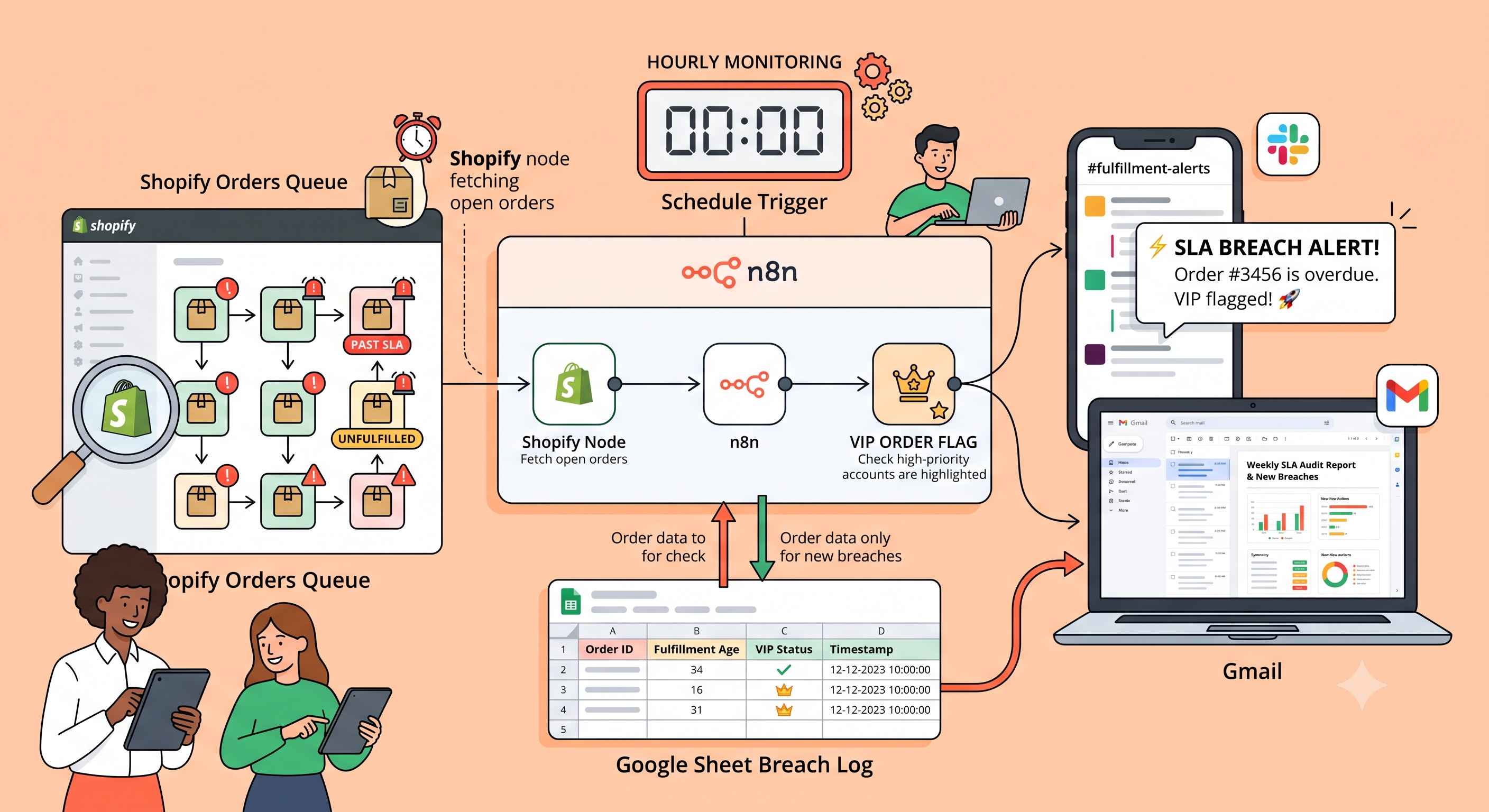
Monitor Shopify Dispatch SLA Breaches with Google Sheets, Slack, and Gmail
Automatically monitor Shopify orders for dispatch SLA breaches every hour, flag VIP orders, and send instant Slack and Gmail alerts with deduplication via Google Sheets using this free n8n workflow.
Download the n8n Workflow
Import the workflow used in this guide.
Why Late Dispatch Silently Damages Shopify Stores
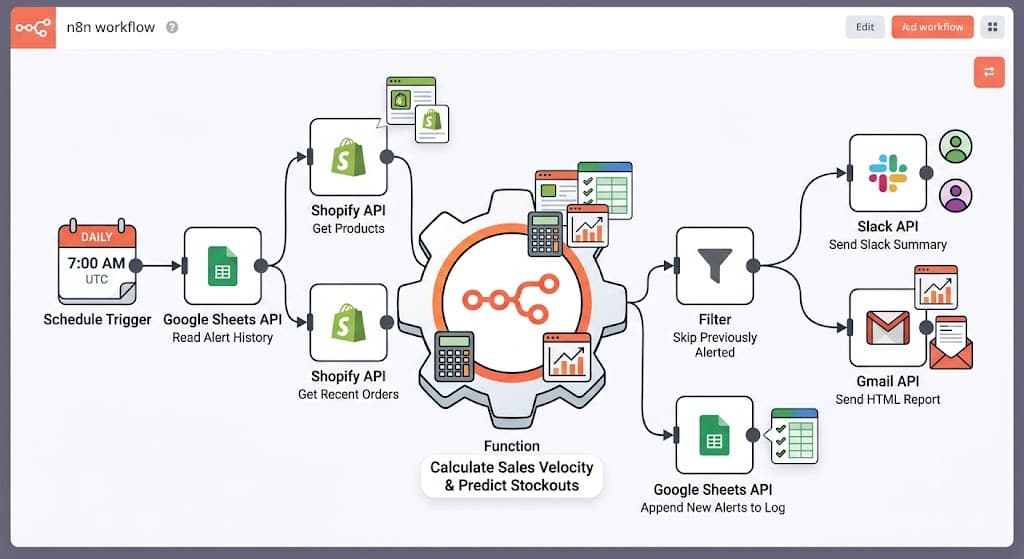
Every order that sits unfulfilled past its promised dispatch window is a quiet risk — a delayed shipment, a frustrated customer, or a VIP account left waiting without anyone noticing until they complain. Fulfillment teams juggling dozens or hundreds of open orders daily rarely have time to manually check which ones have crossed an SLA deadline.
Common fulfillment challenges include:
- Unfulfilled orders quietly aging past dispatch deadlines
- No automatic way to flag VIP or high-value orders needing priority
- Manual order review consuming operations team time
- Duplicate alerts when the same breach gets reported repeatedly
- No centralized audit trail of when breaches occurred
Instead of manually scanning the order list every few hours, stores can monitor dispatch SLAs automatically using n8n.
How This Workflow Solves the Problem
This automation checks your Shopify store every hour, pulls open unfulfilled orders older than your configured SLA window, flags VIP orders, and sends real-time Slack and Gmail alerts — while a Google Sheet breach log ensures the same order is never reported twice.
How the Automated Workflow Works
Step 1 — Hourly Monitoring
The workflow wakes up automatically every hour using the n8n Schedule Trigger, checking your store on a consistent cadence without any manual intervention.
Step 2 — Fetch Shopify Orders
The workflow pulls up to 250 open, unfulfilled Shopify orders that are older than your configured SLA window, using the Shopify API to identify which orders are currently at risk.
Step 3 — Smart Deduplication
Before generating any alerts, the workflow loads your Google Sheet breach log and skips any orders that were already reported in a previous run, preventing repeat notifications for the same breach.
Step 4 — Order Processing
For each remaining order, the workflow calculates how old it is, flags VIP orders based on your configured threshold, and builds the content for both the Slack message and the email alert.
Step 5 — Generate Email HTML
A dedicated node builds the full HTML email body from the processed order data, formatting order details into a readable report.
Step 6 — Instant Notifications
Real-time Slack alerts and HTML email notifications are sent for newly breached orders only, so teams get immediate visibility without noise from already-reported breaches.
Step 7 — Automatic Error Alerts
If any workflow step fails, a global Error Trigger immediately sends the failed node name and error message to Slack for fast troubleshooting.
Need Help Implementing This Workflow?
Our automation experts can customize this SLA monitoring workflow specifically for your Shopify business.
We can help with:
- ✅ n8n Workflow Development
- ✅ Shopify API Integration
- ✅ Google Sheets Automation
- ✅ Slack Notification Setup
- ✅ Gmail Reporting
- ✅ VIP Order Escalation Logic
- ✅ Fulfillment & Logistics Automation
- ✅ Ongoing Workflow Support
Explore Our n8n Automation Services →
Step-by-Step Setup Guide
Step 1 — Connect Shopify
Connect Shopify OAuth2 credentials so the workflow can read open orders from your store.
Step 2 — Create Google Sheet
Connect Google Sheets OAuth2 credentials and create a sheet with headers runTimestamp, unfulfilledOrderIds, vipOrderIds, totalOrders, and alertStatus, then paste its URL into googleSheetUrl in the SLA config.
Step 3 — Connect Slack
Connect Slack credentials and set slackEscalationChannel to the target channel ID for both breach and error alerts.
Step 4 — Connect Gmail
Connect Gmail OAuth2 credentials and set recipientMail (and optionally adjust slaHours and vipThreshold) in the SLA config before activating the workflow.
System Requirements & Features
Workflow Features
- Hourly automated monitoring
- VIP order flagging
- Google Sheets breach log (Duplicate prevention)
- Multi-channel notifications (Slack & Gmail)
- Global error handling
Requirements
| Tool | Requirements |
|---|---|
| Shopify | Active store with API access |
| Google Sheets | OAuth2 Credentials, sheet with 5 required column headers |
| Slack | Workspace Access, Channel ID, OAuth2 Credentials |
| Gmail | OAuth2 Credentials, Recipient Email |
| n8n | Version 2.20 or higher |
Customization Options
- Check More Often: Change the Schedule Trigger to every 30 minutes for high-volume stores.
- Paid Orders Only: In the Process & Deduplicate node, add
&& order.financial_status === 'paid'to the SLA check so only paid orders are flagged. - Send to More People: Duplicate the Gmail node and connect both copies to Log Breach to Sheets, or use a distribution email address.
- Add SMS for Critical Delays: Connect a Twilio node to send a text message for orders breaching 120+ hours.
Use Cases & Best Practices
Real-World Use Cases
- High-Volume Fulfillment Centers: Catch aging orders before they trigger customer complaints.
- VIP Customer Programs: Prioritize dispatch for high-value or repeat customers automatically.
- Multi-Warehouse Operations: Get a single hourly view of SLA risk across your fulfillment pipeline.
- Customer Support Teams: Get ahead of "where's my order" tickets before they're filed.
Best Practices
- Match SLA Hours to Reality: Set
slaHoursto reflect your actual promised dispatch window, not an aspirational one. - Escalation Channel Hygiene: Route breach alerts and error alerts to channels your team actually monitors.
- Review VIP Threshold: Periodically revisit
vipThresholdas your average order value changes. - Archive Old Logs: Periodically clean up the Google Sheet breach log to keep lookups fast.
Conclusion
Late dispatch quietly erodes customer trust and revenue. By implementing this automated n8n workflow, Shopify merchants get hourly visibility into SLA breaches, instant Slack and Gmail alerts, and a clean audit trail — without anyone having to manually check the order list.
Ready to automate Shopify SLA monitoring? 👉 Download the Free n8n Workflow Template Today
Related Posts
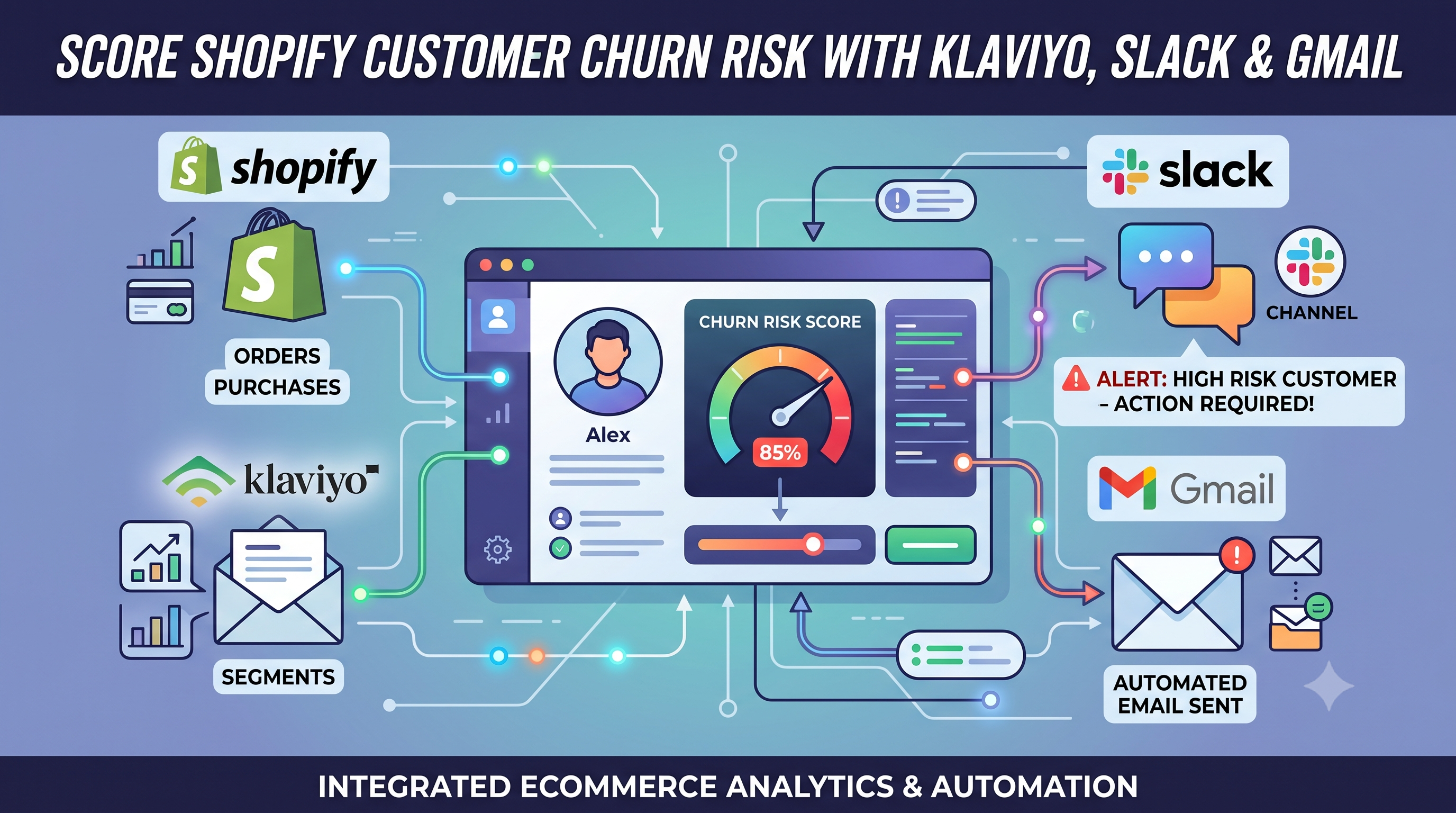
Score Shopify Customer Churn Risk and Sync Results to Klaviyo, Slack, and Gmail
Calculate Shopify customer churn risk dynamically based on reorder intervals. Automatically sync risk scores to Klaviyo and send alerts to Slack and Gmail with this free n8n workflow.
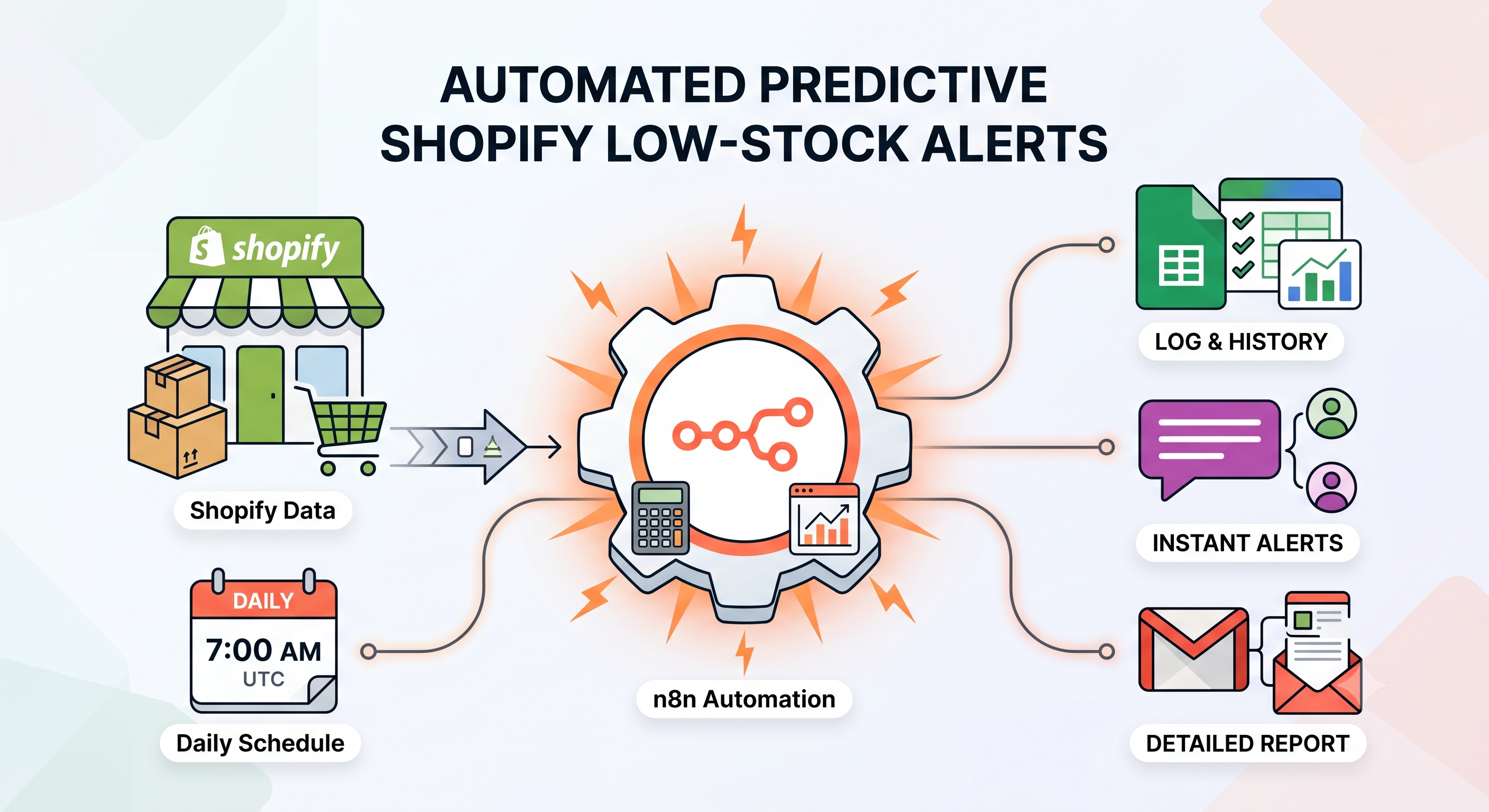
Send Predictive Shopify Low-Stock Alerts with Google Sheets, Slack, and Gmail
Automatically predict Shopify stockouts using sales velocity, send low-stock alerts via Slack and Gmail, and prevent duplicate notifications with Google Sheets using this free n8n workflow.
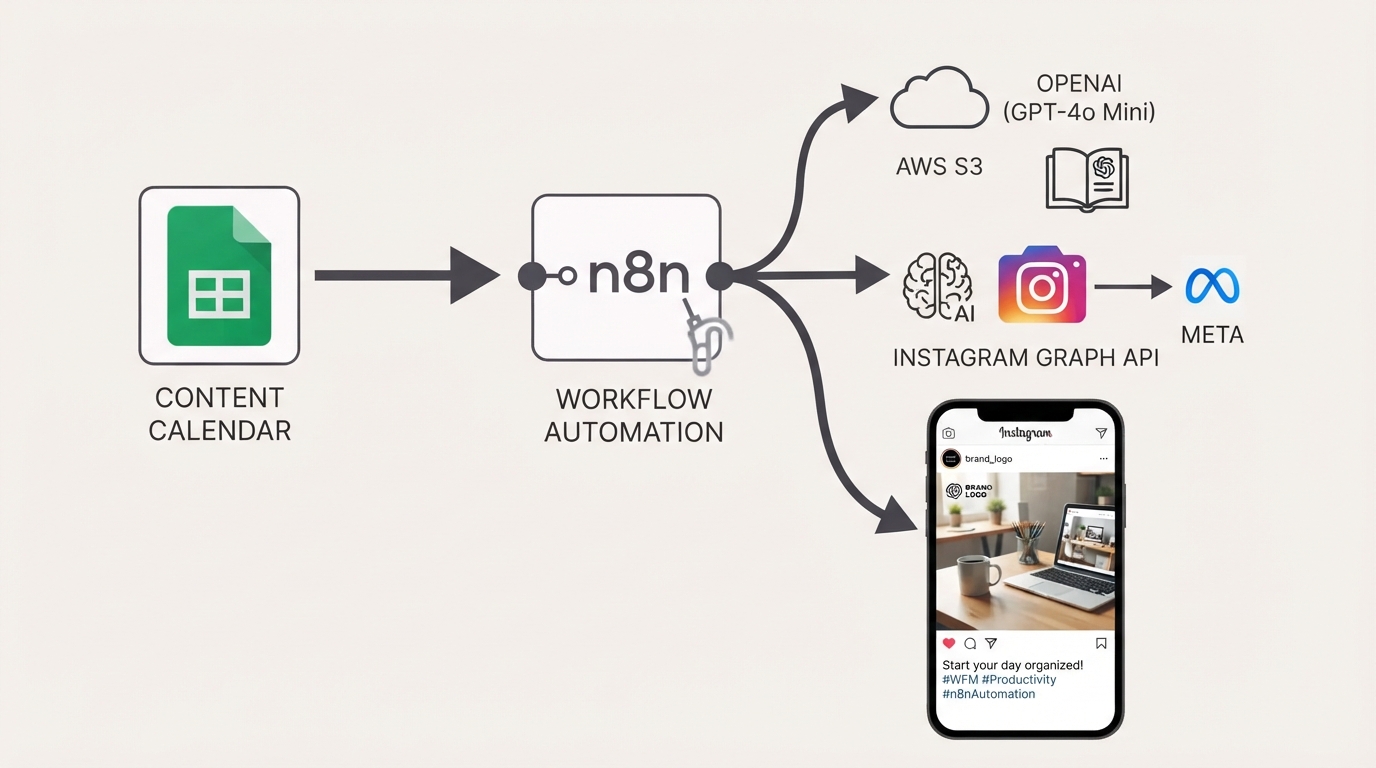
Publish Brand-Compliant Instagram Posts with OpenAI, Google Sheets, and S3
Automatically generate on-brand Instagram captions and images with OpenAI, watermark them with your logo, publish via the Facebook Graph API, and track results in Google Sheets using this free n8n workflow.
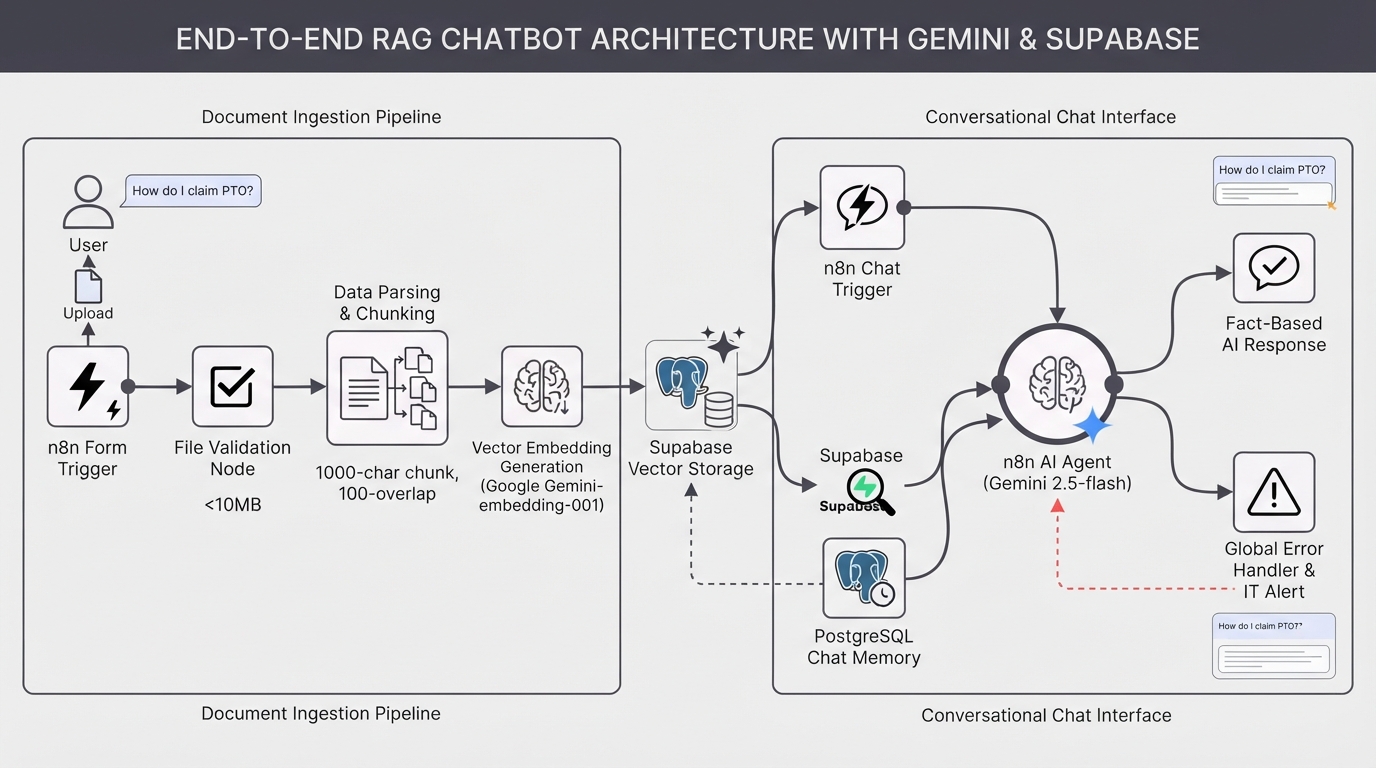
Build a RAG chatbot using Google Gemini and a Supabase vector store
Build a custom AI knowledge base in minutes. This complete RAG system uses Google Gemini and Supabase to ingest documents and provide accurate, context-aware chatbot answers.