
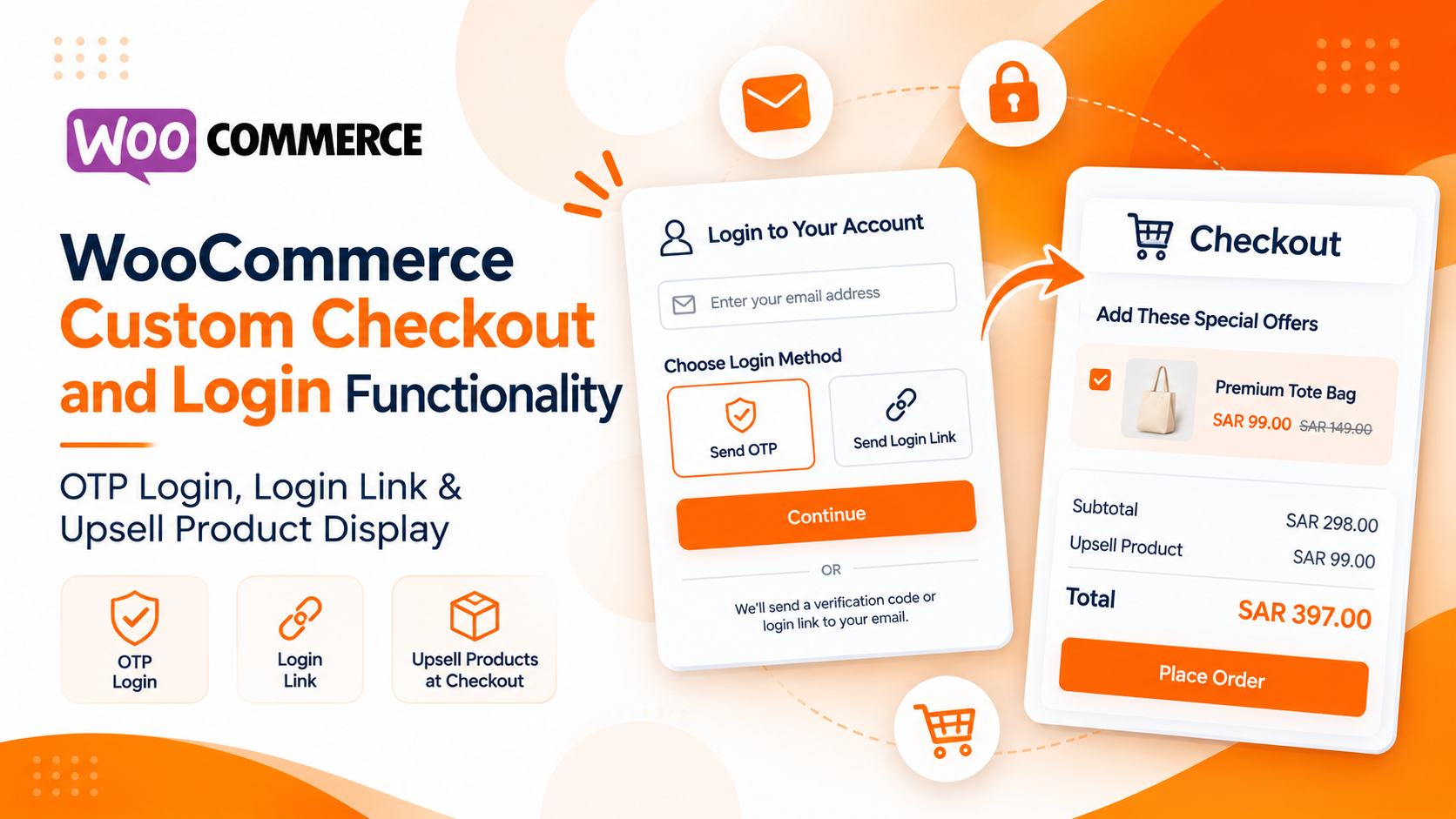
Custom WooCommerce Checkout: OTP Login, Magic Links & Smart Product Upsells
Reduce login friction and boost average order value in WooCommerce with passwordless Email OTP, Magic Login Links, and dynamic one-click checkout upsell recommendations.
Simplifying Customer Login and Creating More Upselling Opportunities at Checkout
A smooth checkout experience plays an important role in eCommerce conversions. Customers expect a quick, simple, and secure way to access their accounts and complete purchases without unnecessary steps.
However, the default WooCommerce login and checkout experience may not always meet the requirements of businesses looking for a more flexible and customer-friendly shopping journey.
Traditional password-based login can create friction, especially for customers who forget their passwords or don’t want to go through a lengthy authentication process. Similarly, standard checkout pages may miss opportunities to recommend relevant products at the right moment.
To address these challenges, we developed custom WooCommerce functionality that improves both customer authentication and checkout upselling.
Our implementation includes two major enhancements:
- Passwordless login using Email OTP and Magic Login Links.
- Custom checkout upsell products with dynamic cart integration.
Let’s explore how these features work.
1. Passwordless WooCommerce Login with Email OTP and Magic Links
The Challenge
The default WooCommerce login process generally requires customers to enter their email address or username along with their password. Although this is a familiar authentication method, it can introduce friction into the shopping experience. Customers may forget their passwords, struggle with account access, or need to complete additional password-reset steps before continuing with their purchase.
We wanted to make the login process simpler by allowing customers to authenticate using their registered email address without entering a password.
What We Built
We developed a custom WooCommerce login form with a single email input field and two passwordless authentication options:
Option 1: Login with Email OTP
Customers can enter their registered email address and choose the OTP login option. The authentication process works as follows:
- The customer enters their email address.
- The system checks whether the email belongs to an existing registered account.
- An OTP is generated and sent to the registered email address.
- The customer enters the received OTP in the login form.
- After successful OTP verification, the customer is automatically logged into their WooCommerce account.
This removes the need to remember or enter a traditional password.
Option 2: Login with Magic Link
Customers who prefer not to enter an OTP can choose the login link option. The process is straightforward:
- The customer enters their registered email address.
- They select the Magic Link login option.
- The system generates a unique login link and sends it to their email.
- The customer opens the email and clicks the login link.
- After successful link validation, they are automatically logged into their account.
This provides another convenient passwordless authentication method.
Key Benefits
- No password required for login.
- Two convenient authentication methods.
- Reduced friction during account access.
- Simplified customer login experience.
- Less dependency on traditional password-reset workflows.
2. Custom Checkout Upsell Products
The Challenge
Increasing average order value is an important goal for eCommerce businesses. However, customers don’t always discover additional products that complement their selected purchases. Displaying relevant product recommendations directly on the checkout page can create additional purchasing opportunities without requiring customers to navigate back to the shop.
Standard WooCommerce checkout functionality does not provide this exact configurable upsell workflow out of the box.
What We Built
We implemented a custom checkout upsell system that allows store administrators to configure additional products for specific main products. The feature works through custom product settings and dynamic checkout display.
Admin-Side Product Configuration
We created a custom field within the product management area where administrators can select the products they want to recommend. For example:
- Main Product: Product A
- Recommended Upsell: Product B
- Recommended Upsell: Product C
Administrators can configure which additional products should be displayed when a particular main product is added to the cart.
Customer-Side Checkout Experience
When a customer adds a configured main product to their cart and proceeds to checkout, the corresponding upsell products are displayed automatically. Each recommended product includes a checkbox.
Customers can:
- View additional recommended products.
- Select the products they are interested in.
- Add selected products directly to their cart.
- See the updated order total at checkout.
When a customer selects an upsell checkbox, the corresponding product is added to the WooCommerce cart, and the checkout totals are updated accordingly. This creates a convenient purchasing experience without requiring customers to leave the checkout page.
Key Benefits
- Relevant product recommendations at checkout.
- Admin-controlled upsell product configuration.
- One-click product additions.
- Dynamic cart and checkout total updates.
- Opportunities to increase average order value.
- A smoother shopping experience.
Why Custom WooCommerce Checkout Development Matters
A successful eCommerce checkout experience is about more than collecting customer details and processing payments. It should make every step of the purchasing journey as simple and convenient as possible.
With our custom implementation, we addressed two important areas:
- Simpler Authentication: Customers can access their accounts using email OTP or passwordless login links instead of remembering traditional passwords.
- Smarter Upselling: Businesses can recommend relevant additional products directly during checkout, giving customers more purchasing options while creating opportunities to increase order value.
Both features are designed to work within the WooCommerce ecosystem while extending the standard customer experience through custom development.
Building Better WooCommerce Experiences
Every eCommerce business has different requirements. Standard WooCommerce functionality provides a strong foundation, but customized solutions can help businesses create experiences that better match their customers’ expectations.
Whether it’s implementing passwordless authentication, improving checkout workflows, or creating intelligent product upselling functionality, our goal is to build solutions that simplify operations and improve the overall shopping experience.
Because a better checkout experience starts with making things easier for customers and more effective for businesses.
Related Posts
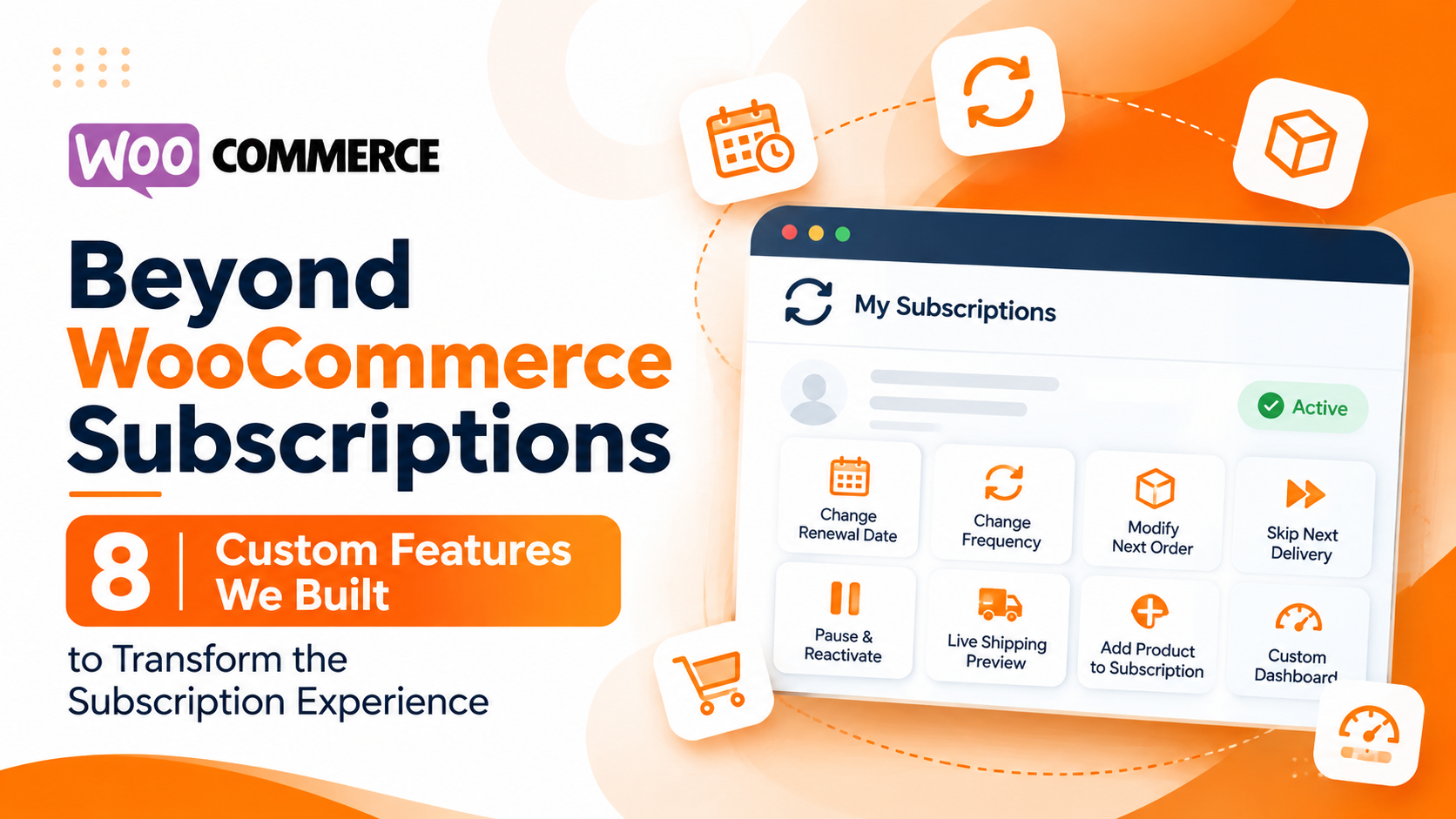
Beyond WooCommerce Subscriptions
WooCommerce provides a powerful foundation for eCommerce businesses. With the WooCommerce Subscriptions extension, store owners can manage recurring payments, automate renewals, and offer subscription-based products.
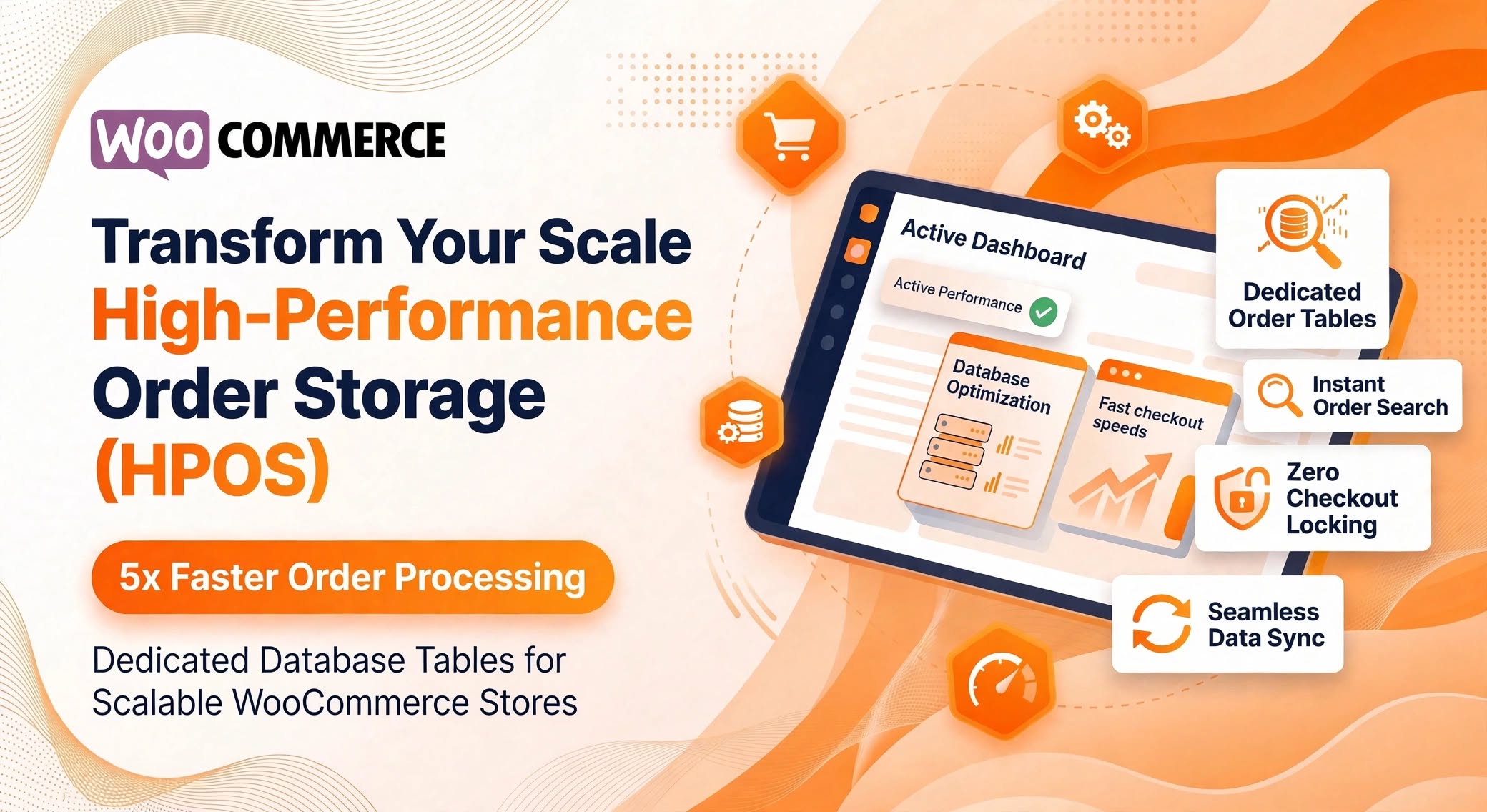
WooCommerce High-Performance Order Storage (HPOS)
As an eCommerce store grows from hundreds of orders to tens of thousands, database bottlenecks quickly become the biggest threat to checkout speed and admin responsiveness. Historically, WooCommerce relied on WordPress’s default post architecture (wp_posts and wp_postmeta) to store order records. While convenient in the early days of WordPress eCommerce, this structure was never designed for high-concurrency transactional data.
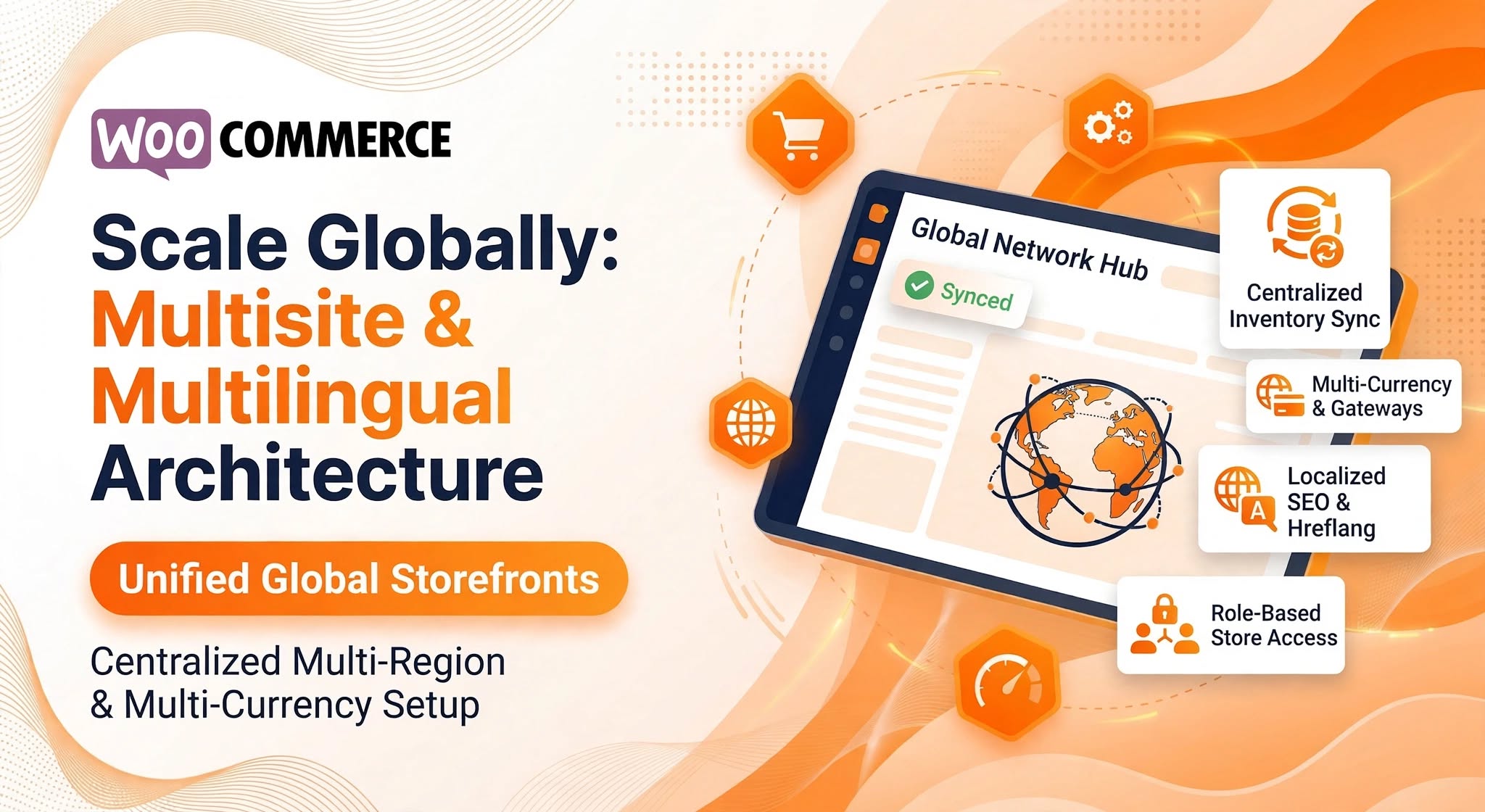
Integrating WooCommerce Multisite & Multilingual Architecture for Global Brands
Expanding an e-commerce brand into new countries, regional markets, or multiple sub-brands introduces complex operational hurdles. Managing separate WordPress installations for every country quickly turns routine catalog updates, plugin patches, and inventory tracking into a maintenance nightmare—while a single unlocalized store often struggles with low conversion rates due to unfamiliar currencies, untranslated checkout flows, and generic shipping rules.
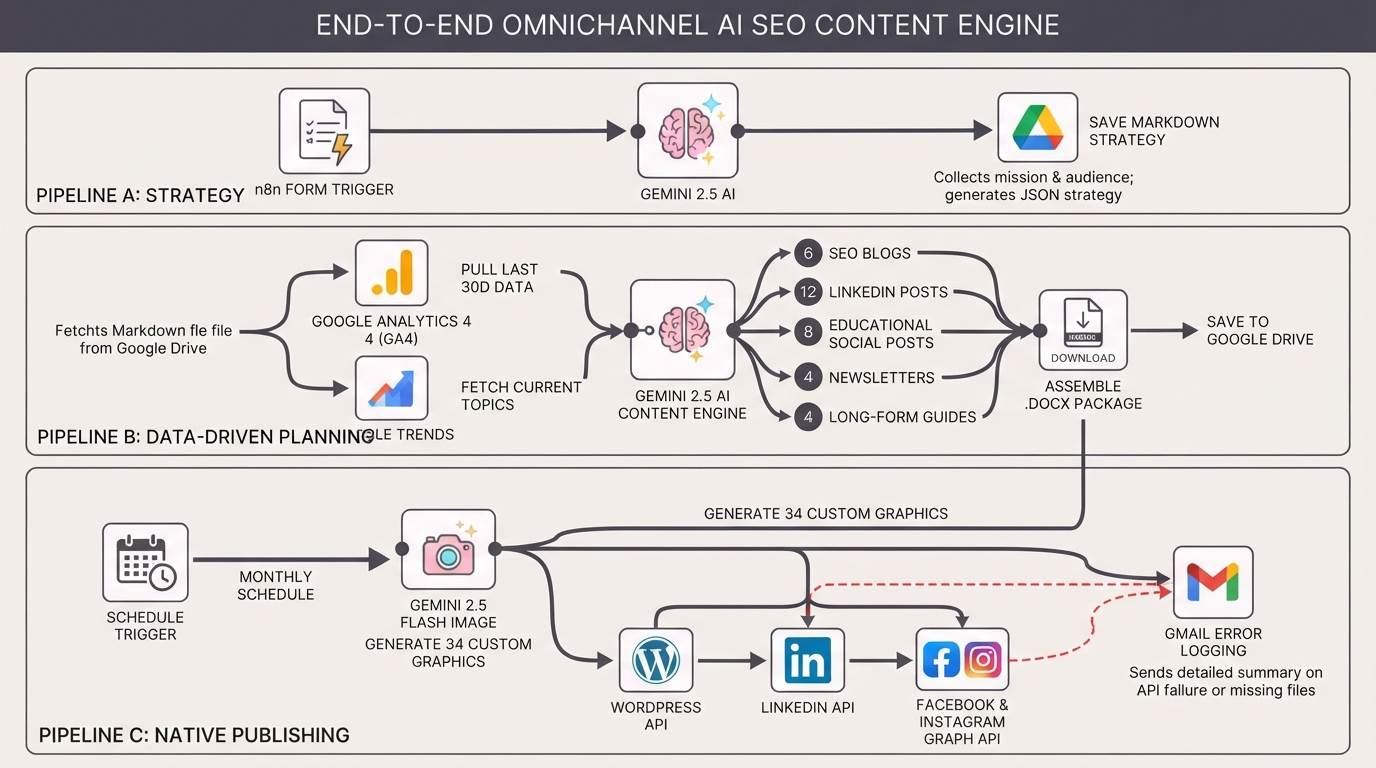
Generate monthly AI SEO content with Gemini for WordPress, LinkedIn and socials
An end-to-end AI content engine. Automate your strategy, generate 34 SEO assets and images with Gemini, and schedule them to WordPress, LinkedIn, Facebook, and Instagram natively using n8n.