
How to Enhance Your Shopify Store with Shopify Payment Gateway
Secure your Shopify store with a seamless payment gateway integration that delivers fast, safe transactions and a frictionless checkout experience for your customers.
How to Enhance Your Shopify Store with Shopify Payment Gateway
Introduction to Shopify Payment Gateway
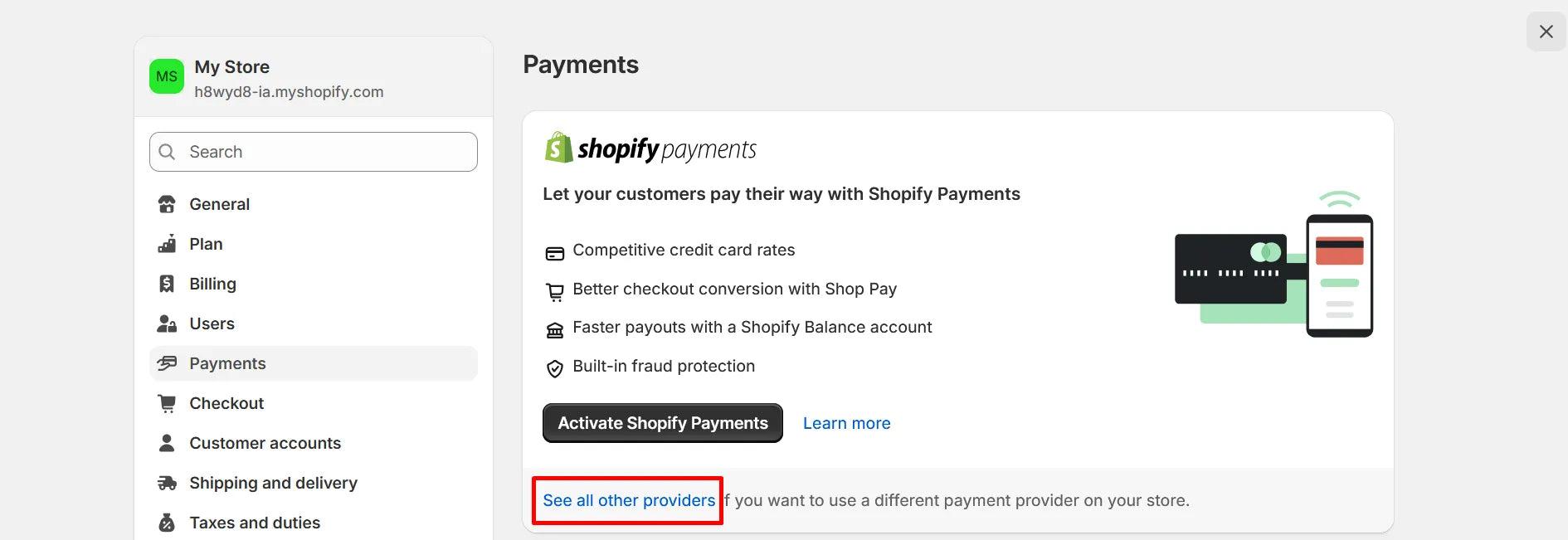
A payment gateway is the backbone of any eCommerce store. It enables secure transactions between your customers and your business. Shopify simplifies this process through its built-in solution, Shopify Payments, along with support for third-party gateways.
Choosing the right payment setup directly impacts your conversion rate, customer trust, and revenue growth.
What is Shopify Payments?
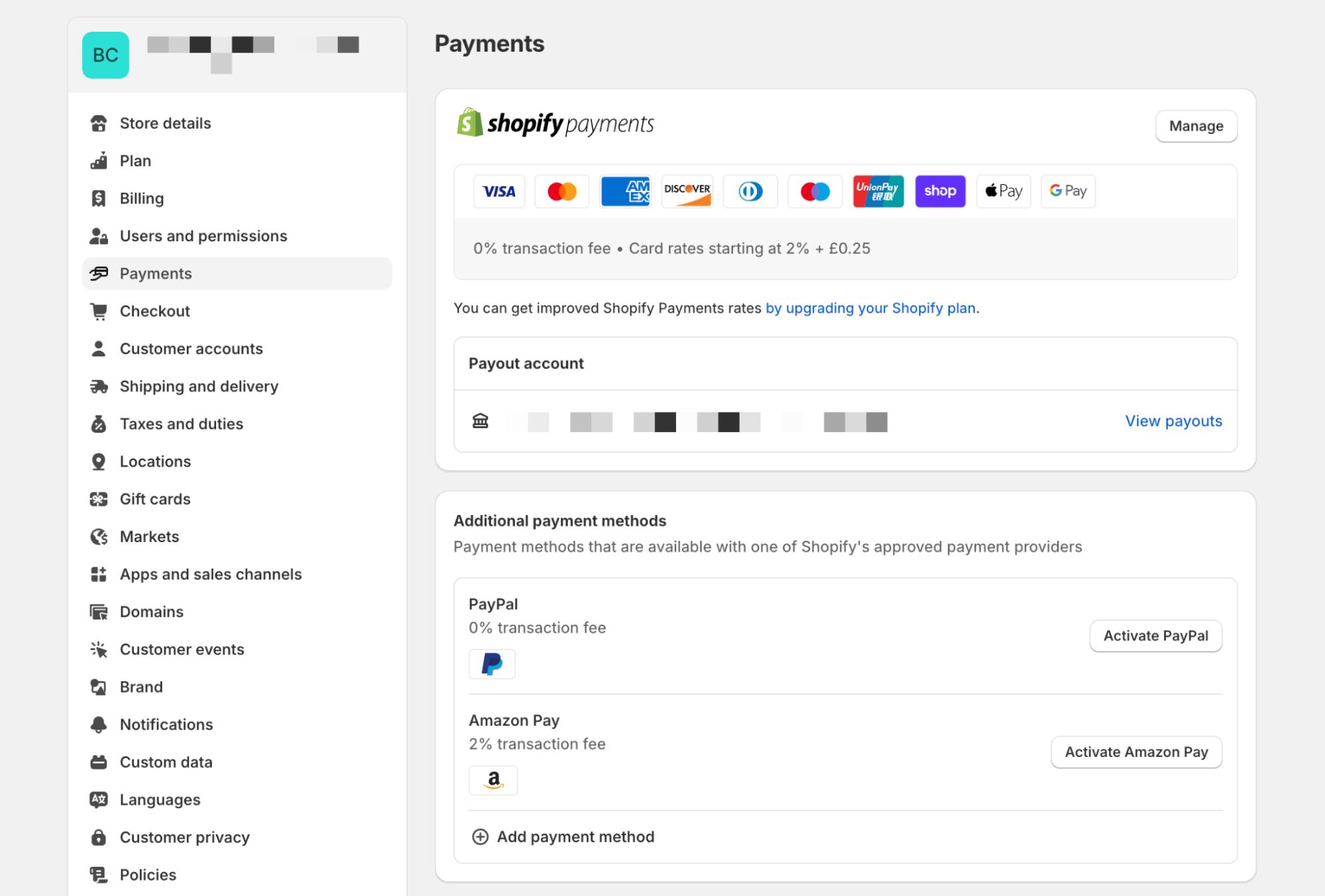
Shopify Payments is Shopify’s native payment gateway that allows merchants to accept payments without third-party integrations.
Key Highlights:
- Fully integrated with Shopify admin
- No additional transaction fees (when used exclusively)
- Supports multiple currencies
- Fast payouts and reporting
It eliminates the need for external payment providers in most cases.
How Shopify Payment Gateway Works
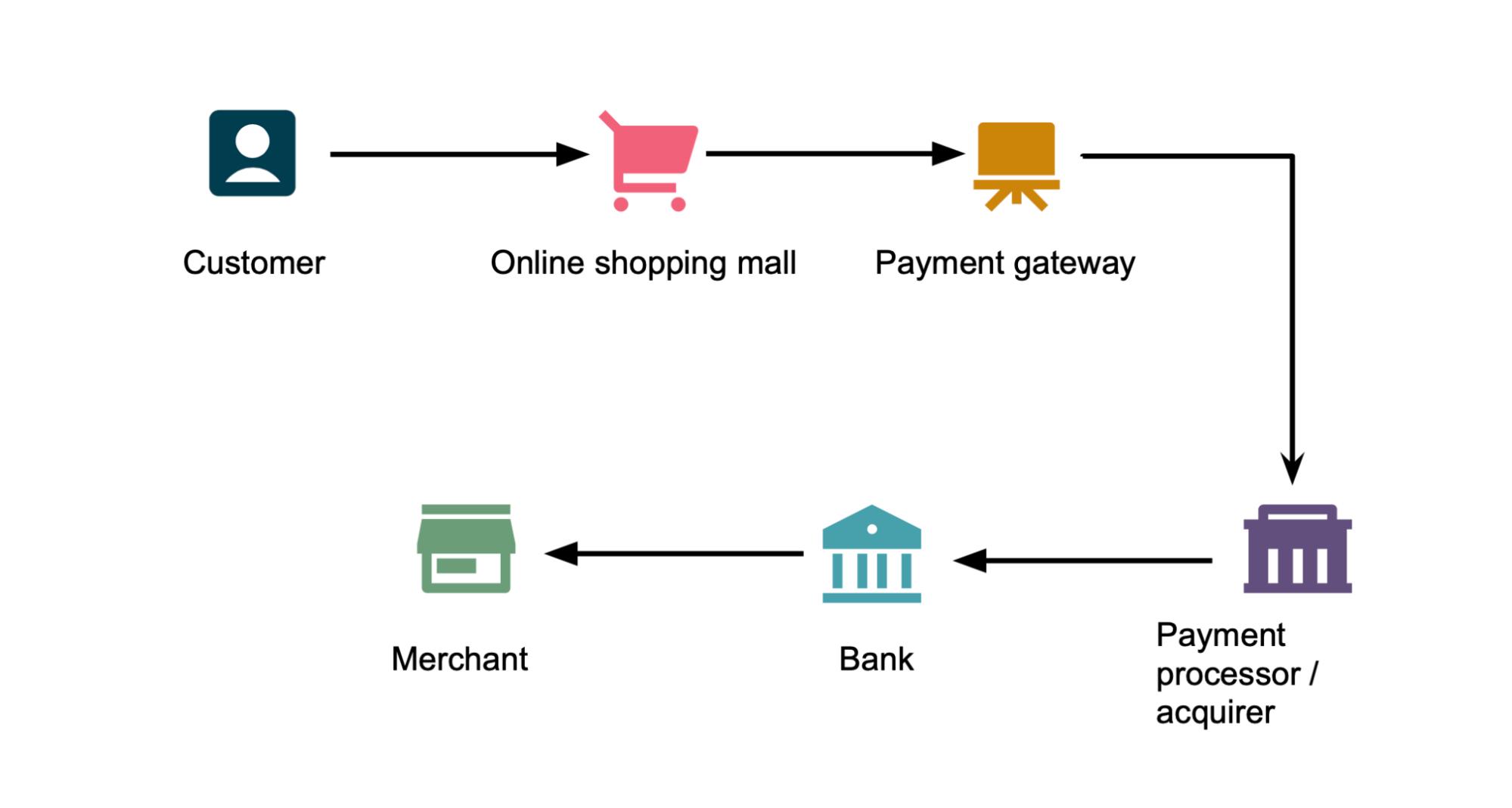
The payment process involves:
- Customer enters payment details
- Payment gateway encrypts data
- Payment processor communicates with bank
- Transaction is approved or declined
- Funds are transferred to merchant account
Shopify Payments handles this entire flow seamlessly.
Payment Methods Supported
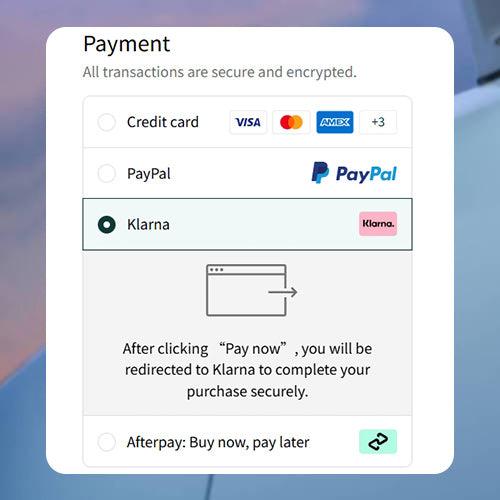
Shopify supports multiple payment methods:
- Credit & Debit Cards
- Apple Pay & Google Pay
- Shop Pay (accelerated checkout)
- Buy Now, Pay Later (Klarna, Afterpay)
- PayPal and other gateways
Offering multiple options improves checkout conversion rates.
Benefits of Using Shopify Payments
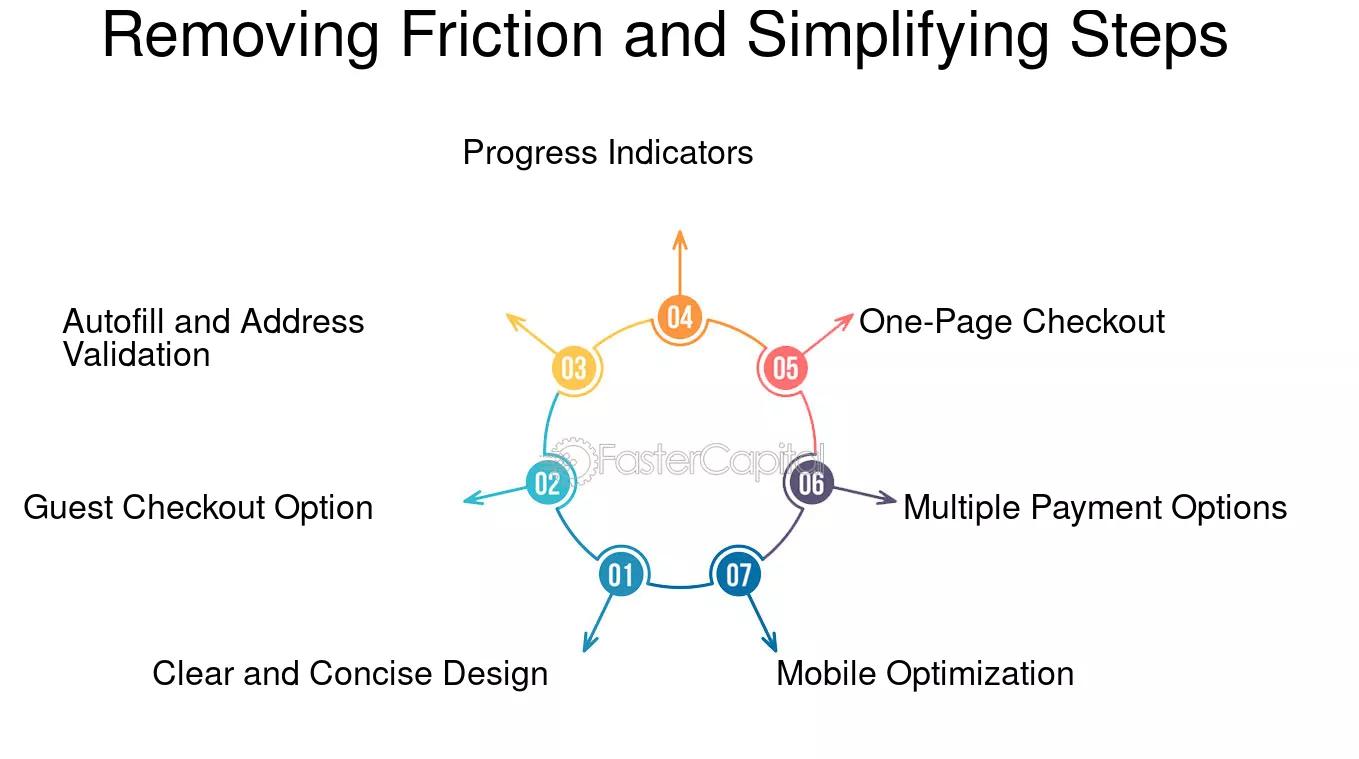
1. Seamless Integration
No need for third-party setup.
2. Lower Costs
Avoid extra transaction fees.
3. Faster Checkout
Shop Pay speeds up purchases.
4. Secure Transactions
Built-in fraud analysis and encryption.
5. Unified Reporting
Track payments directly in Shopify dashboard.
Shopify Payments Fees & Pricing
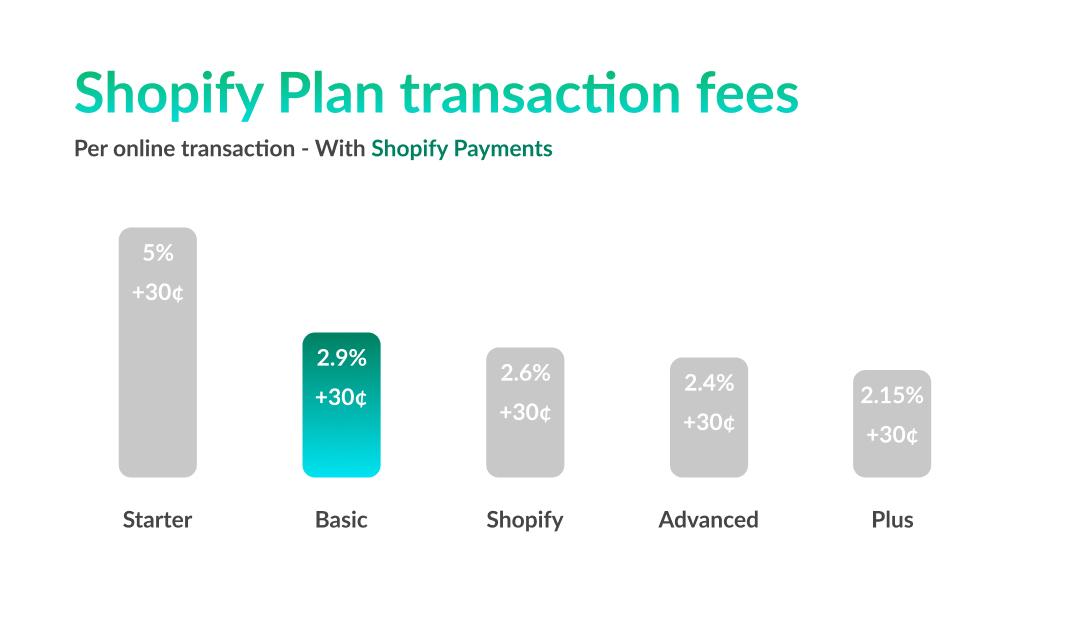
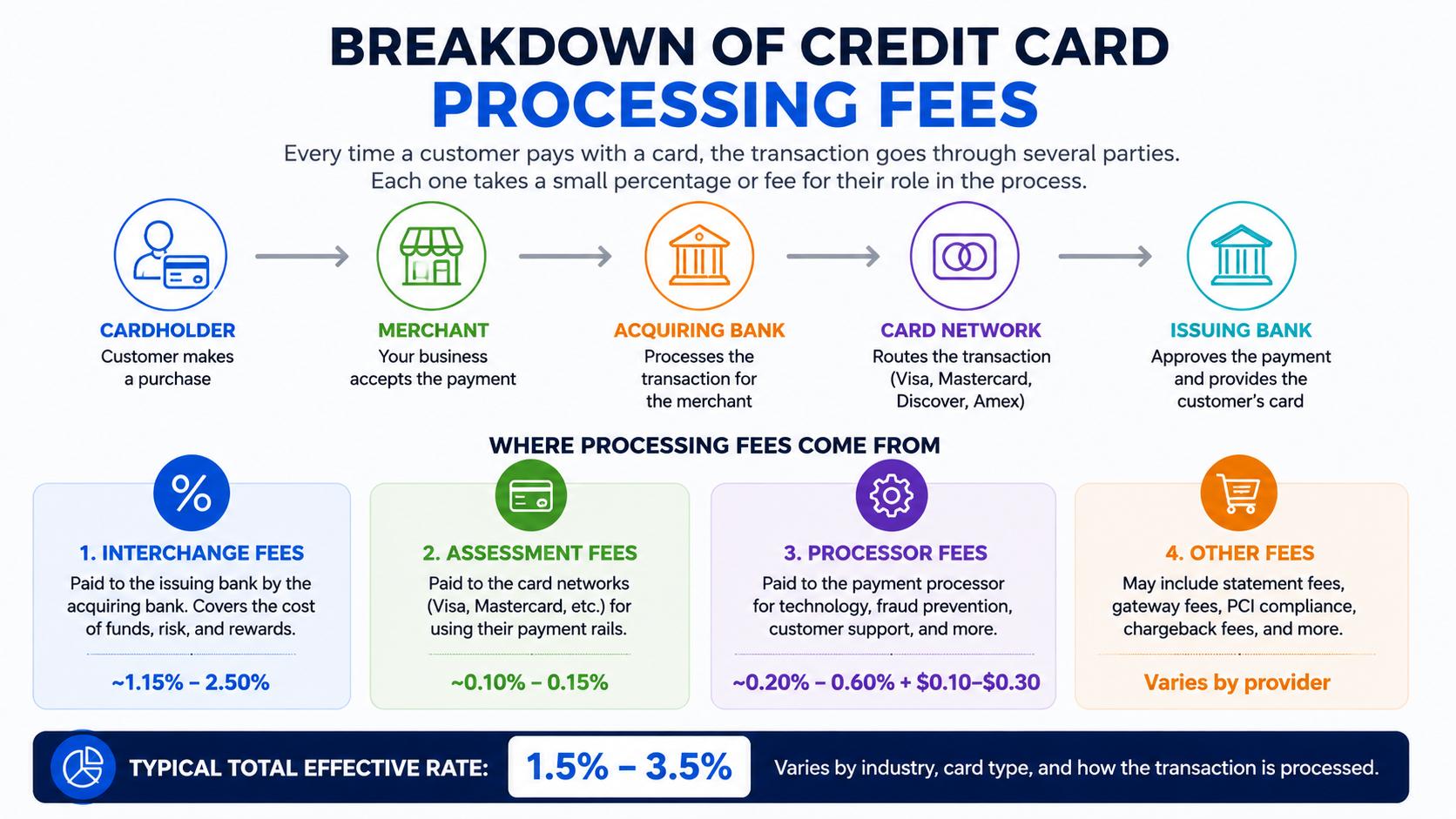
Fees depend on your Shopify plan:
- Basic Shopify: Higher transaction fees
- Shopify Plan: Reduced fees
- Advanced Shopify: Lowest rates
Additional fees may apply for:
- International cards
- Currency conversion
How to Set Up Shopify Payments
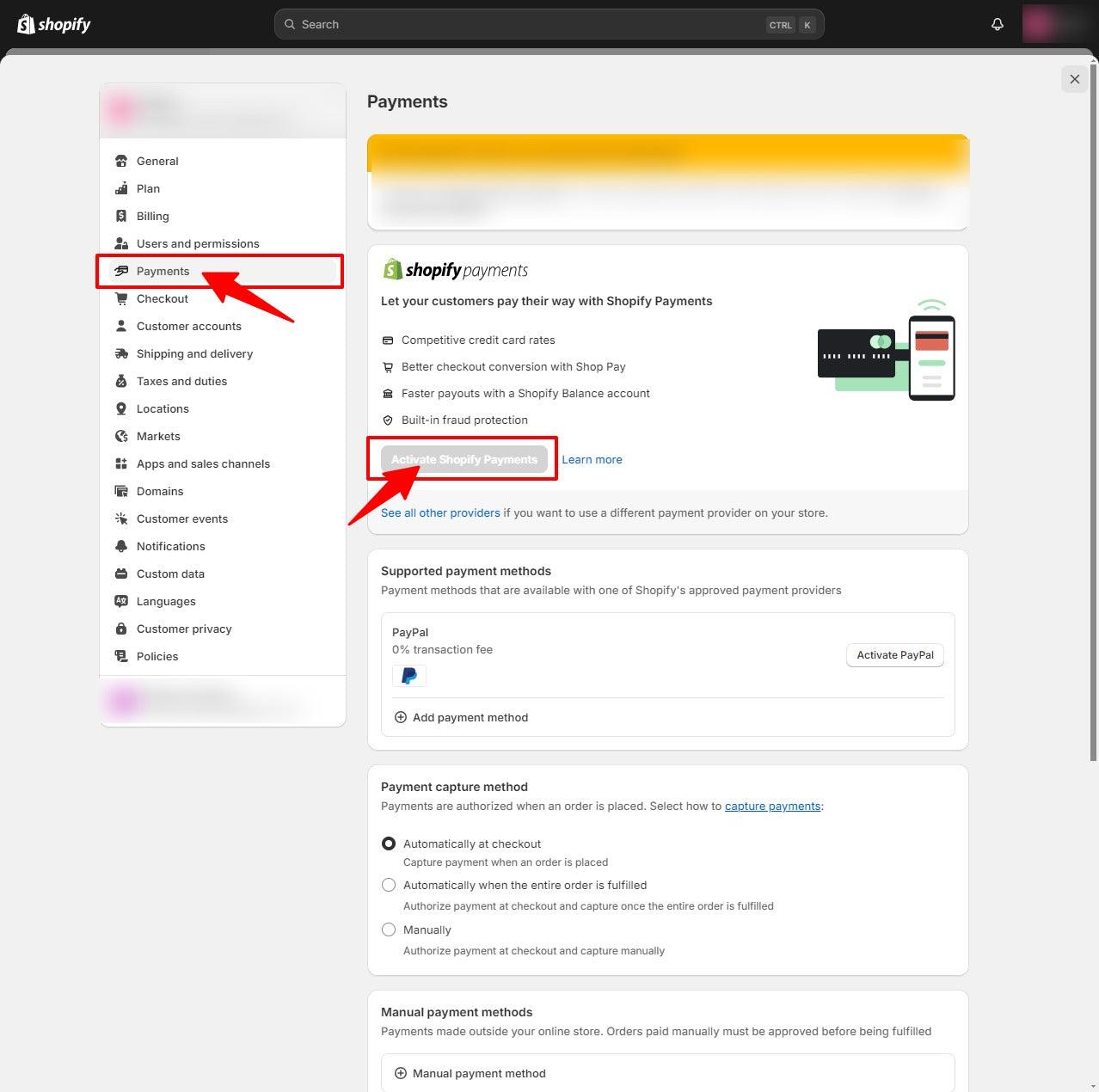
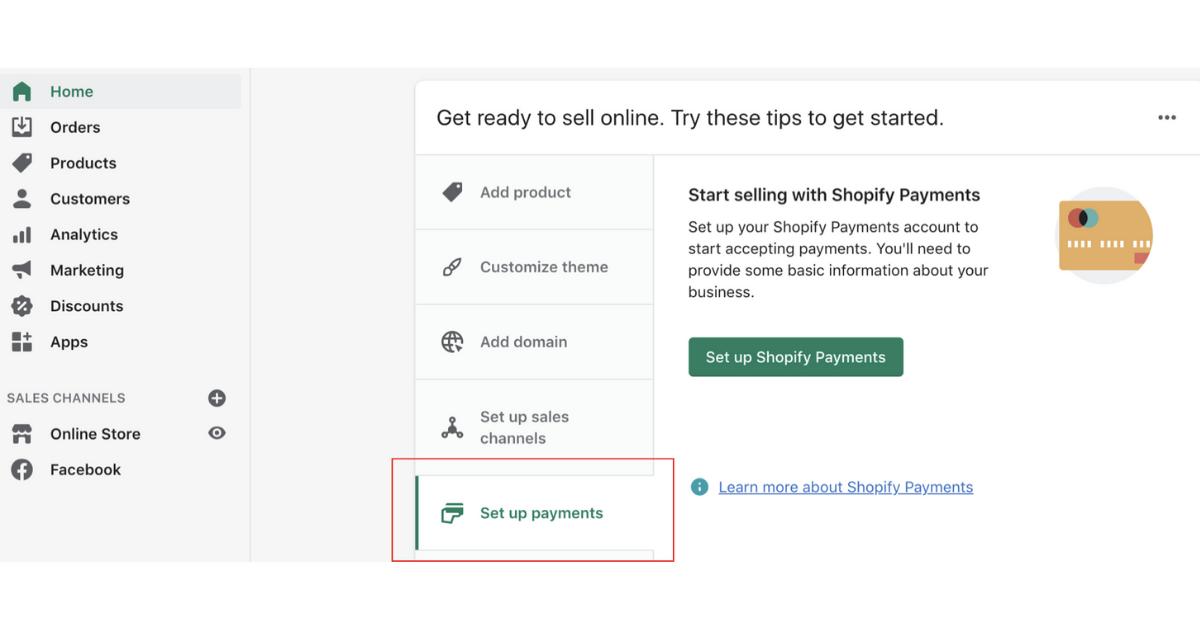
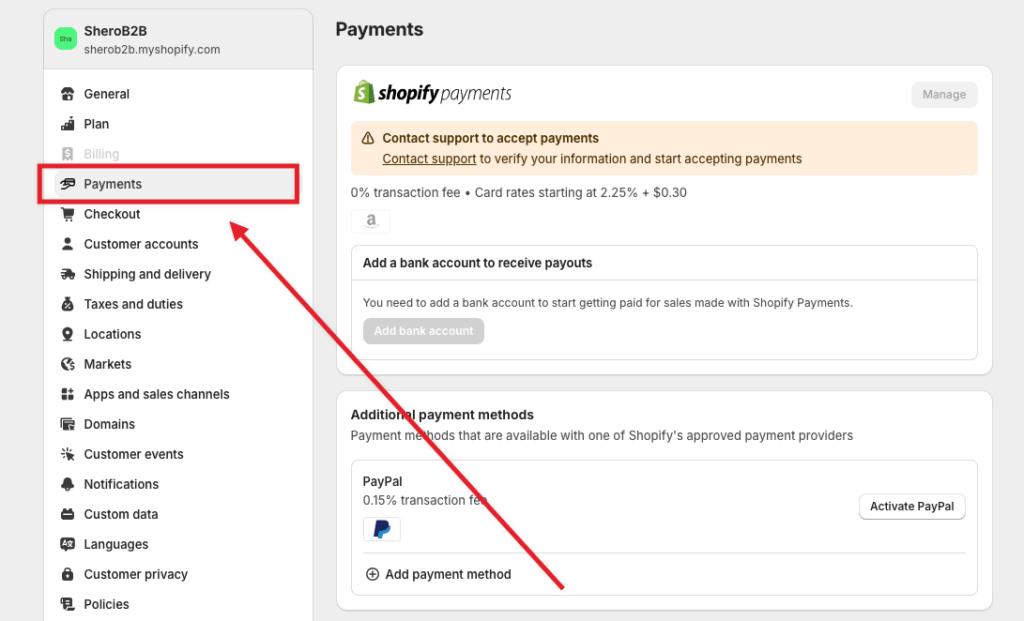
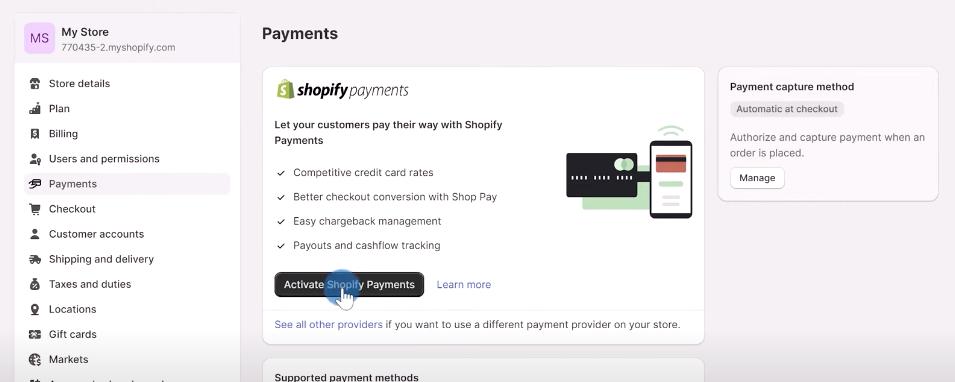
Step-by-Step Setup:
- Go to Shopify Admin → Settings → Payments
- Activate Shopify Payments
- Enter business and banking details
- Verify identity
- Enable payment methods
Once completed, your store is ready to accept payments.
Alternative Payment Gateways
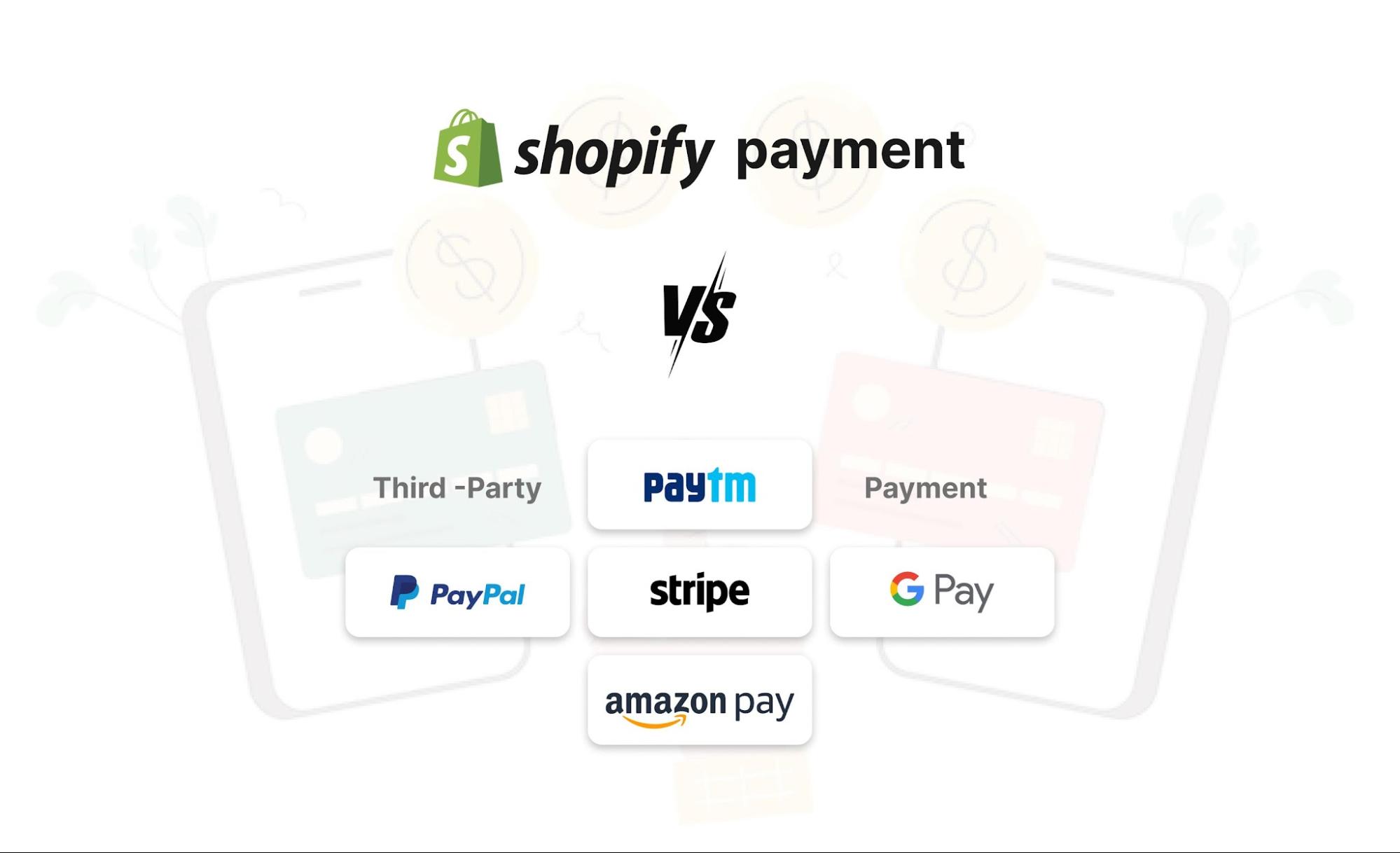
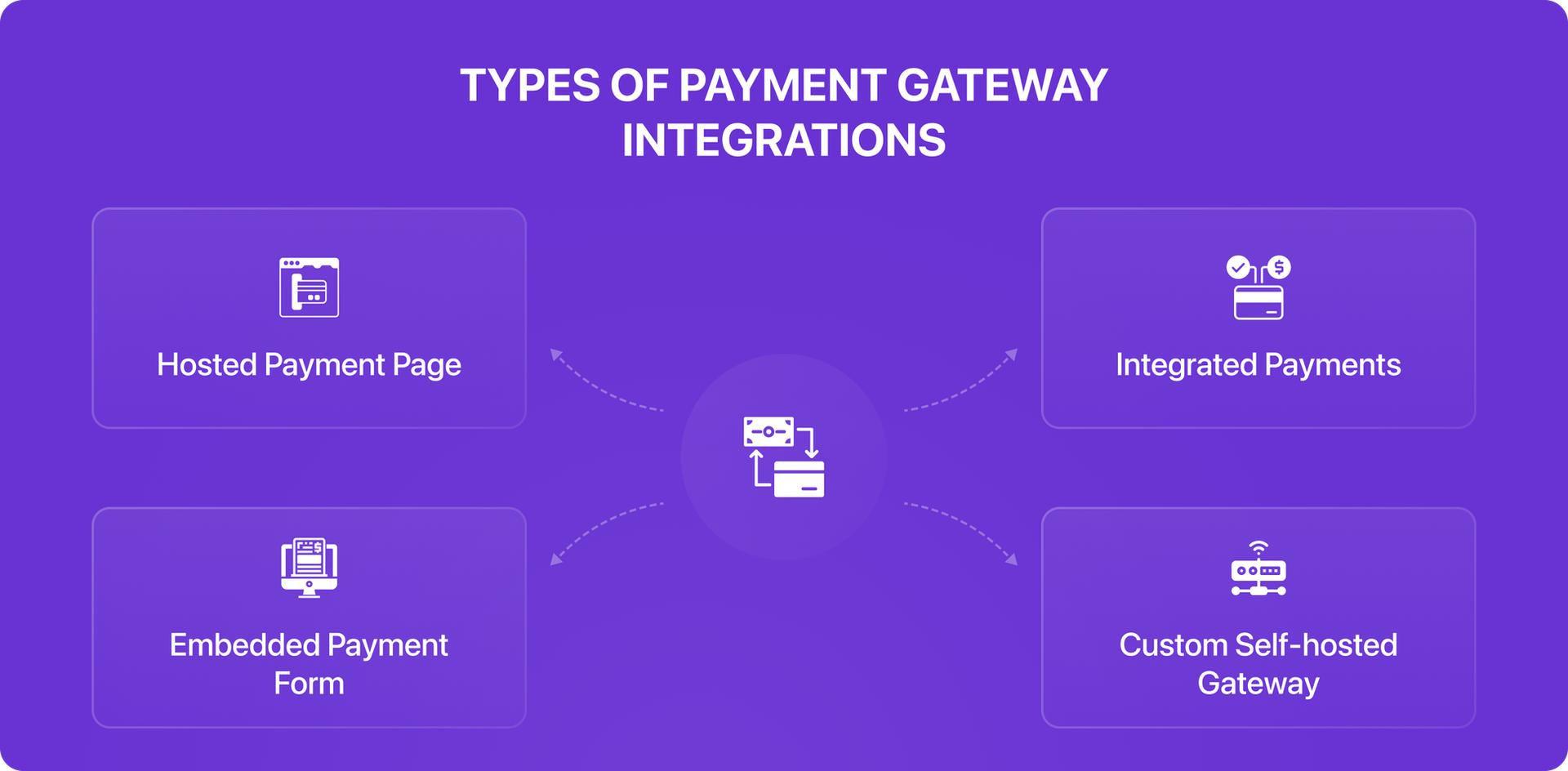
If Shopify Payments is unavailable in your region, you can use:
- PayPal
- Stripe
- Razorpay
- Authorize.net
Each gateway has its own fee structure and integration requirements.
Best Practices to Optimize Payments for Conversion
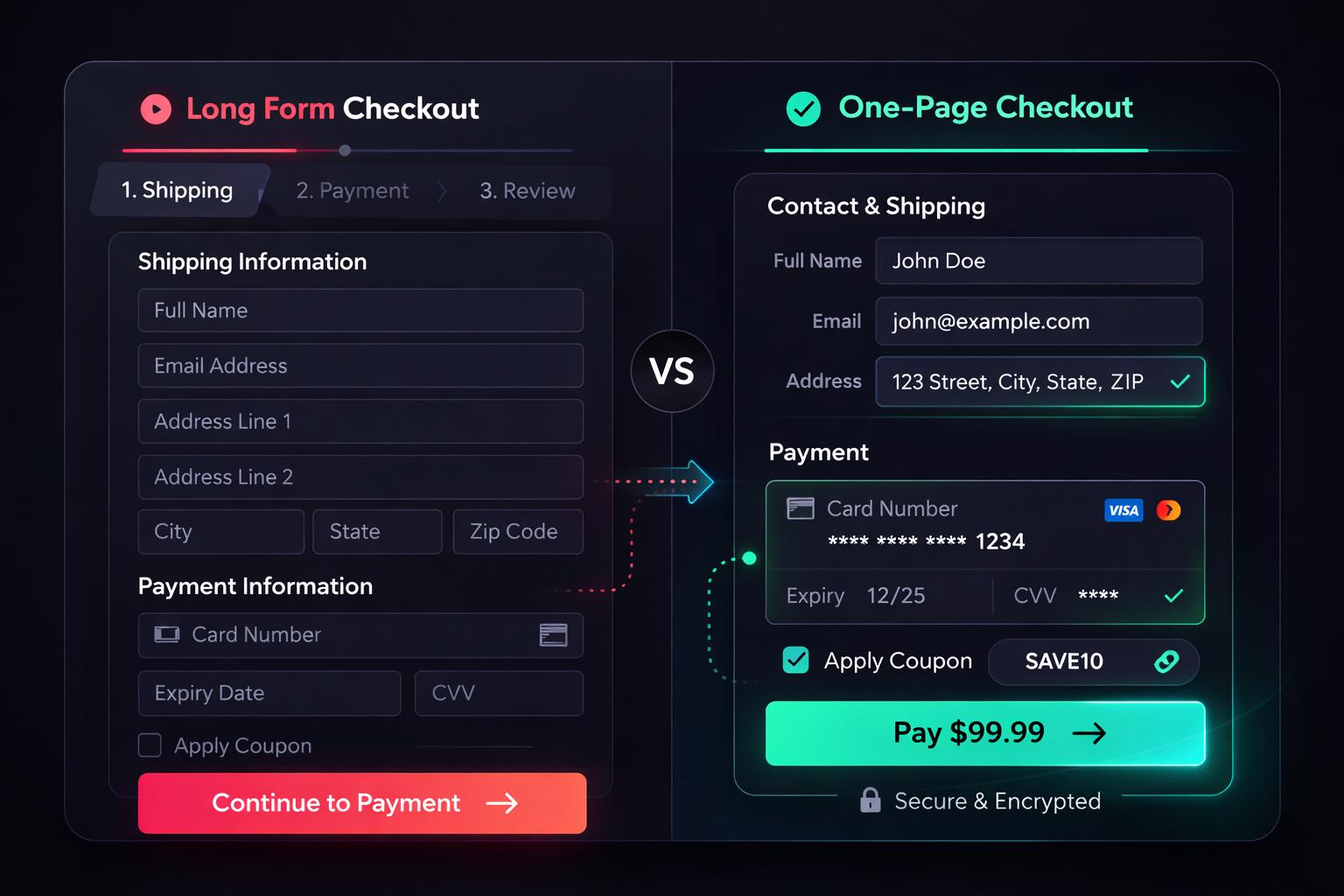
1. Offer Multiple Payment Options
Increase flexibility for customers.
2. Enable Shop Pay
Boost speed and conversions.
3. Optimize Checkout UX
Keep it simple and distraction-free.
4. Add Trust Signals
Security badges increase confidence.
5. Mobile Optimization
Ensure smooth mobile checkout experience.
Common Issues & How to Fix Them
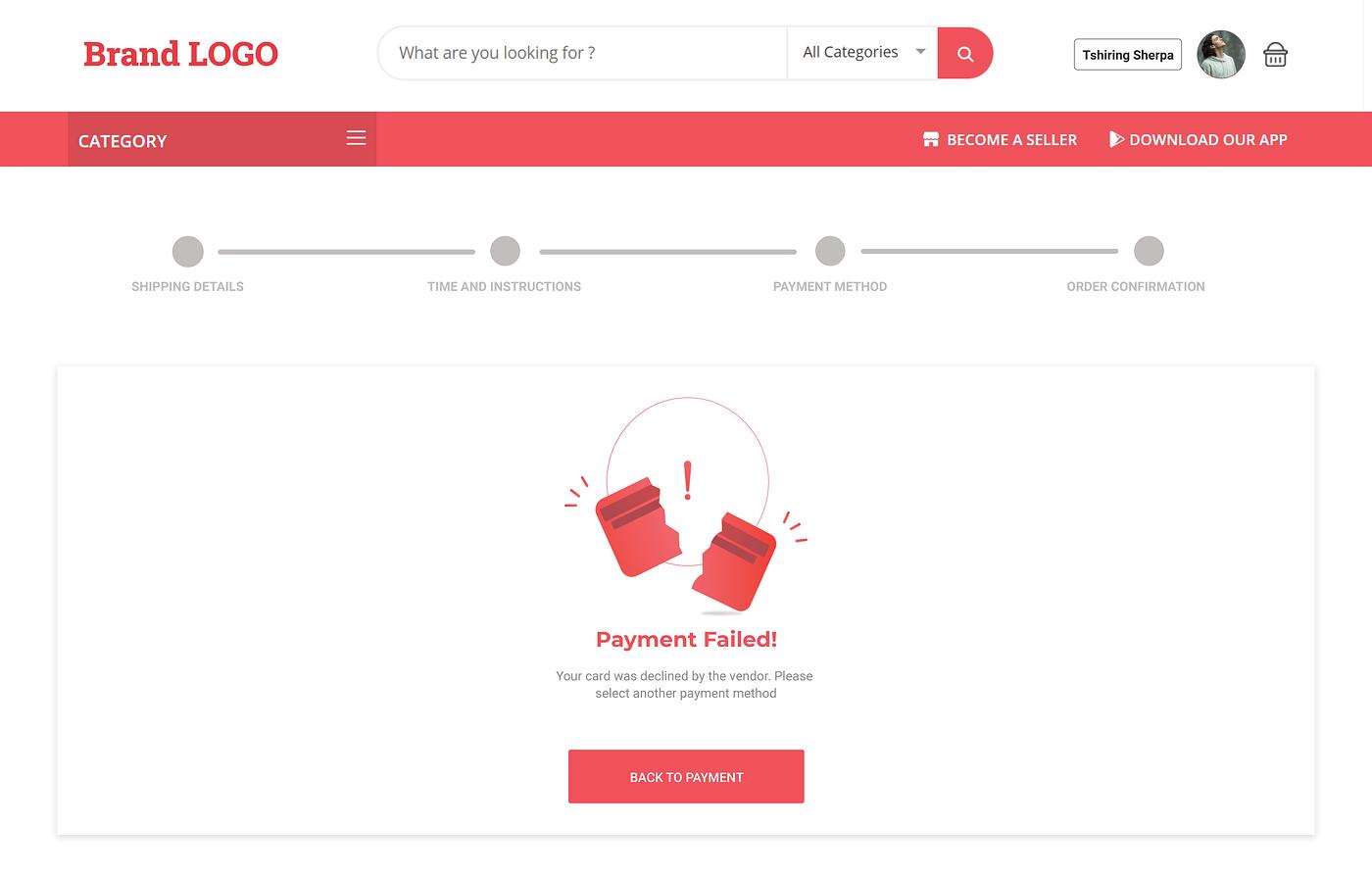
Payment Failures
- Check card compatibility
- Verify gateway settings
High Checkout Abandonment
- Simplify checkout
- Add more payment options
Fraud Detection Issues
- Adjust Shopify fraud filters
Future of Shopify Payments
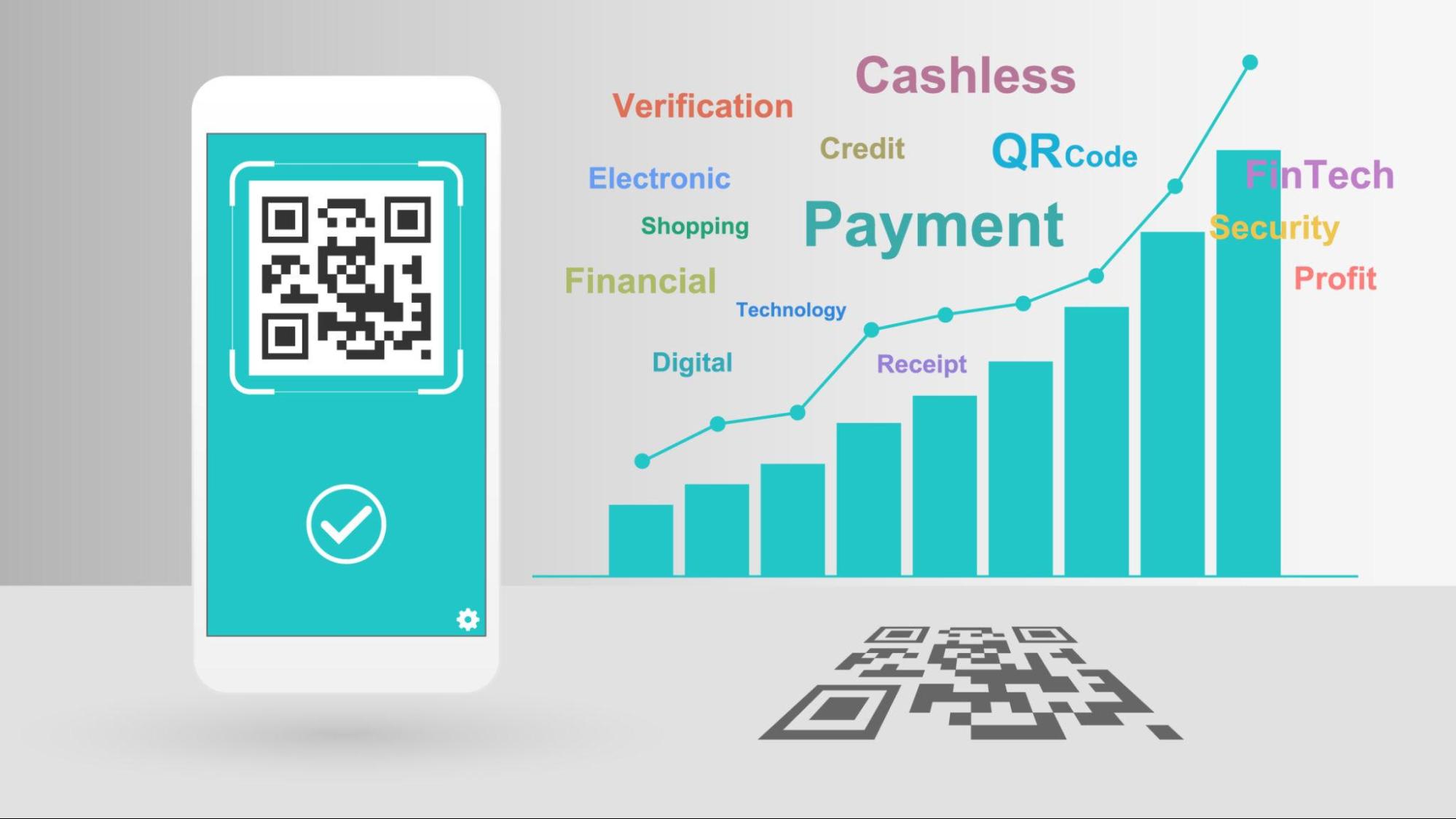
The future of payments includes:
- AI-powered fraud detection
- Biometric authentication (Face ID, fingerprint)
- Faster one-click checkouts
- Global payment expansion
Shopify continues to evolve its payment ecosystem to support modern commerce.
Conclusion

A well-optimized payment gateway is essential for any Shopify store. Shopify Payments provides a seamless, secure, and cost-effective solution that enhances customer experience and boosts conversions.
By implementing best practices and offering flexible payment options, you can significantly improve your store’s performance and revenue.
Related Posts
How Investing in SEO Can Grow Your Shopify Store Traffic
Investing in SEO helps your Shopify store attract more organic traffic, improve search rankings, and drive sustainable growth. Unlike paid advertising, SEO delivers long-term results that continue to generate visitors and sales over time.
How to Create a High-Converting Shopify Landing Page
Creating a high-converting Shopify landing page requires more than design—it requires strategy, psychology, and optimization.
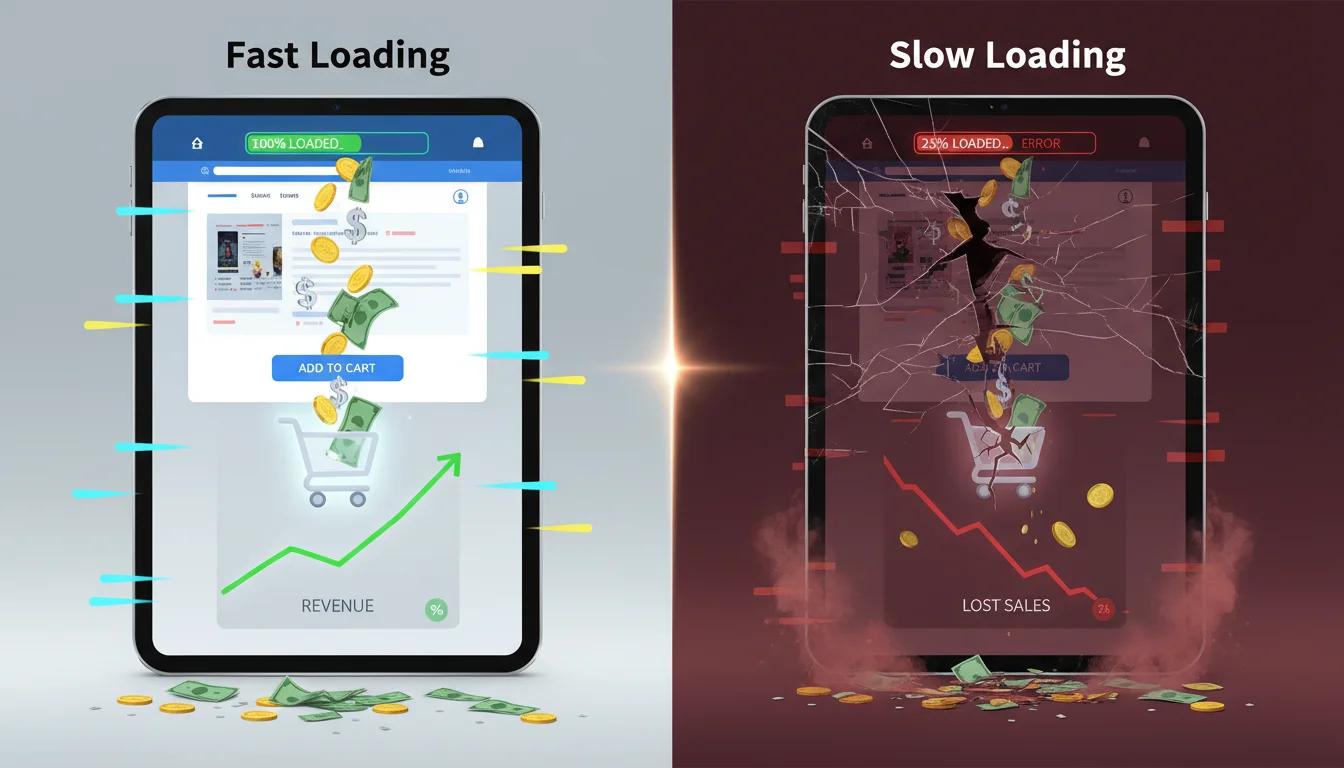
Why Site Speed Is So Important: Conversions, Loyalty & Google Rankings
Discover why website speed matters for higher conversions, stronger customer loyalty, and better Google rankings—and learn how to optimize your store for peak performance
A complete guide to Shopify migration
A web store migration can be a huge hassle, especially if you are working with an inexperienced developer.