WordPress to EmDash Migration Services

Move from WordPress to EmDash with a clear plan for your business.

TriCore helps you assess, rebuild, and migrate your WordPress website to EmDash, with a defined plan for your content, existing URLs, essential functionality, and team handover.

  • Content and functionality reviewed before the move
  • URL mapping and search-preservation planning
  • Staging, launch checks, and editor training
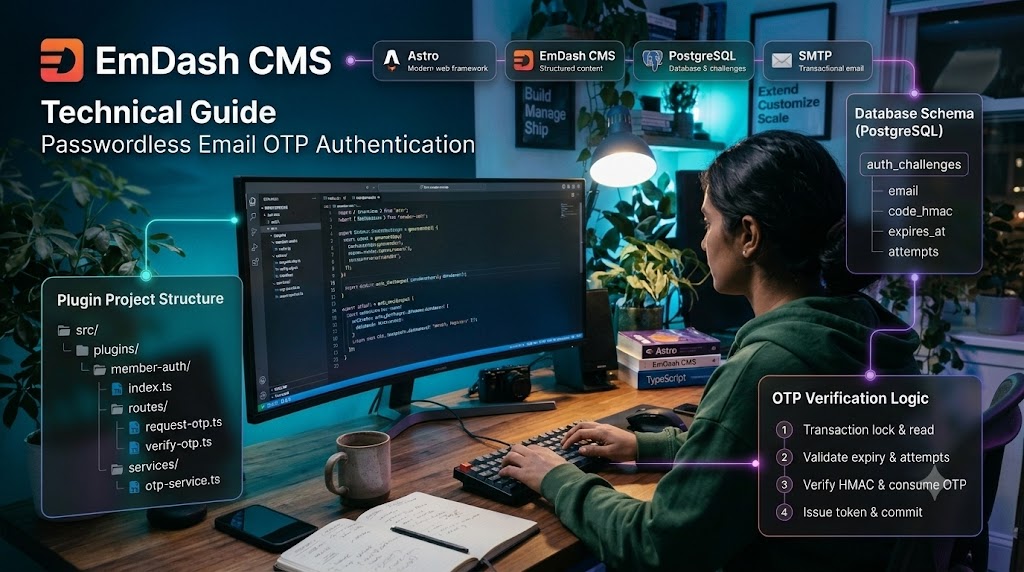
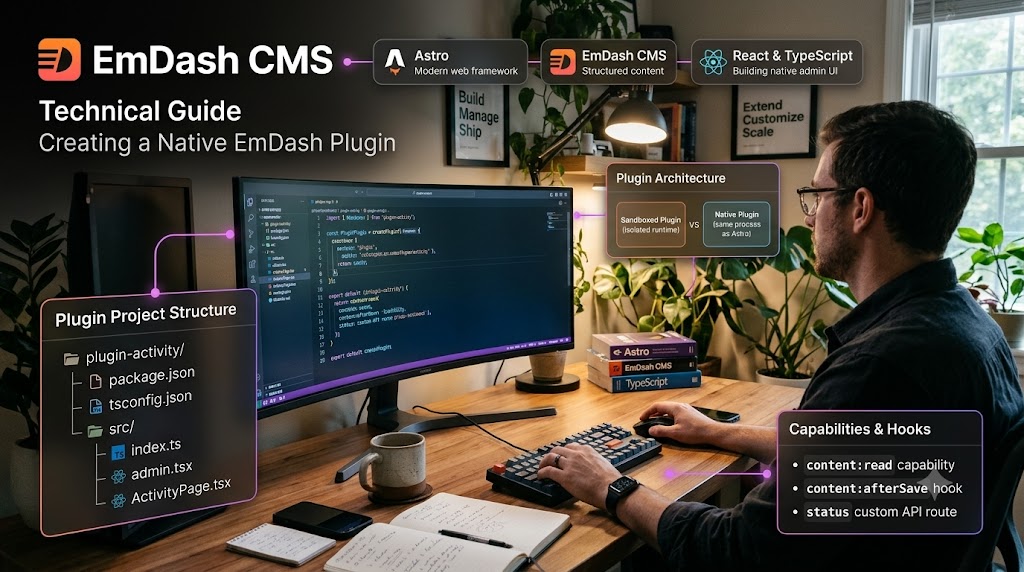
Developer comparing a WordPress site with a new EmDash editor
↗ Migration map Staging
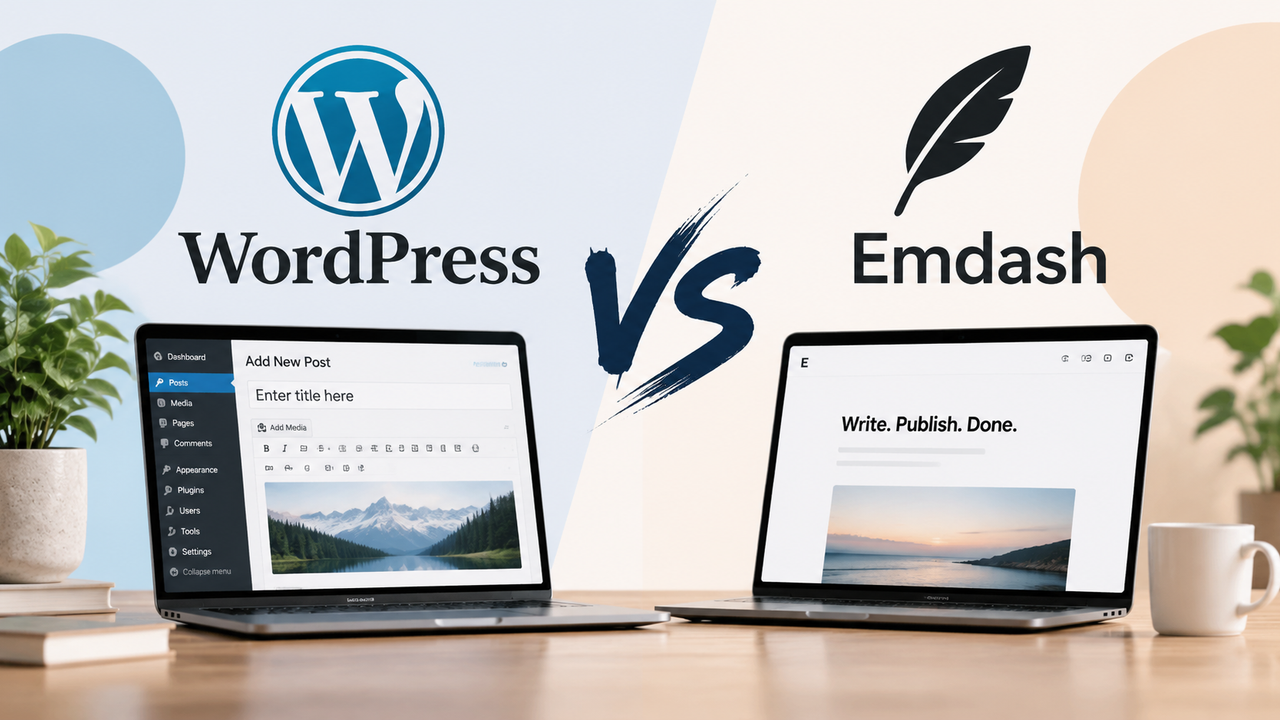
WordPress EmDash
Posts & pages Articles
Custom fields Content model
/old-url/ 301 redirect
✓ Validated before launch
Sound familiar?

Is your current website becoming harder to manage?

We review the day-to-day friction in your WordPress setup and determine whether focused improvements or a move to EmDash will better support your team.

Small updates need too much coordination

Your team waits for development support to change information or launch pages.

Maintenance has become unpredictable

Extensions, customizations, and theme dependencies make changes harder to test.

Content no longer fits the structure

Products, services, locations, and resources are scattered across pages.

A redesign is already on the roadmap

Reassess the CMS now, instead of rebuilding the same limitations on a new design.

Security vulnerabilities are becoming a concern

Outdated plugins, themes, and dependencies can expose your website to security risks and potential data breaches.

What we handle

Everything TriCore takes care of during your WordPress to EmDash move.

From the initial audit through launch and handover, each part of the migration is planned around your content, essential functionality, and team workflows.

01

Audit and migration planning

We review content, plugins, custom features, integrations, and publishing workflows.

  • Review pages, posts, and media
  • Audit plugins, custom features, and integrations
  • Identify what moves, changes, or retires
  • Define scope, milestones, and dependencies
Review my migration plan
02

Content and media migration

Pages, articles, categories, images, and downloads are mapped and validated.

  • Migrate pages, posts, and downloads
  • Map categories and content relationships
  • Preserve media links and metadata
  • Validate imported content in staging
Plan my content migration
03

Design and frontend rebuild

We recreate or redesign the customer-facing experience on EmDash.

  • Rebuild responsive page layouts
  • Carry over brand and visual patterns
  • Improve key customer journeys
  • Review pages across screen sizes
Discuss the site rebuild
04

Custom content structures

Custom post types, fields, taxonomies, and relationships mapped to EmDash.

  • Map post types, fields, and taxonomies
  • Organize content around team workflows
  • Connect related pages and resources
  • Make future updates easier to manage
Plan my EmDash content model
05

Plugin functionality replacement

Each important plugin is replaced with native features, an integration, or custom code.

  • Document each plugin’s purpose
  • Replace essential features with suitable tools
  • Rebuild custom behavior where needed
  • Test functionality before launch
Review my plugin requirements
06

SEO migration and URL planning

URLs, metadata, internal links, canonicals, and structured data are planned and tested.

  • Inventory current URLs and metadata
  • Plan redirects for changed URLs
  • Review canonical and structured data
  • Test links and search signals before launch
Protect my search rankings
07

Forms, CRM, and integrations

Forms and connections to CRM, email, analytics, and automation are rebuilt.

  • Rebuild forms and CRM connections
  • Connect email and analytics tools
  • Route enquiries to the right teams
  • Test submissions and notifications
Plan my integrations
08

Testing, launch, and validation

Staging validation, a coordinated cutover, and post-launch checks.

  • Validate pages and key workflows in staging
  • Coordinate content sync and cutover
  • Check redirects and forms after launch
  • Monitor the site during handover
Prepare for launch
09

Team training and support

We document the editing experience and train your team.

  • Train editors on everyday updates
  • Document publishing workflows
  • Share guidance for common tasks
  • Plan support after launch
Plan team training
What moves

Your content can move. Your WordPress setup gets a plan.

A successful migration is more than importing articles. It accounts for the functions your customers and team rely on.

→ Transfers ⌖ Mapped ⚒ Rebuilt

Posts and pages

Transfers

Transferred, then formatting and references validated

Images and files

Transfers

Transferred with links, captions, and metadata checked

Categories and tags

Mapped

Mapped to the new content structure

Custom post types and fields

Mapped

Matching schemas defined and transformations validated

SEO configuration

Mapped

Relevant settings mapped and implemented

Users and access roles

Mapped

Permissions and sign-in needs reviewed and set up

Theme and page layouts

Rebuilt

Rebuilt or redesigned for EmDash

Page-builder content

Rebuilt

Layouts and shortcodes assessed, then reconstructed

Plugins

Rebuilt

Required functionality reviewed and replaced

Forms and notifications

Rebuilt

Recreated with routing and delivery tested

Commerce and memberships

Rebuilt

Planned as its own specialist workstream

How we work

A staged migration, not an overnight switch.

We validate the scope, build and review the new site in staging, then coordinate launch with clear checks and responsibilities.

  1. 01

    Assess suitability

    Confirm goals, dependencies, and whether EmDash is the right fit.

  2. 02

    Agree the scope

    Document what is retained, redesigned, or replaced.

  3. 03

    Validate a sample

    Test a standard page, a complex page, a custom type, and a key integration.

  4. 04

    Build in staging

    Develop and migrate while your live site keeps running.

  5. 05

    Acceptance testing

    Your editors and stakeholders validate real workflows.

  6. 06

    Launch and monitor

    Final content sync, cutover, production checks, and monitoring.

EmDash insights

Guides for building and managing better websites.

Practical guidance on EmDash CMS development, content architecture, website migrations, and integrations for growing teams.
Questions

What teams ask before they migrate.

Yes. We can recreate your current design on EmDash, or use the move as a chance to refresh it. We agree the direction during planning.
Plugins do not transfer directly. We list what each important plugin does, then replace that function with a native feature, an integration, or custom development.
We assess page-builder layouts and rebuild the required design and content structure for EmDash. The layout is recreated rather than imported as a working builder.
We map existing URLs, metadata, internal links, and redirects, then validate them before launch to reduce avoidable search disruption.
Timing depends on the amount of content, custom functionality, integrations, and review stages. We define a schedule after the initial audit and scope.
Yes. We build and validate the migration in staging, then your editors and stakeholders test real workflows before the coordinated launch.
We document each connection, rebuild or replace it as needed, and test routing, notifications, and data handling before launch.
Our assessment compares improving WordPress with moving to EmDash, so you can decide based on cost, effort, and business value.
Start the conversation

Plan your move to EmDash with a clear assessment.

Tell us about your WordPress website, its essential features, and what your team wants to improve. We will help you assess the migration and define a practical next step.

Clear migration scopeContent and URL reviewStaging before launchNo obligation to proceed

Request a migration assessment

Share a little about your current site and what you need from the move.

We will review your goals and recommend the most practical next step.