Size dropdown
Shopify Widgets

Size DropDown

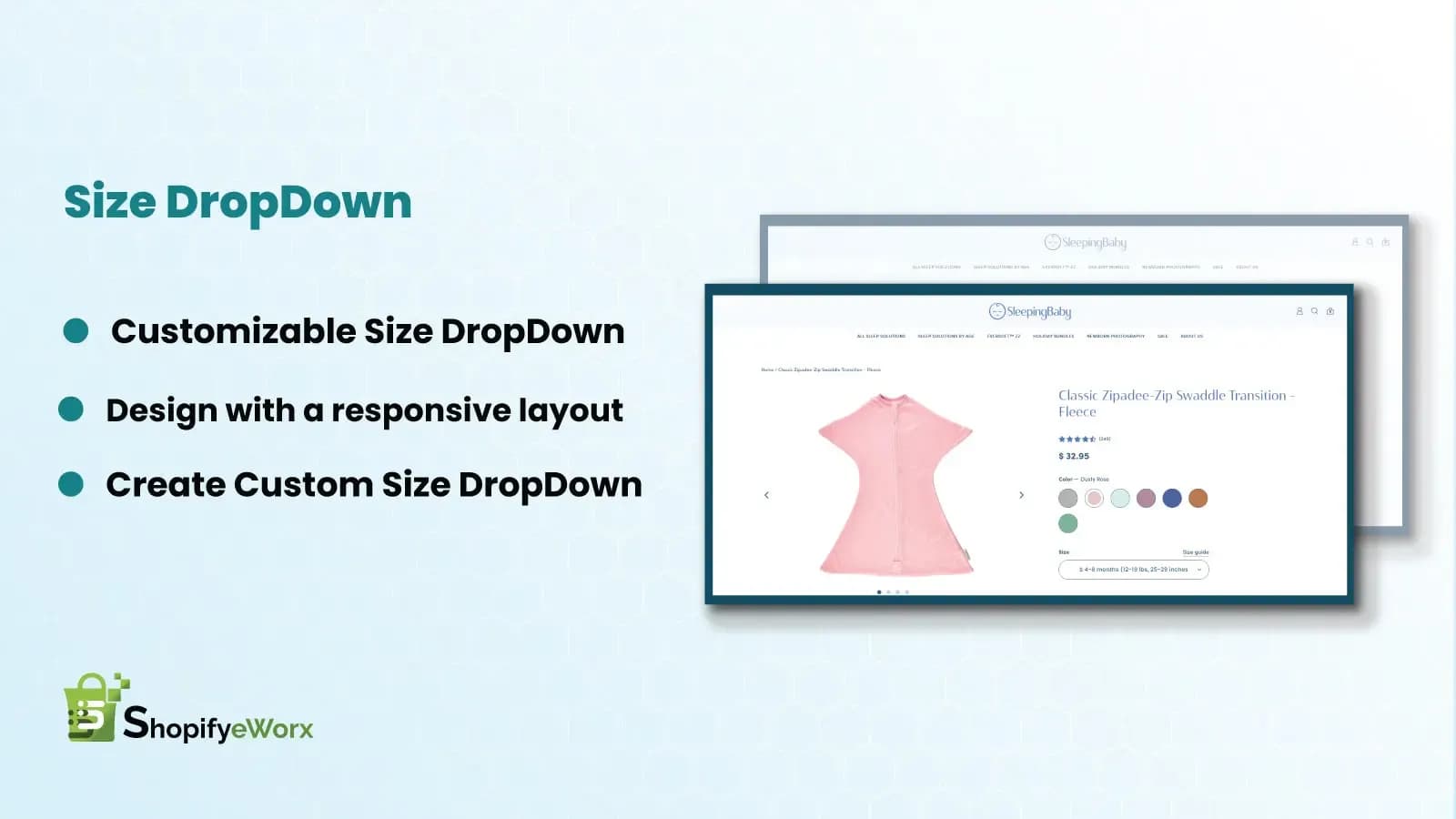
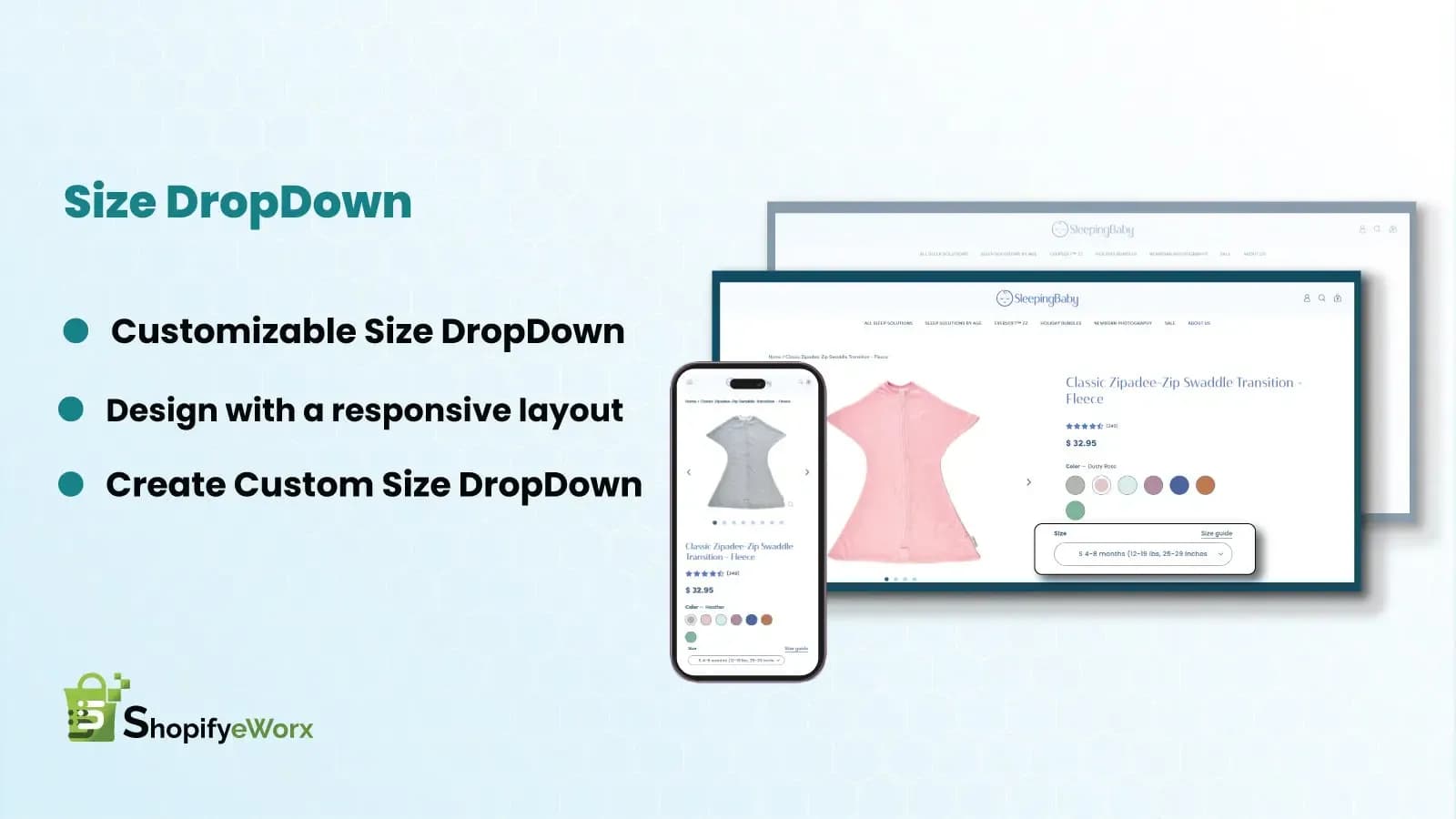
Generally, on any Shopify theme, you can either use the swatch button or the dropdown. We have modified that to avail different options for different product options like colors, sizes, materials, styles, etc.

#Shopify widget# Size Dropdown# Variant Selector#Product Variants#Product Page#ux

✔ 15 Days FREE Support|✔ Shopify 2.0 stores|✔ Motion Theme

01 / Features

Key Features

  • Space Efficiency

    Space Efficiency

    A dropdown menu can save valuable screen real estate, especially useful for products with a large range of sizes.

  • Cleaner Design

    Cleaner Design

    Dropdowns can contribute to a cleaner and more streamlined design, reducing visual clutter on the product page.

  • Standardized Interaction

    Standardized Interaction

    Users are familiar with dropdown menus, so they provide a standard and expected interaction pattern.

02 / Benefits

LINK SUGGESTIONS WITH BIG RESULTS

  • Scalability

    Scalability

    Dropdowns can easily accommodate an increase in the number of sizes without affecting the layout of the page.

  • Less Overwhelming

    Less Overwhelming

    For products with many size options, a dropdown can be less overwhelming than a large number of buttons.
Screenshots

Size dropdown
Size dropdown

FAQ

Frequently asked questions

What is the "Size DropDown" widget?

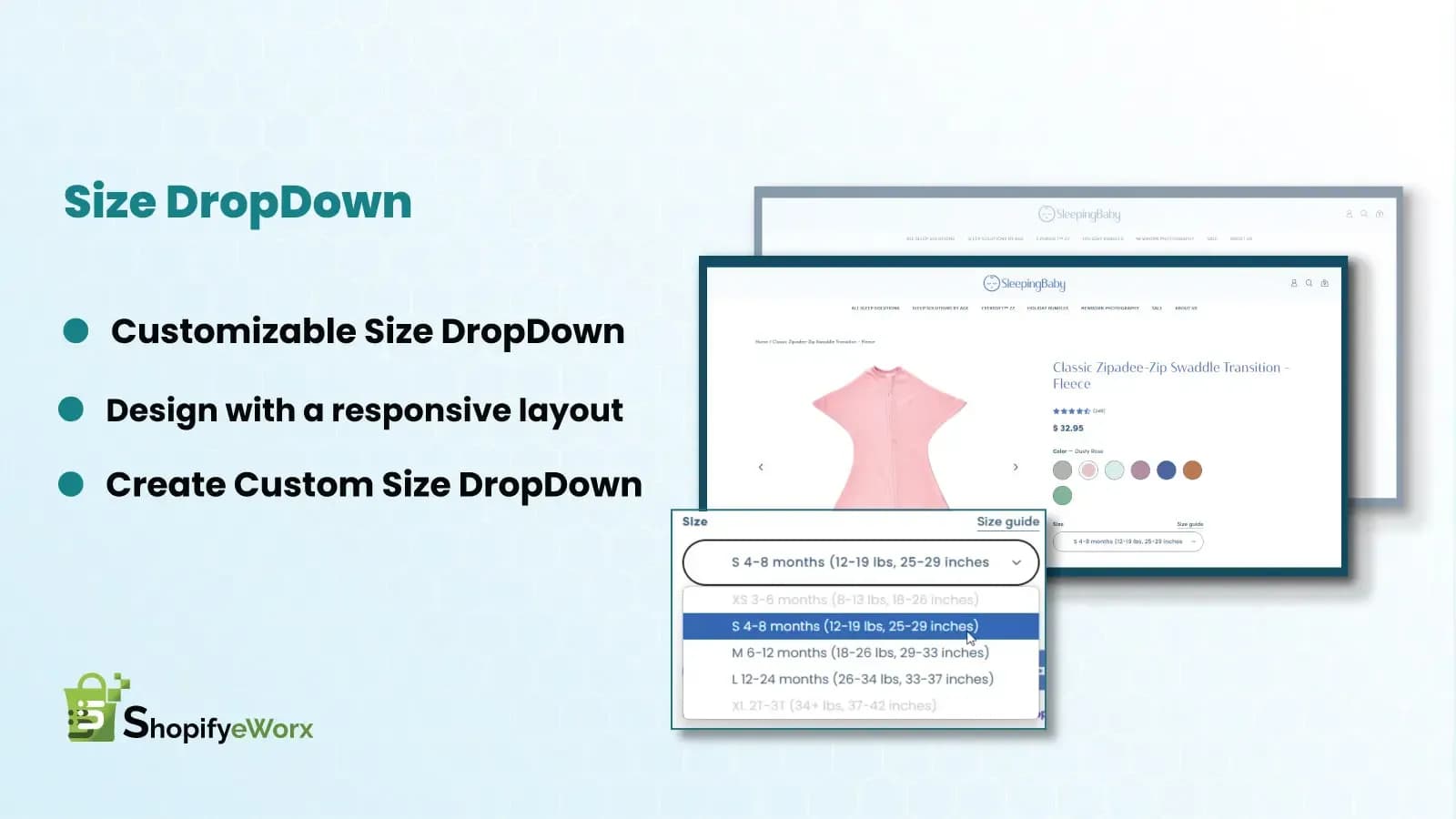
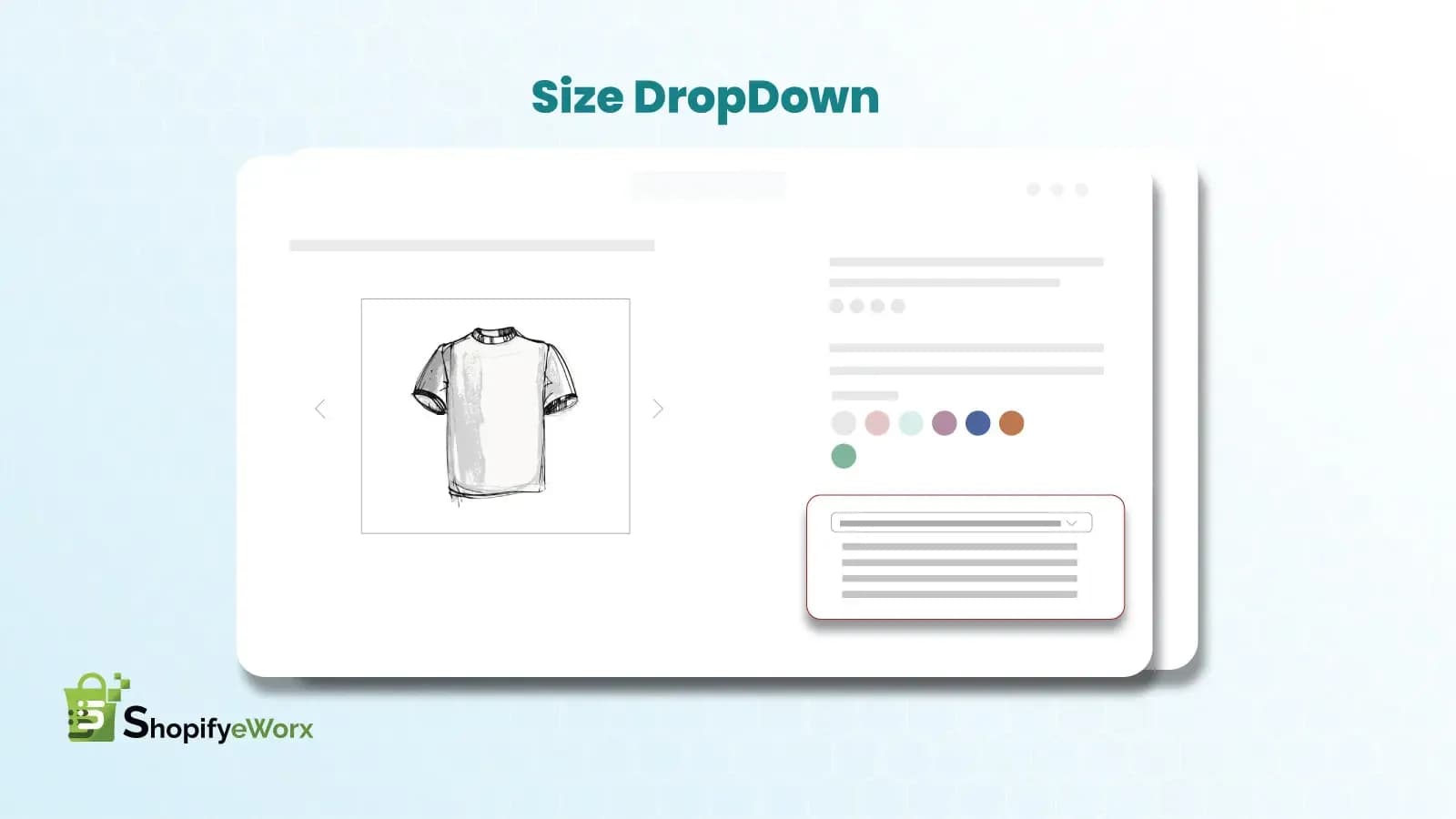
The Size DropDown widget replaces the default swatch/button-style size selector on your product page with a clean dropdown menu, giving customers an easier way to choose sizes, colors, materials, and other variant options.

Will this work with my existing theme?

The widget is built for Shopify 2.0 stores and is tested on the Dawn/Motion theme structure. If you're using a heavily customized or older theme, some manual adjustment may be needed.

Can I use this for options other than size, like color or material?

Yes. The dropdown isn't limited to size — it works with any product option (color, material, style, etc.) since it just replaces how existing Shopify variant options are displayed.

Does this affect page load speed?

No. The dropdown is lightweight and loads with the theme's existing scripts, so there's no noticeable impact on page speed.

What if a variant is out of stock?

Out-of-stock variants are automatically disabled or marked in the dropdown, so customers can't select and add an unavailable option to their cart.

Let's Build Something Great

Need a custom Shopify solution for your store?

Whether you need a custom Shopify app, widget, theme feature, or storefront enhancement, our Shopify experts are here to help. Share your requirements and we'll recommend the best approach for your business.

  • Free 30-minute consultation
  • Custom solution tailored to your store
  • No obligation. No hard selling.

Request a Free Consultation

Tell us about your Shopify project and we'll get back to you with the right solution.

No spam. No commitment. Just expert Shopify advice.