Complete the look
Shopify Widgets

Complete the look

The “Complete the look” feature encourages customers to purchase a complementary product or service in addition to the item being purchased. For example, if a customer buys a t-shirt, cross-selling recommends purchasing pants, jackets, and sunglasses.

#SHopify widget#Complete the look#Product page

✔ 15 Days FREE Support|✔ Shopify 2.0 stores|✔ All Theme

01 / Features

Key Features

  • Complete the Look

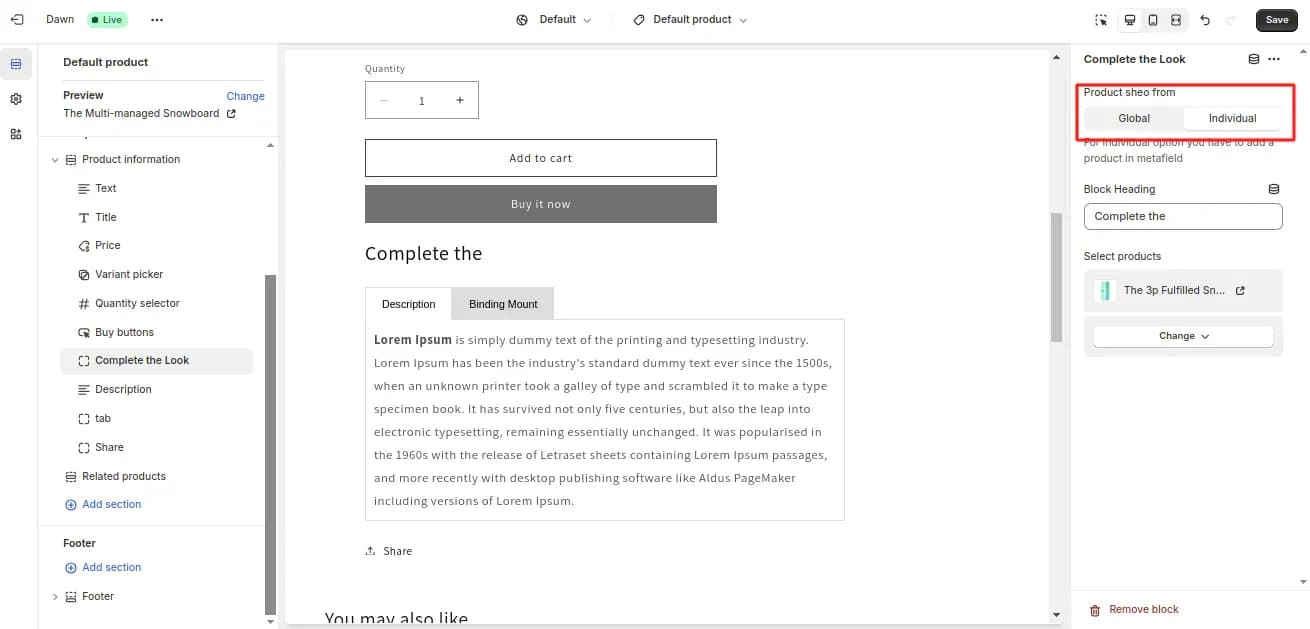
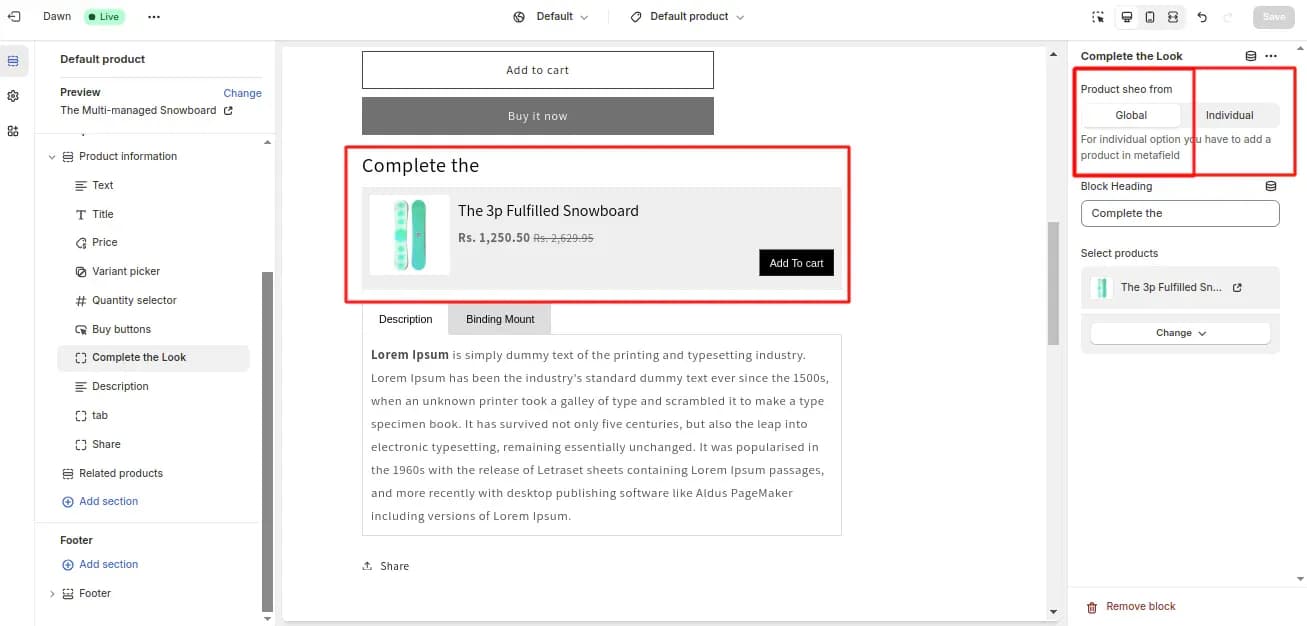
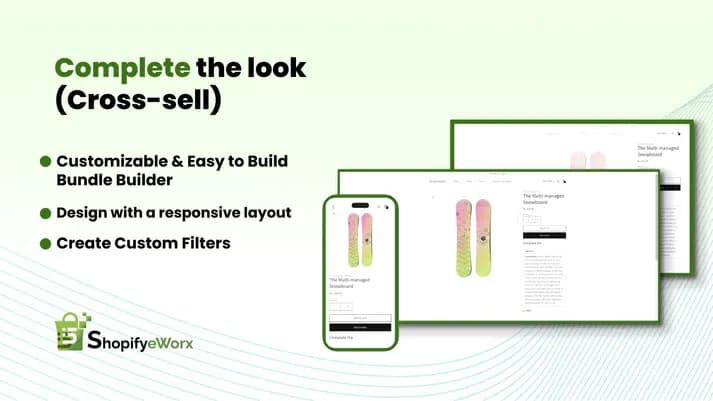
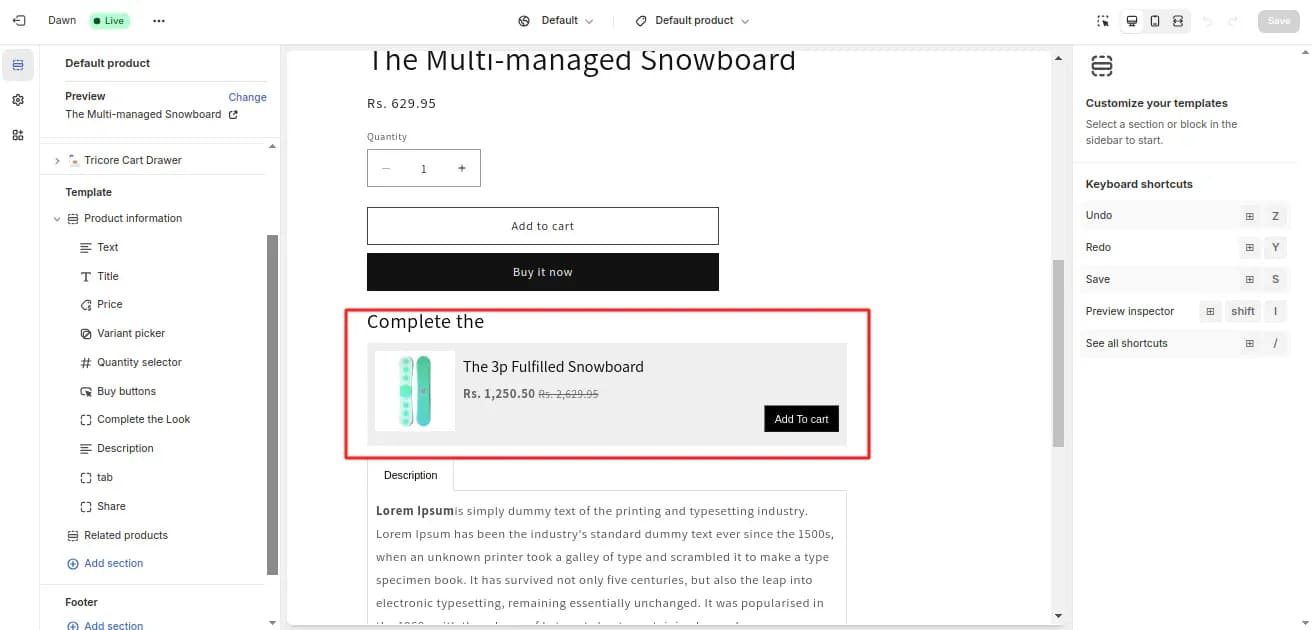
    Add a cross-sell section to list out complementary products on the product page. You can set up cross-sell logic based on your requirements. You can set up a meta-field-based set, or you can also set up a tag-based setup.

02 / Benefits

LINK SUGGESTIONS WITH BIG RESULTS

  • Complementary Products

    Allow customers to add related products.

  • Customer Satisfaction

    Allowing customers to add additional add-ons and complete the look can enhance overall customer satisfaction.

  • Revenue Increase

    This feature is a straightforward way to increase revenue without acquiring new customers.

  • Sales Quota

    This feature can significantly contribute to achieving sales quotas by tapping into the existing customer base.
Screenshots

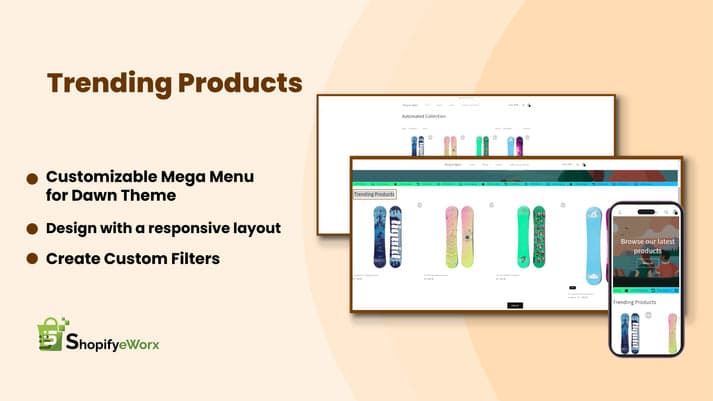
Complete the look
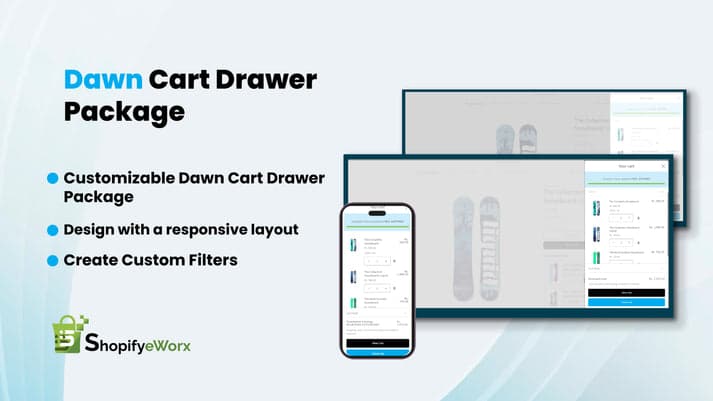
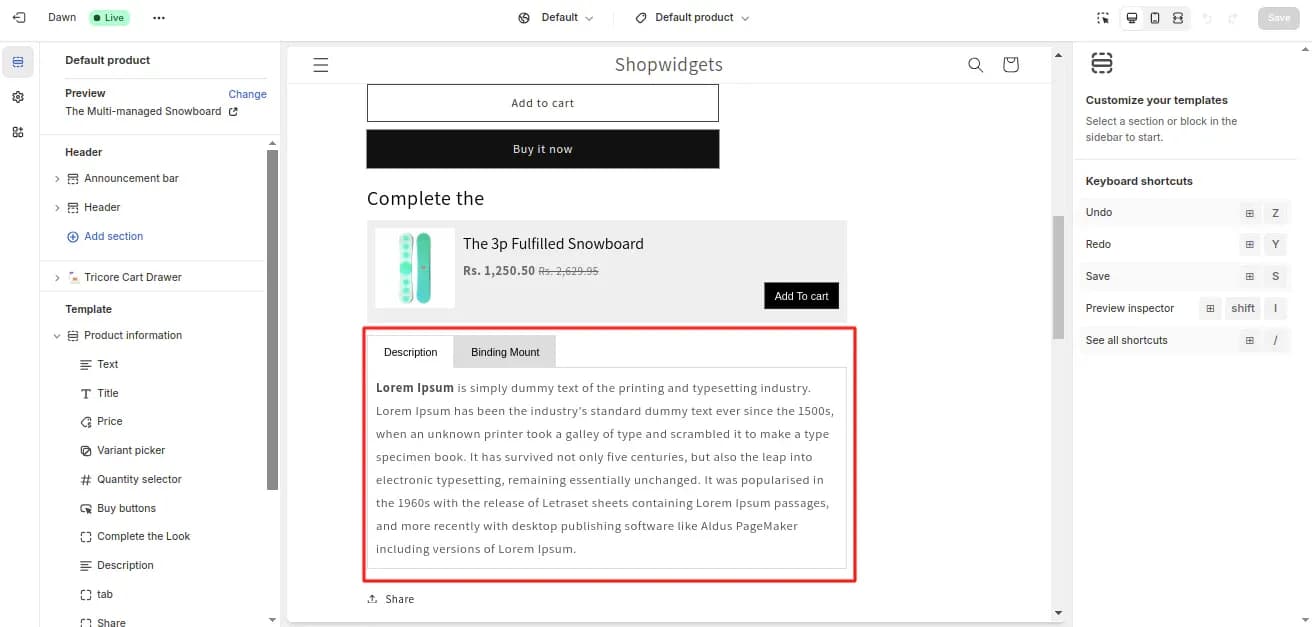
Complete the look
Complete the look
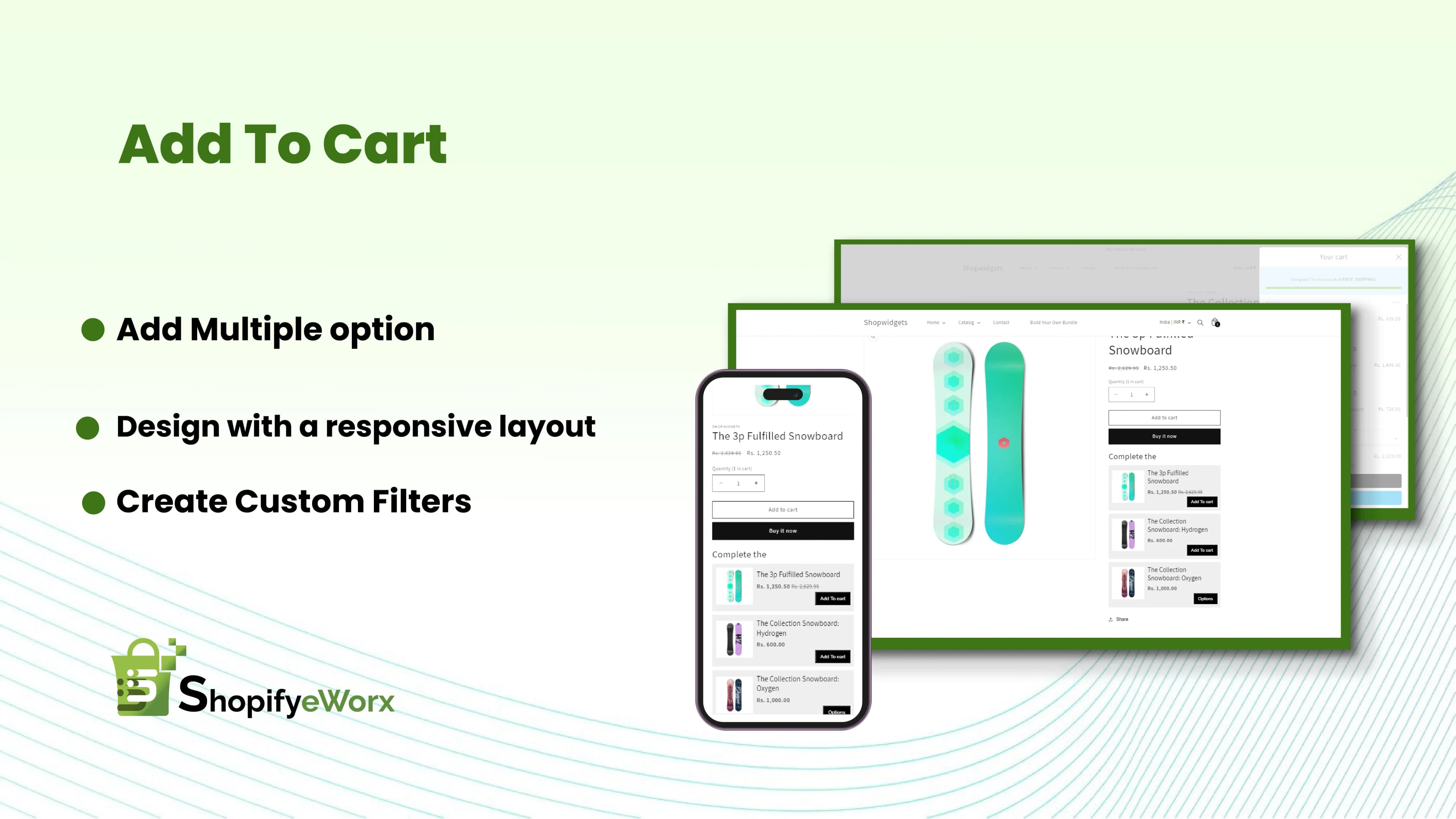
Complete the look

FAQ

Frequently asked questions

What is the “Complete the Look” feature?

“Complete the Look” allows you to showcase complementary products directly on the product page, encouraging customers to purchase related items together.

How does this widget increase sales?

It promotes relevant add-ons at the right moment—when customers are ready to buy—helping increase: Average Order Value (AOV), Product discovery, and bundle purchases

Can I choose which products to show together?

Yes, you can manually select complementary products or configure them based on your store strategy.

Can I use this for all products or specific ones?

You can apply it: Globally across all products, or customize it for specific products only

Does this work like “Frequently Bought Together”?

It’s similar but more flexible. Instead of automatic suggestions, you can curate combinations that make more sense for your brand and products.

Can customers add multiple products to cart in one click?

Yes, customers can quickly add suggested products along with the main product, making the buying process seamless.

Will this match my store design?

Yes, the widget is designed to blend with your theme’s layout, typography, and colors.

Is this mobile-friendly?

Absolutely. The layout is optimized for mobile devices to ensure a smooth shopping experience.

Do I need coding knowledge to use this?

No coding is required. The widget can be configured easily from your theme settings.

Will it affect my store performance?

No, the widget is lightweight and optimized, so it won’t slow down your product pages.

Can I update or change product combinations anytime?

Yes, you can edit, add, or remove products anytime without affecting existing orders.

What kind of products work best with this feature?

This works best for: Fashion (complete outfits) Beauty (kits & routines) Accessories (add-ons) Electronics (bundles)

Let's Build Something Great

Need a custom Shopify solution for your store?

Whether you need a custom Shopify app, widget, theme feature, or storefront enhancement, our Shopify experts are here to help. Share your requirements and we'll recommend the best approach for your business.

  • Free 30-minute consultation
  • Custom solution tailored to your store
  • No obligation. No hard selling.

Request a Free Consultation

Tell us about your Shopify project and we'll get back to you with the right solution.

No spam. No commitment. Just expert Shopify advice.