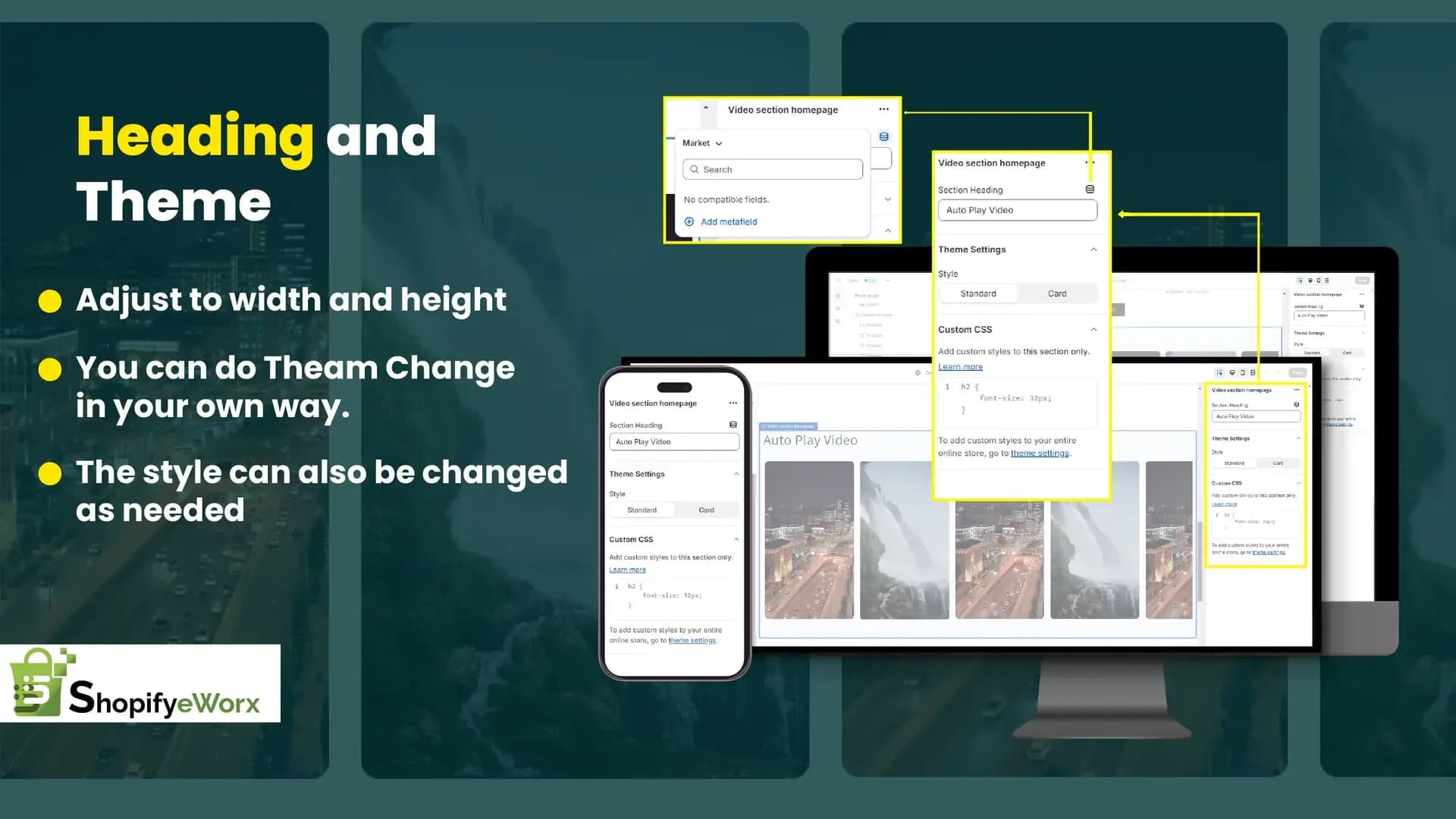
Auto play Video
Shopify Widgets

Autoplay Product Video Carousel

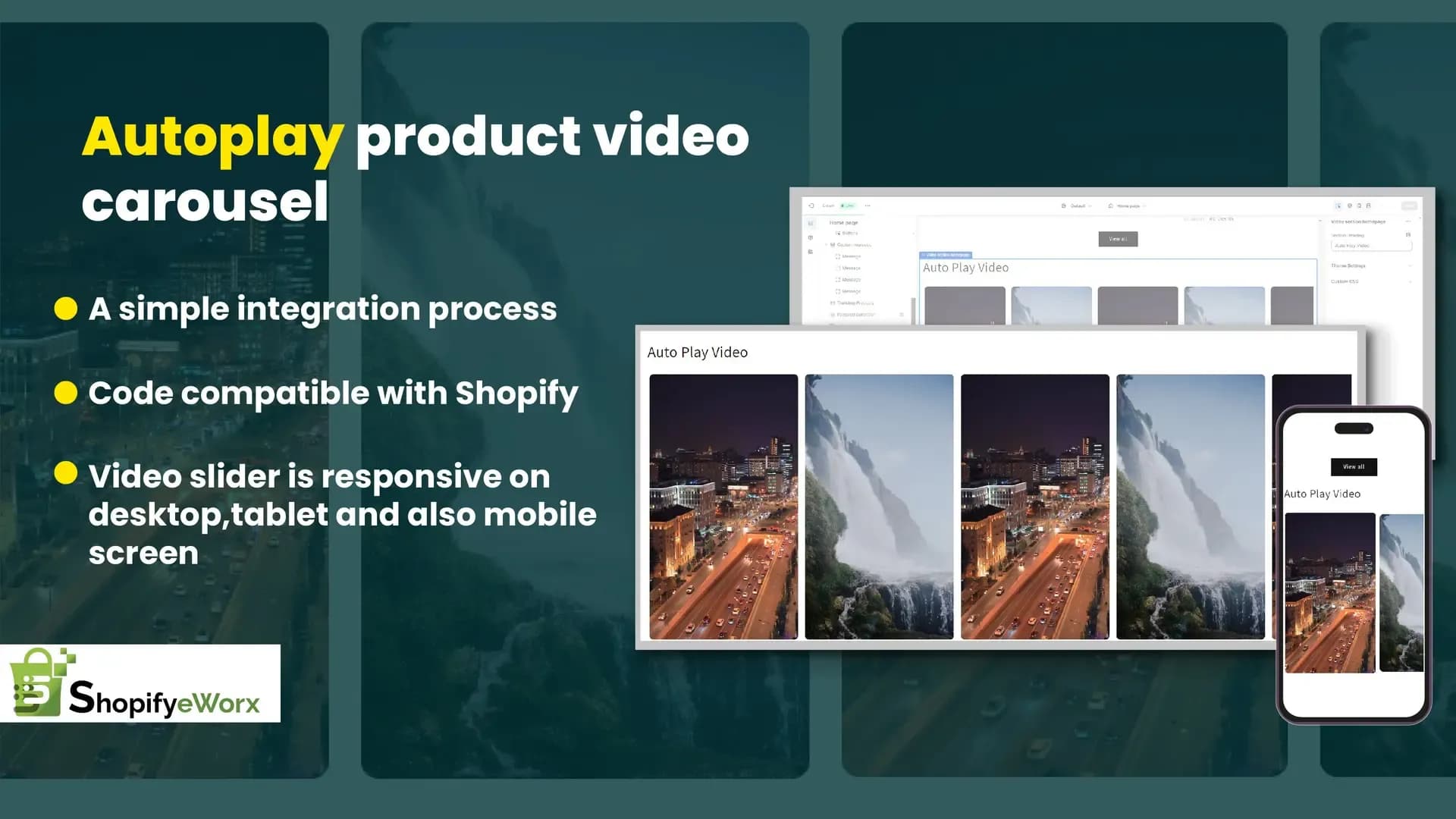
The “Autoplay Product Video Carousel” feature will allow you to showcase products in action to attract customers directly.

#Shopify Widget#Size Dropdown#UX

✔ 15 Days FREE Support|✔ Shopify 2.0 stores|✔ Motion Theme

01 / Features

Key Features

Description

The Autoplay Product Video Carousel section lets you showcase your products through automatically playing videos, creating an engaging visual experience for your customers. Each video can be linked directly to its corresponding product page, allowing shoppers to quickly explore and purchase featured products. This feature is ideal for demonstrating products in action and increasing customer engagement.

Compatibility: ALL THEMES

  • Video

    Autoplay Video Carousel with Product Links

    Display a carousel of autoplay product videos that link directly to their respective product pages. By showcasing products in action, visitors gain a better understanding of their features and benefits, leading to a more interactive shopping experience.

02 / Benefits

LINK SUGGESTIONS WITH BIG RESULTS

  • Best Selling Products

    Highlights Best-Selling Products

    Feature your top-selling or most popular products on the homepage using engaging product videos, making them more visible to potential customers.

  • Conversion Rates

    Improves Conversion Rates

    Visual demonstrations help customers make informed purchase decisions, increasing engagement, boosting confidence, and driving higher sales.
FAQ

Frequently asked questions

An **Autoplay Product Video Carousel** is a scrolling row of product videos that automatically play as users view them. It lets shoppers quickly browse products with short video previews, often alongside the product name, price, and a purchase button, making shopping more engaging than using static images alone.

Show the video on how to work regarding the best-selling product in carousel format.

How to add/change videos easily?

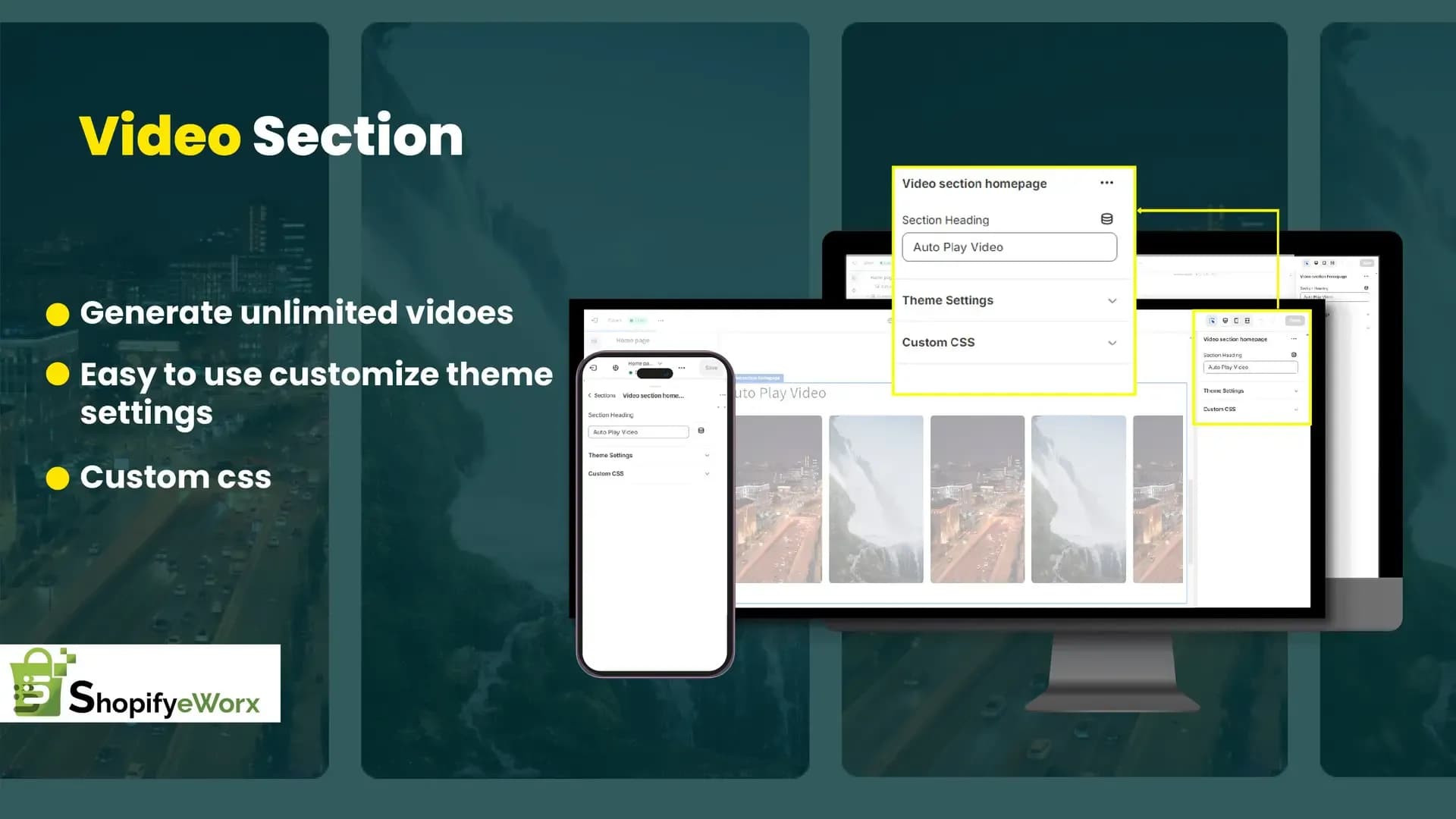
Currently, the widget supports self-hosted videos only, so you will have to upload videos under Content -> Files and use the resource URL as your video URL.

How to change a product linked to a video?

By easily changing the URL from the related video block, you can change the linked product.

What is the recommended size of the video?

This is simply a carousel of video shorts. So the recommended size is 400 by 700, and it is advisable to keep the size of the video below 10 MB to keep the page load in control.

Let's Build Something Great

Need a custom Shopify solution for your store?

Whether you need a custom Shopify app, widget, theme feature, or storefront enhancement, our Shopify experts are here to help. Share your requirements and we'll recommend the best approach for your business.

  • Free 30-minute consultation
  • Custom solution tailored to your store
  • No obligation. No hard selling.

Request a Free Consultation

Tell us about your Shopify project and we'll get back to you with the right solution.

No spam. No commitment. Just expert Shopify advice.